
Fragt mich nicht, wie ich darauf gekommen bin.. aber…
Nicht nur Gottschalk kann Abschiede #toomanytabs sondern auch Buschido. Der macht seine LETZTE Abschiedstour. Aber so recht überzeugt scheinen sie selber doch auch nicht zu sein, wenn sie das als einen WEITEREN Meilenstein seiner Kariere beschreiben. #festundflauschig
#TooManyTabs

Wie krieg ich nur diesen Ohrwurm wieder los? Danke Caro und Miguel🙄 Ich hab’s sogar mit Last Christmas versucht. Keine Chance! Wenn ihr auch wollt😁⬇️
#toomanytabs
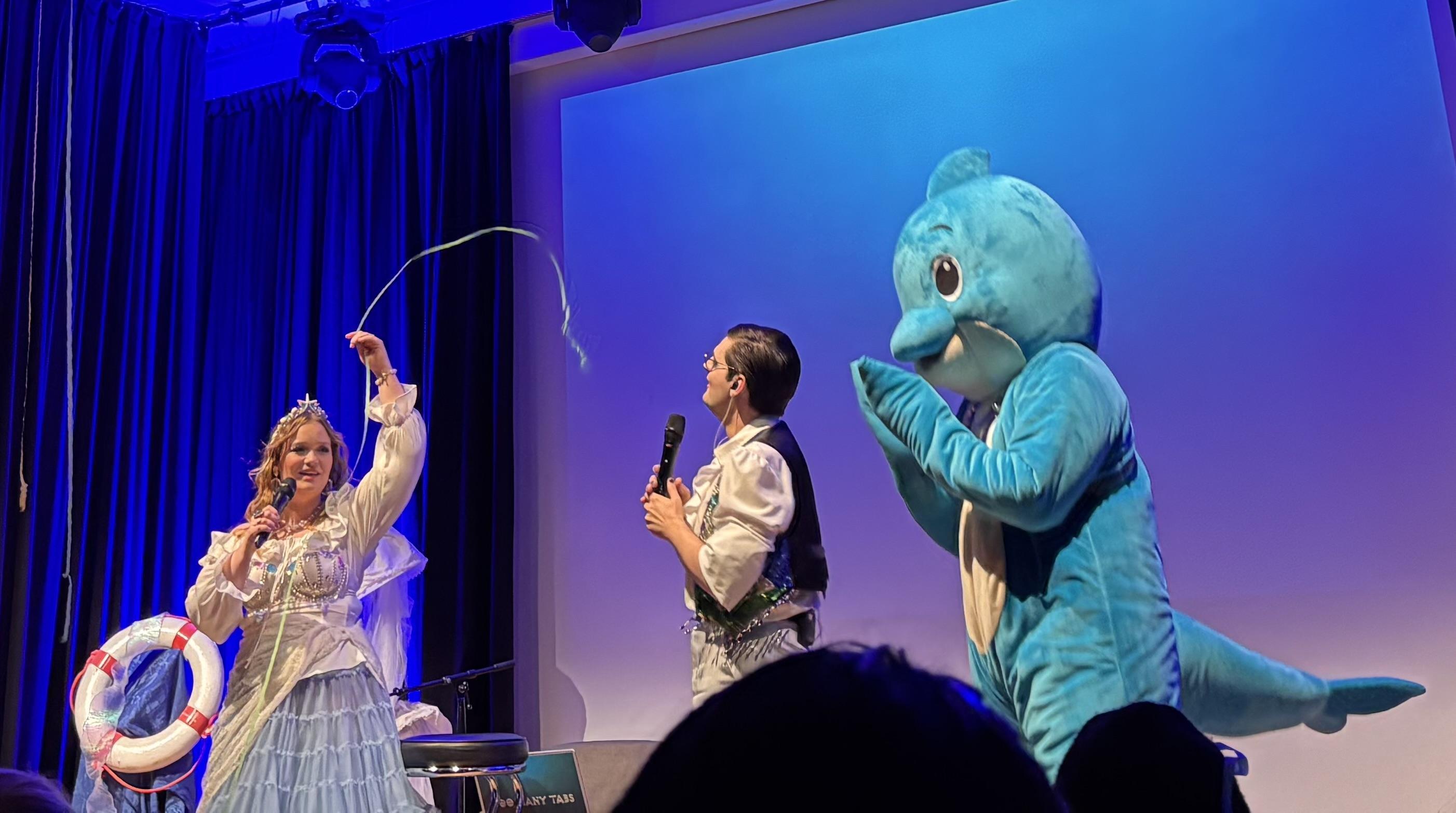
Ihr wollt Windmaschiene? Konfettikanone? Wilderckerherzbuben Backstory? Tja, hättet heute Abend nach Zürich kommen müssen. Hab sehr gelacht. Und was für ein Publikum. Vor mir Schneewitchen und auch sonst alles liebe Leute 🫶. Hat gut getan! #toomanytabs
Moin,
in der Wer weiss denn sowas-Ausgabe nächsten Dienstag mit Kai #Pflaume sind unter anderem Carolin Worbs und @miguelrausa von #Toomanytabs zu Gast. Das wird vermutlich sehr hörenswert.
Dienstag, 25. November 2025, 18.00 Uhr, ARD, Wer weiss denn sowas?
Guten Empfang wünscht
Sascha
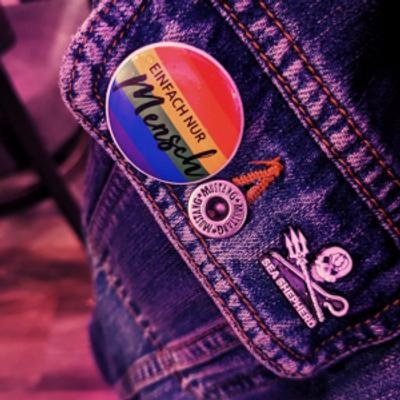
Wenn ich da oben zumindest noch was wiederfinden könnte, würde ich mich ja nicht beschweren.
Also bei mir selbst. Beschweren. Ich.
*seufz*


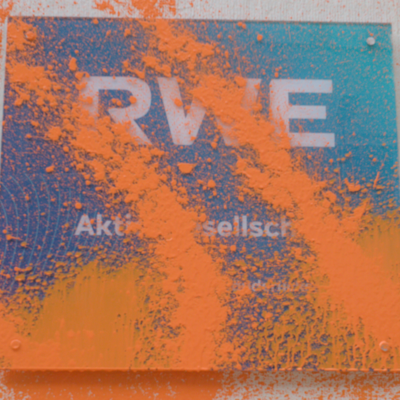
#tooManyTabs führt mich nach Essen zurück umd ich hab ja sowas von nichts an dieser Stadt vermisst 🏚️🏭🏚️
@sabinenuss Ich bewundere Menschen, die in ihrer Wohnung freie horizontale Flächen finden, ohne erst auf- oder umräumen zu müssen.
Faszinierendes Maß an Selbstbeherrschung :)

https://redirect.invidious.io/watch?v=nANilG3hQyY deustche Squid Game aus dem jahr 1970, danke an Caro & Miguel im Podcast #tooManyTabs (und deren Redaktion) - Das Millionen Spiel. :)

OMG, danke #toomanytabs 😂
Sommerloch 1994, der kleine Kaiman Sammy ist beim Baden mit seinem Herrchen damals in einem Baggersee in Dormagen abhanden gekommen und hat die ganze Nation in Aufruhr versetzt.
Es gab sogar ein Kindermusical über ihn 🐊
Sammy: Ein Land-ein Fluss-ein kleiner Kaiman
https://www.youtube.com/watch?v=9F5BGnecXco
Ich bin inzwischen wieder in meinem Podcast Rhythmus☺️.
Braucht ihr zu den wütendmachenden News mal was fürs Herz? Hört euch die aktuelle Folge von #toomanytabs an. Die O-Töne zu den rollenden Supermärkten sind einfach zu schön❤️. Dass es das noch gibt. Erinnert mich an unsere früheren Migroswagen.
https://www.ardaudiothek.de/episode/urn:ard:episode:02461c98eabe5af9/
Sommerlochtiere Ende Juni? Wenn das schon so anfängt, was erwartet uns noch alles bis August? 😳
Ok. Das hört sich lustiger an, als es sich hier liest. Ich konnte mich noch nicht zum Trash-TV Podcast durchringen. Trotz Anja. Vielleichtversuch es mal mit ihrem Tier Telepathie Podcast…
#toomanytabs
Anja Rützels Hund Juri schaut kein Trash-TV. Ausser GNTM. Warum? Er sieht gern Menschen hin und her laufen.
#toomanytabs
„Die Klassische Schule des Trash-TV“
#ListeGenialerWörter
#toomanytabs
Dafür habe ich heute Karten gekauft für die #toomanytabs Tour in Zürich gekauft! Ich freu mich so🐬🏴☠️❤️. Inzwischen zwar nicht mehr ganz mein erster Live Podcast Besuch.
Aber mein Jammern hat genutzt⬇️
Lust auf Feensex? Los gehts ab 25:50! So lustig!
https://www.ardaudiothek.de/episode/too-many-tabs-der-podcast/trisha-paytas-romantasy/ndr/14239503/
@Ofmine Hab gestern davon grad in #toomanytabs gehört. Tönt sehr berührend. Jetzt nachdem du’s auch noch erwähnst, Hab ichs auf meine (ziemlich lange🫣) to read Liste gesetzt.
Ich bin übrigens sehr glücklich mit meinem Soda Wasser Maler. Den hab ich ja auch wegen dir😉

My Brain Has Too Many Tabs Open
Multitasking or just overwhelmed? How many tabs do you have open right now?
🔗 https://techgeeksapparel.com/my-brain-has-too-many-tabs-open-t-shirt/
#TooManyTabs #MentalRAMFull #OverthinkingMode


@Etvasanders @carowo ich hatte von Mittwoch bis heute keine Bügelwäsche, deswegen kann ich #TooManyTabs erst morgen anhören.

What do I need to restart in task manager to restart the stylus functionality on my MS surface Pro?
Or some other thing I can try to maybe fix this very silly mess I've got myself in ?
Problem:
my stylus isn't working
Probable Solution:
restart the computer and let it do the updates it's been wanting to do for a rather long time now
Problem with that solution:
I have over 100 windows open (shut up, I know) and some of them have unsaved work in them, and saving this work is difficult without a functional stylus. I am currently using keyboard etc. but I usually use the stylus for everything, so doing it this way is slow.
I know I shouldn't keep this many windows open, but fixing that problem is a job for a psychologist or psychiatrist, currently I just want the tech support answer to get myself out of this particular current silly mess.
It's not the stylus itself, I have two spares, all three are unresponsive, even after a fresh AAAA battery in one of them.
cc @kirt@mastodon.social @kirt@forall.social @kirt@zeroes.ca @kirt@mstdn.science @kirt@ecoevo.social @kirt@genomic.social @kirt@newsie.social @kirt@sauropods.win @Kirt@lingo.lol
#There_is_a_Hole_in_My_Bucket #windows11 #MSsurface #MSsurfacePro #SurfacePro #technology #stylus #TooManyTabs #stupidproblems #thereisaholeinmybucket #TheresaHoleinMyBucket #TheresaHoleinMyBucket
Client Info
Server: https://mastodon.social
Version: 2025.07
Repository: https://github.com/cyevgeniy/lmst