@metaning The inspector is now resizable :)

coneno
Experts in AI. Supporters of scientific research projects. Developers of client & server applications, such as http://quikflow.app.
QuikFlow
Company Website
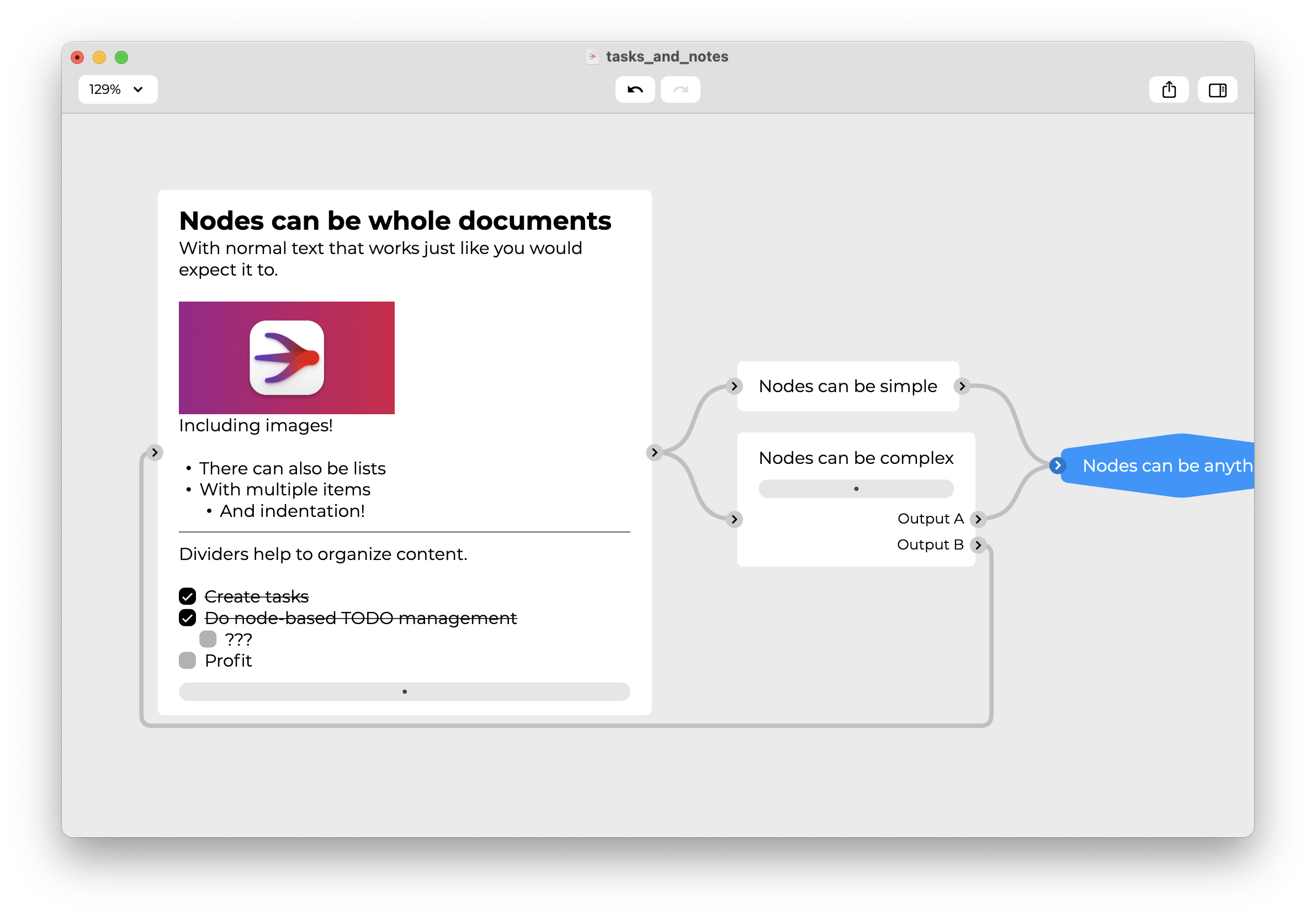
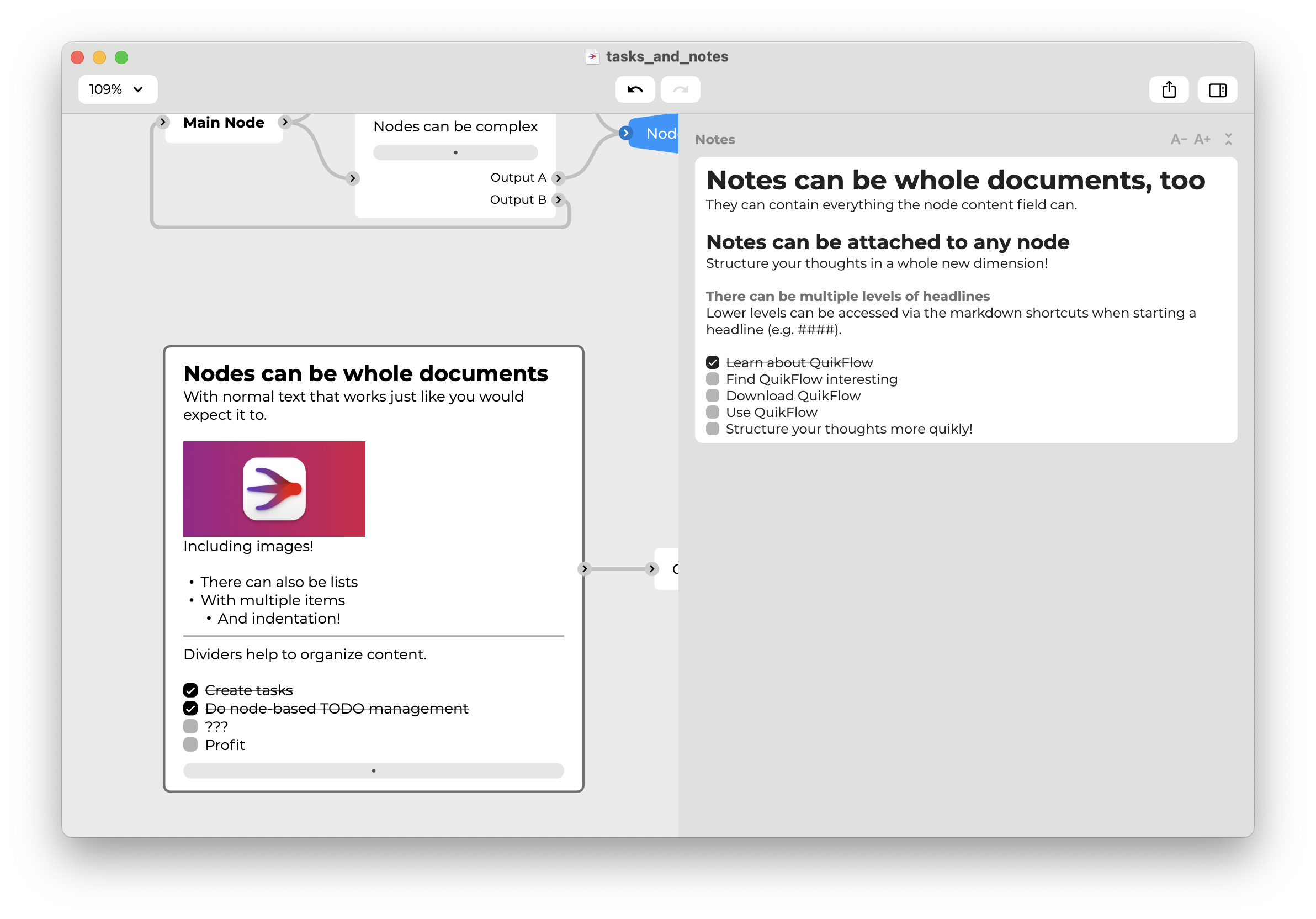
What if each node in your hybrid mindmap/flowchart could be a whole document? Including interactive tasks? And with the ability for each node to include another document off canvas?
And all with automatic layout? Try it out in QuikFlow 1.7!
#mindmapping #flowchart #flutter #flutterdev #windows #windows10 #windows11 #mac #macos #quikflow
Just released an update which allows you to add links to nodes in QuikFlow!
#mindmapping #flowchart #flutter #flutterdev #windows #windows10 #windows11 #mac #macos #quikflow
Check out the new image support in QuikFlow 1.5.4!
#mindmapping #flowchart #flutter #flutterdev #windows #windows10 #windows11 #mac #macos #quikflow
@metaning Thanks for detailing your use case! Makes sense.
We will investigate how difficult it would be to make the sidebar resizable and/or to make the socket texts editable on the canvas.
Making the inspector be a separate window is unfortunately not possible in the foreseeable future, because the technical framework we are using does not have robust enough multi-window support yet.
@metaning No promises yet, but there is certainly a chance!
We are planning on adding "notes" to each node which can live off the canvas/in the inspector, so it might become necessary to make it resizable, anyways.
Announcing QuikFlow 1.5 🚀
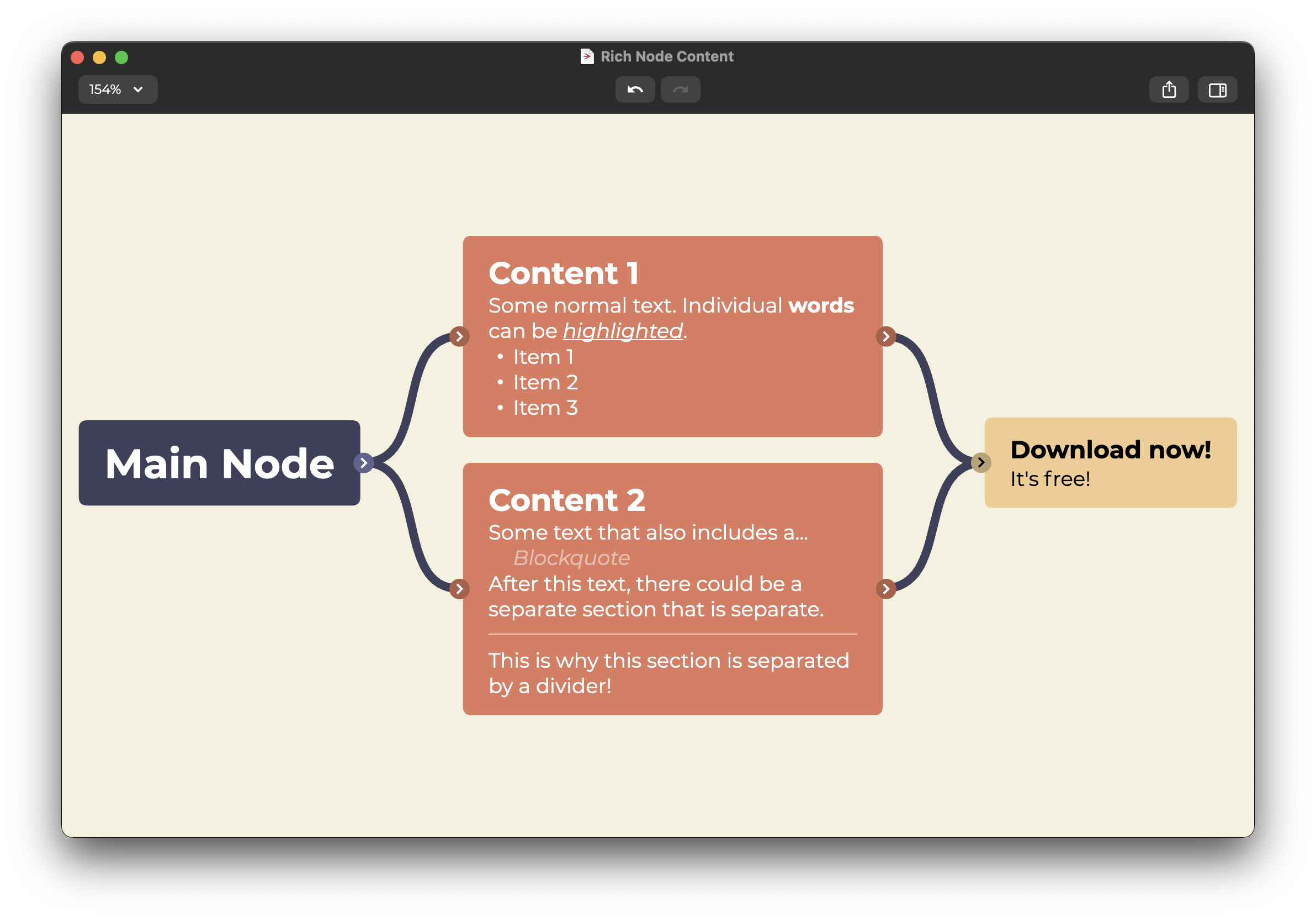
Each node is now a rich text editor with support for headers, lists, blockquotes, and dividers. More to follow!
Also includes tons of more features, fixes, and improvements, so check it out:
https://www.quikflow.app
#mindmapping #flowchart #flutter #flutterdev #windows #windows10 #windows11 #mac #macos #quikflow
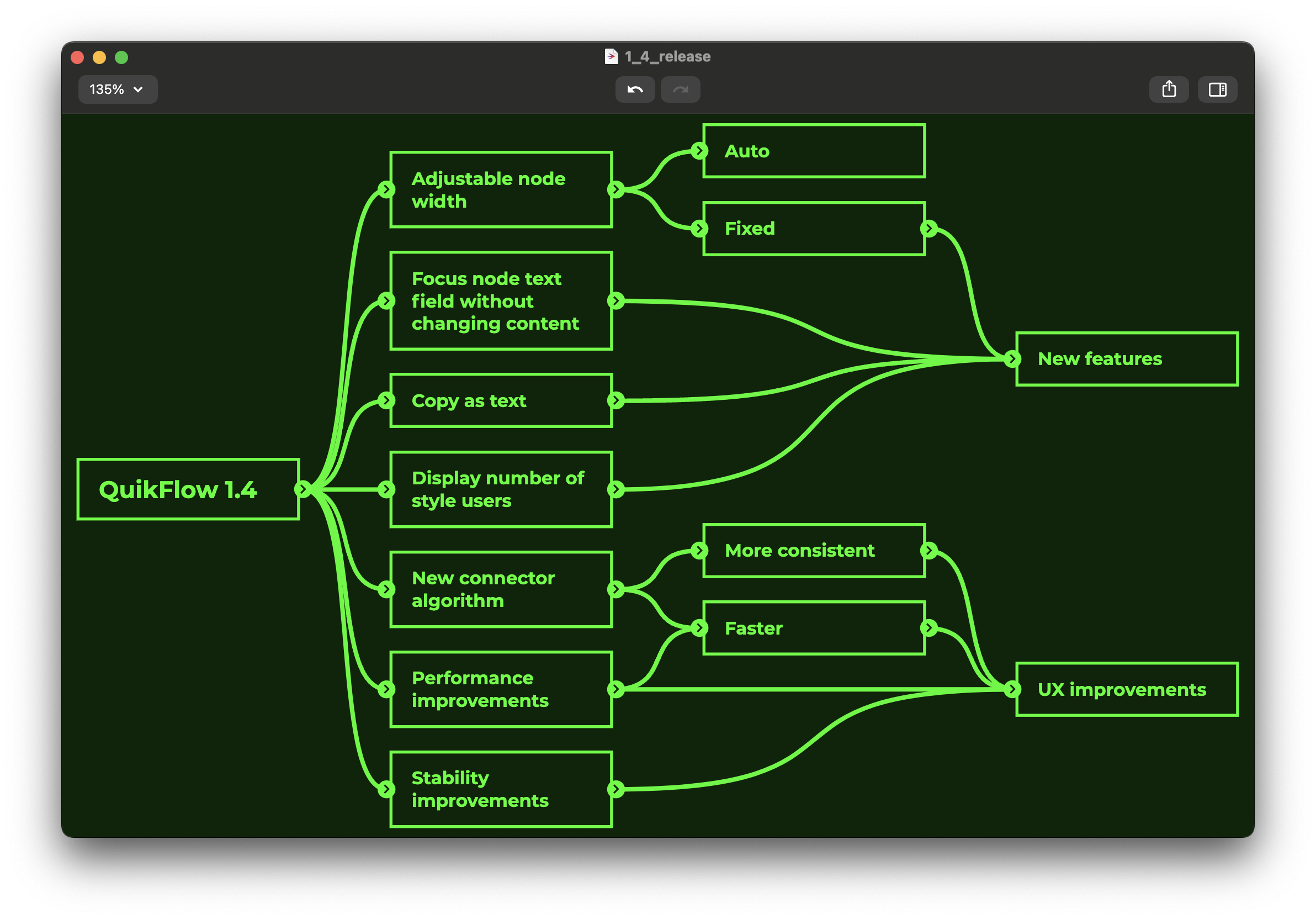
Your flowcharts and mind maps can now get even larger with an all-new layout algorithm!
Or they can get smaller.. or any size you want them to be with the new option for manual node width!
Check out the improved performance, new features, and UX improvements in QuikFlow 1.4!
#mindmapping #flowchart #flutter #flutterdev #windows #windows10 #windows11 #mac #macos #quikflow
@ctietze It is definitely a very attractive option for mobile development!
For desktop, there are honestly still a lot of challenges, but as you can see, with enough determination, you can achieve some good (in our opinion :D) results.
@ctietze Thanks :)
It is built using Flutter, so it compiles to a native app on each platform without the overhead of Electron. We can share around 80% of the code between the platforms.
For those who prefer a version without IAP or internet connectivity, there is also a standalone QuikFlow Pro app:
QuikFlow is now available for Windows 🚀🪟
Create flowcharts with a mind mapping workflow!
Available on the Microsoft Store and the Mac App Store:
https://apps.microsoft.com/detail/9mwmkls09tgz
https://apps.apple.com/us/app/quikflow/id1626354390
#mindmapping #flowchart #flutter #flutterdev #windows #windows10 #windows11 #mac #macos #quikflow
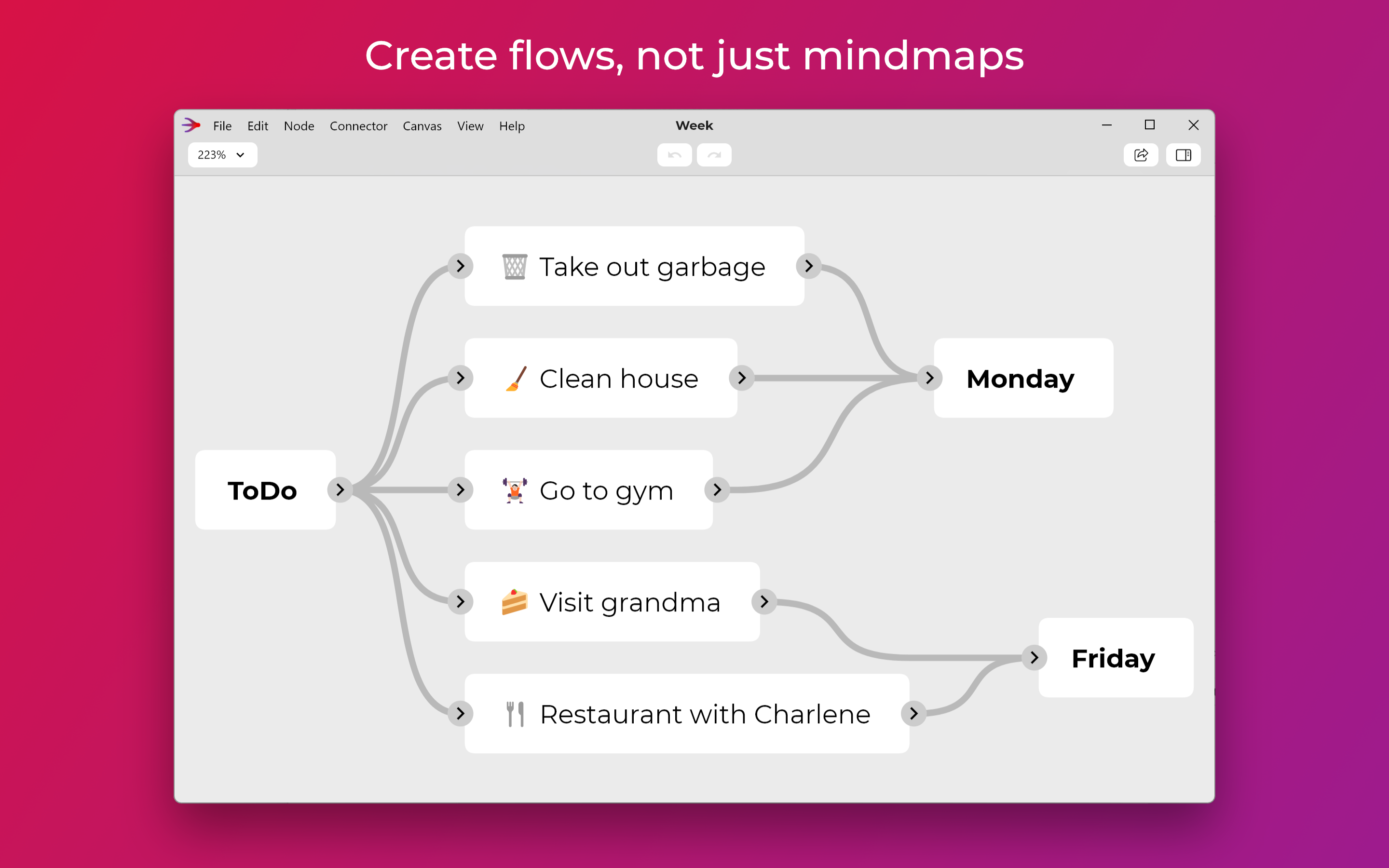
Thank you for a flowtastic year! Enjoy a wonderflow Christmas with your family and look forward to another year of QuikFlow!
#mindmapping #flowchart #flutter #flutterdev #christmas #merrychristmas #newyear #happynewyear #quikflow

#QuikFlow Pro is now also available as a separate app without IAP on the #Mac App Store!
This also enables the option to purchase volume licenses via Apple Business Manager and Apple School Manager.
#QuikFlow 1.3.0 just released on the #Mac App Store 🚀
More node shapes, quality of life features, performance improvements, bug fixes, & more:
https://apps.apple.com/de/app/quikflow/id1626354390
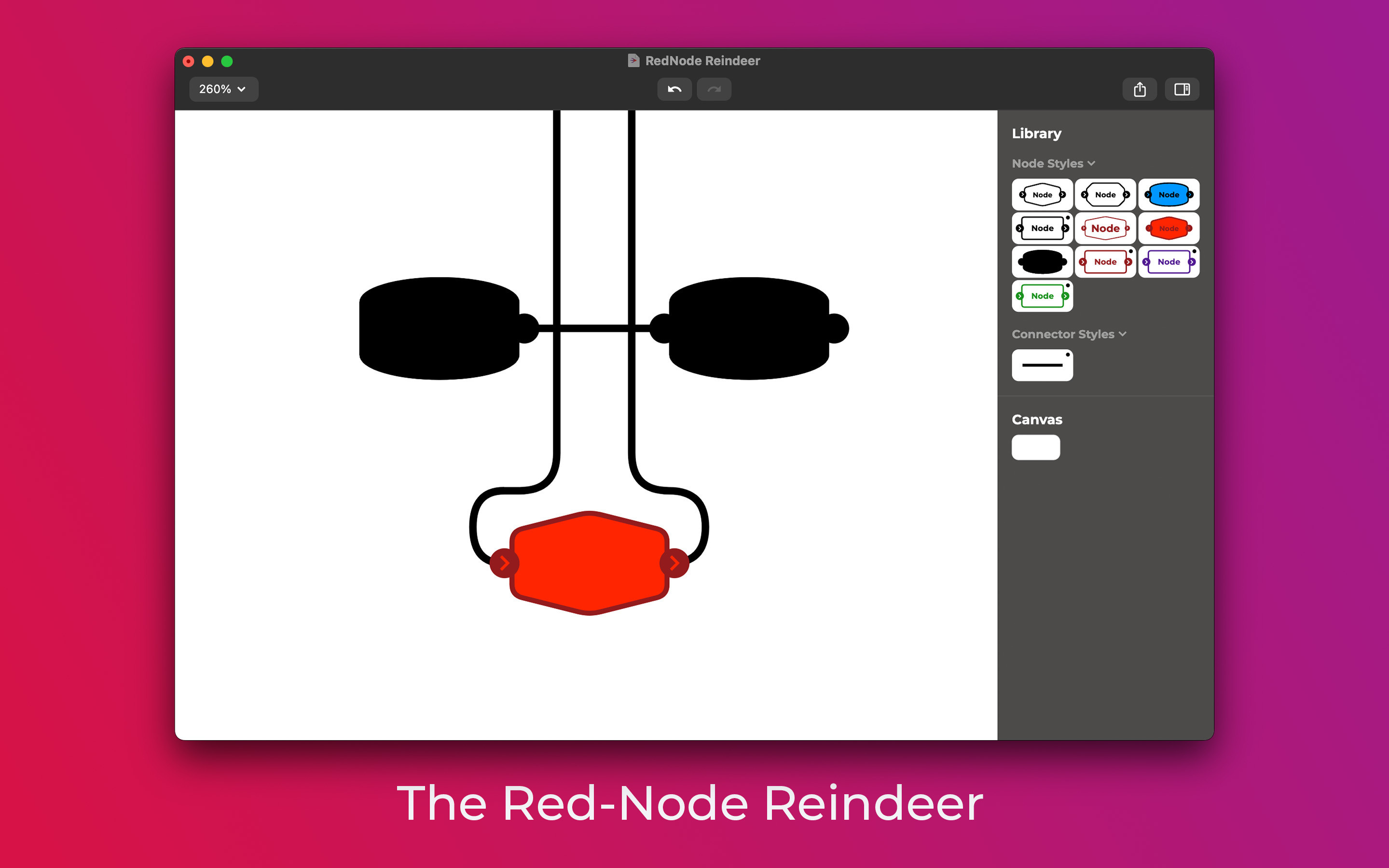
@metaning Most tools force users into either way too much manual work or into having too simplistic results. We focused on getting an appropriately complex result while keeping the interface simple, which was surprisingly challenging.
Adding the option for more control into our system might get it closer to the sweet spot, yes...
@metaning Thanks for the information! There is definitely a lot more innovation possible when it comes to creating good-looking paths without having to manually draw them, but while also having enough control to get a desirable result.
@metaning Understood, thanks for the illustration! Will consider if we can improve this without making it too complex.
@metaning Thanks for the suggestion! We have added it to the „potential features“ list. Although it might become a bit confusing if one node suddenly has a different direction. You find the current look of loops not clean enough?
@metaning In the inspector on the right, you can enter a text label for each of the inputs/outputs. That is what the space is for.
If you want to have more compact nodes and have no need for labelling the different inputs/outputs, you could try having only a single input and a single output (each one can be connected to an unlimited amount of connectors).
Multi-line text should not result in the extra space. It is dependent on either having more than one input/output each or on having labels.
Client Info
Server: https://mastodon.social
Version: 2025.07
Repository: https://github.com/cyevgeniy/lmst