
I installed the Linear A keycaps on my Keyboardio Preonic https://en.wikipedia.org/wiki/Linear_A
#preonic
Battery Status:
Level: 100%
Raw Level: 95
Voltage: 4.14V
Charge Rate: -5.41%/
Power Source: Connected
Charging Status: Charge Complete
Alerts: None
Status: Hibernating
Gauge IC: 0x001


Out of all my #keyboard that I have put together, the #preonic is the one I have been using the most. With a few adjustments and #Keyboardshortcuts, I think I have set up the best keyboard for me and my normal uses. Below is a picture of my two layers (I tried to keep it simple for me) and here are my keyboard shortcuts:
General shortcuts
Super A = Show Apps
Super W = Wallpaper app
Super T = Sakura Terminal
Super F = Floorp (web browser)
Super S = search
Media Controls
Alt arrow left = previous
Alt arrow right= next
Alt arrow up = volume up
Alt arrow left = volume down
Alt M = mute
Alt P = play/pause
Alt E = Eject
I may add more in the future as needed, but I think this is a good start. Now I no longer need a dock on my #Gnome setup 🥳


New keyboard day! This is Keyboard.io's version of OLKB's Preonic that was launched as a Kickstarter a while back, with a few adjustments and refinements. Most notably there's bluetooth support! #keyboard #preonic

Why, yes, I _did_ get a new keyboard in the mail yesterday which means that yes I _am_ gearing up to rebuild a bunch of keyboard firmwares so things have a kinda-consistent layout. Is this nerd nirvana? …maybe. #keyboardio #preonic


I’m made some tweaks to the colour layout on the #preonic #mechanicalkeyboard. I think this looks better. The purple letterboxing, it was just too much. But I didn’t stop tweaking colour layouts with just this board…. 🤔
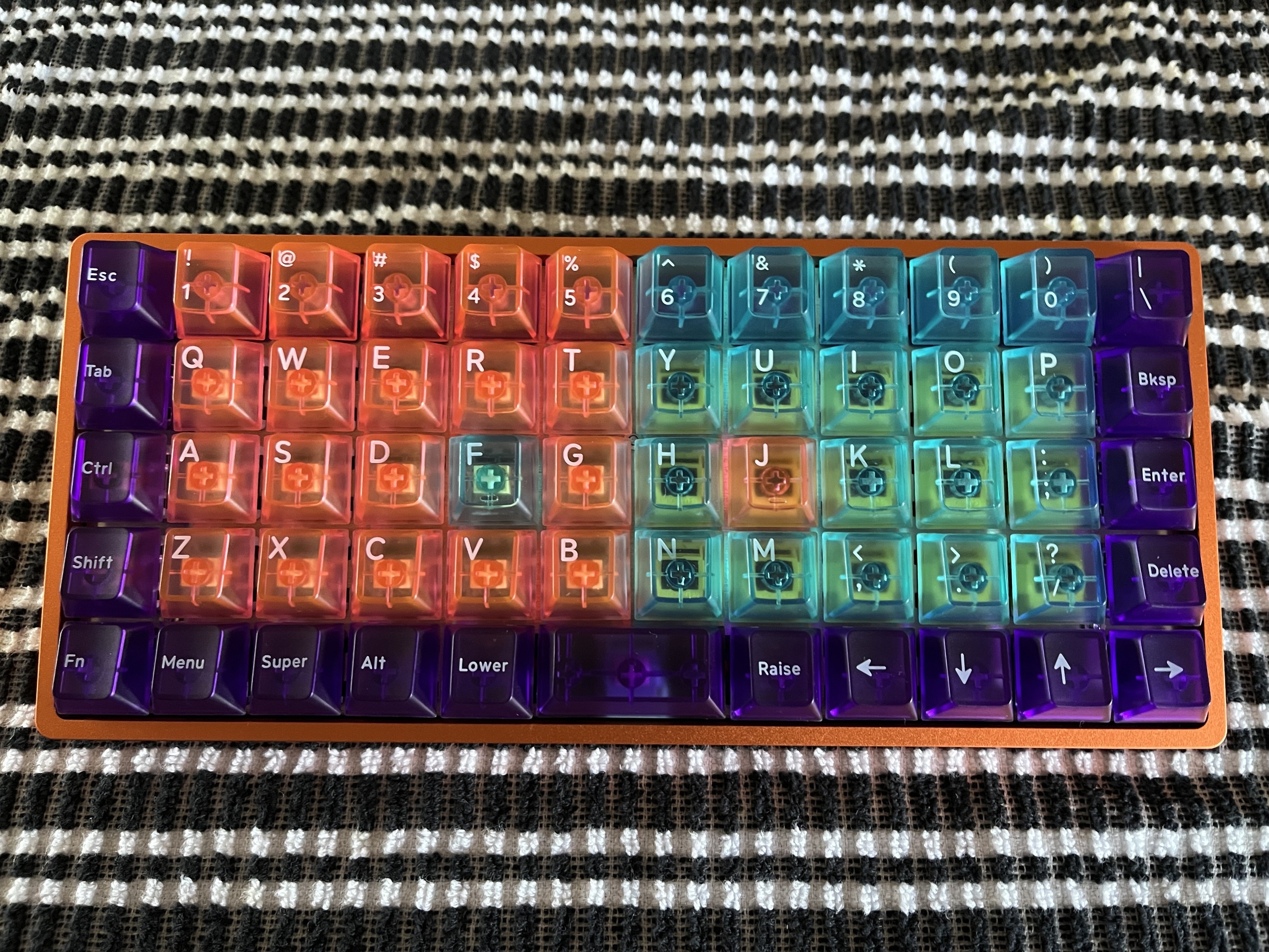
Got up, bought a keyboard ...as one does. #keyboardIo #preonic
I have spent way too much time recapping and re-switching a few of my #MechanicalKeyboards.
Overall, I think they turned out nice.
For those following the #Preonic saga, I converted it over to a more traditional keyboard layout.
*AI assisted alt text
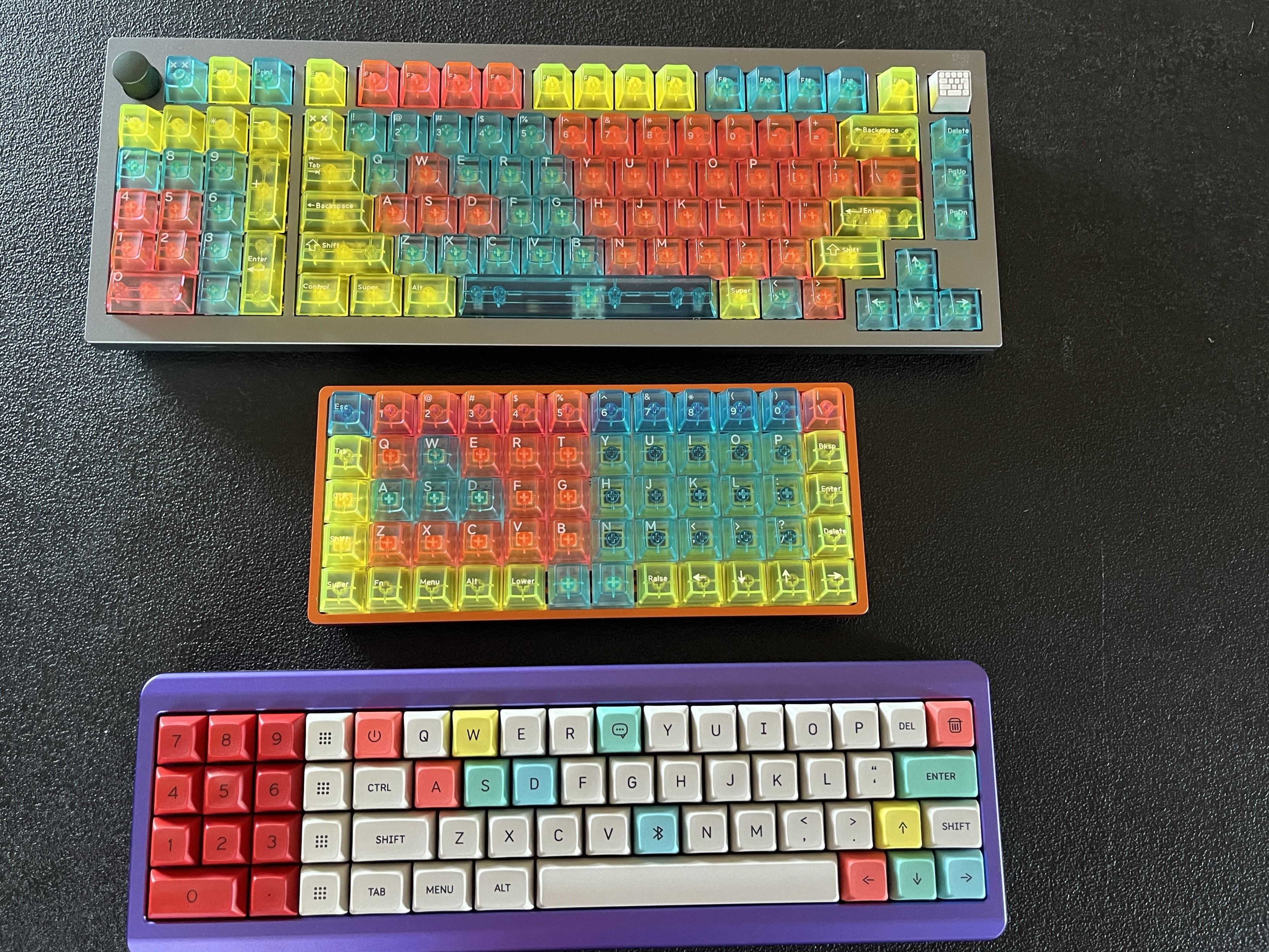

I've been refreshing the firmware of my #preonic keyboard recently. If you're into tap dances, caps words, and making annoying beeps with a keyboard, you can read about it here:
Here is the current layout of the #preonic from last night. During my downtime today I tooled around with QMK configurator and will more likely be changing this layout tonight.
*AI assisted alt text

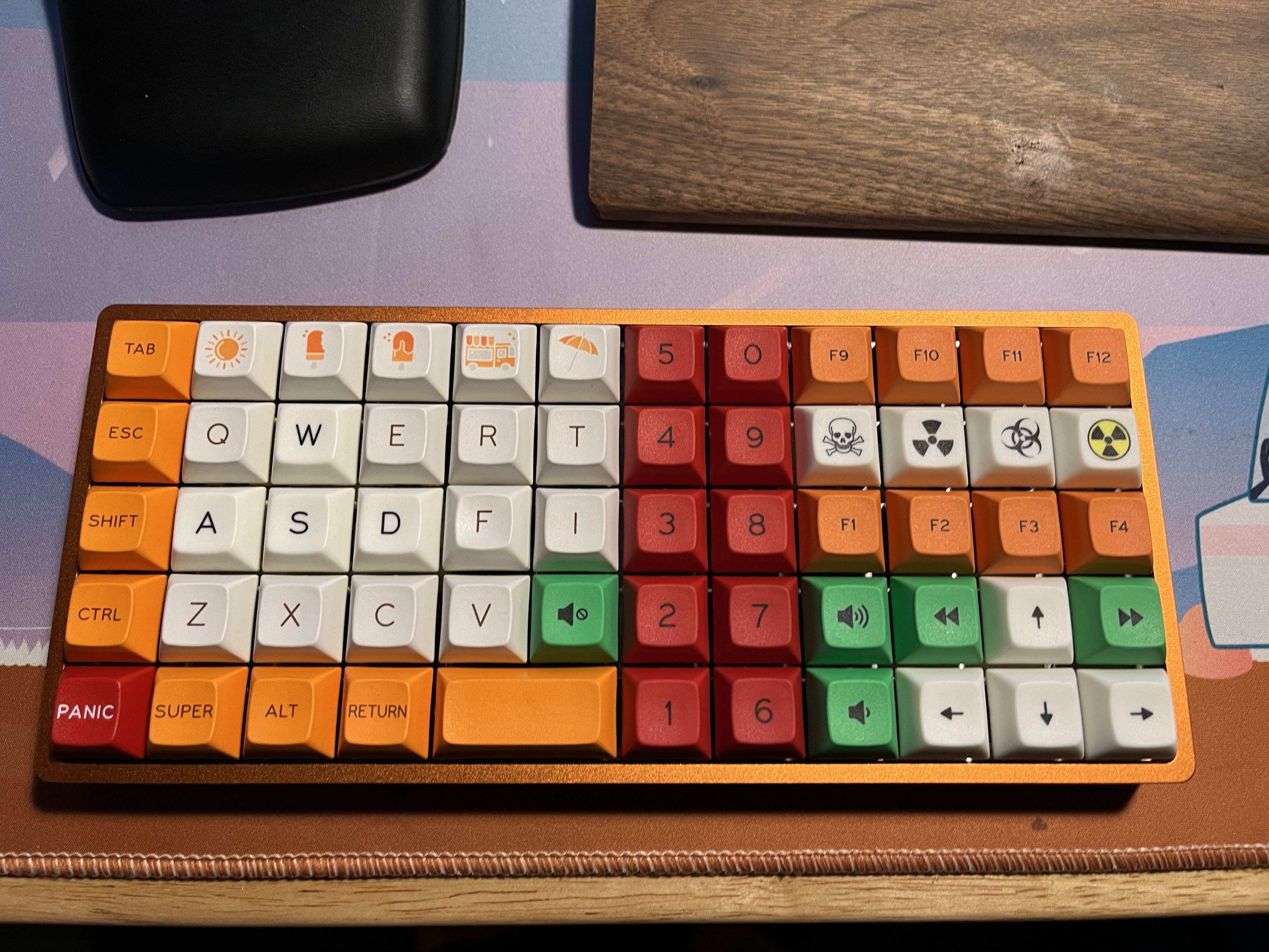
Maybe it’s the adhd, I had to make some changes to the #preonic keycaps. The green was just one colour too many. Now I toned it down with more orange and a bit more balance.
Here is the before and after #mechanicalkeyboard


While I was upgrading the main keyboard, I upgraded my gaming keyboard as well. The changes here *MUCH* are more noticeable.
I changed out the numkeys and function keys to have the same SP Keys DSA profile for the whole board (with some added color). I also changed out the media keys to be more noticeable (green).
I think it turned out well. This has been my go to keyboard for @Minetest :minetest: and Minecraft


building my last #olkb #preonic #mechanicalKeyboard kit that has been kicking around. One of the nice things about building these yourself is the customization. I put four different spring weights (#zealpc #zilent v2 switches where darker blue is stronger, 78g, lightest blue is 62g) depending on where my fingers have the most leverage, plus my ESC and Enter keys are slightly harder to push and all modifiers are the same force. I call the resulting pattern of switches “twin peaks”

While I was changing up the split keyboard, I made a few alterations to the #preonic as well.
“Under the hood” I replaced the green tactile switching under the WASD and arrows with silent linears. I also swapped out the silent linear switches under the function keys with tactile browns.
Hopefully the silent switches will help with finger fatigue 😬
Alrighty, I think I got my #preonic set up as a glorified left handed macro pad for pc gaming.
Switches used:
Purple- TKC Blackberry Clickies
Green- TKC Kiwi tactiles
Light green w/ pink- TKC Magical Girl tactiles
White- Waque Silent linears
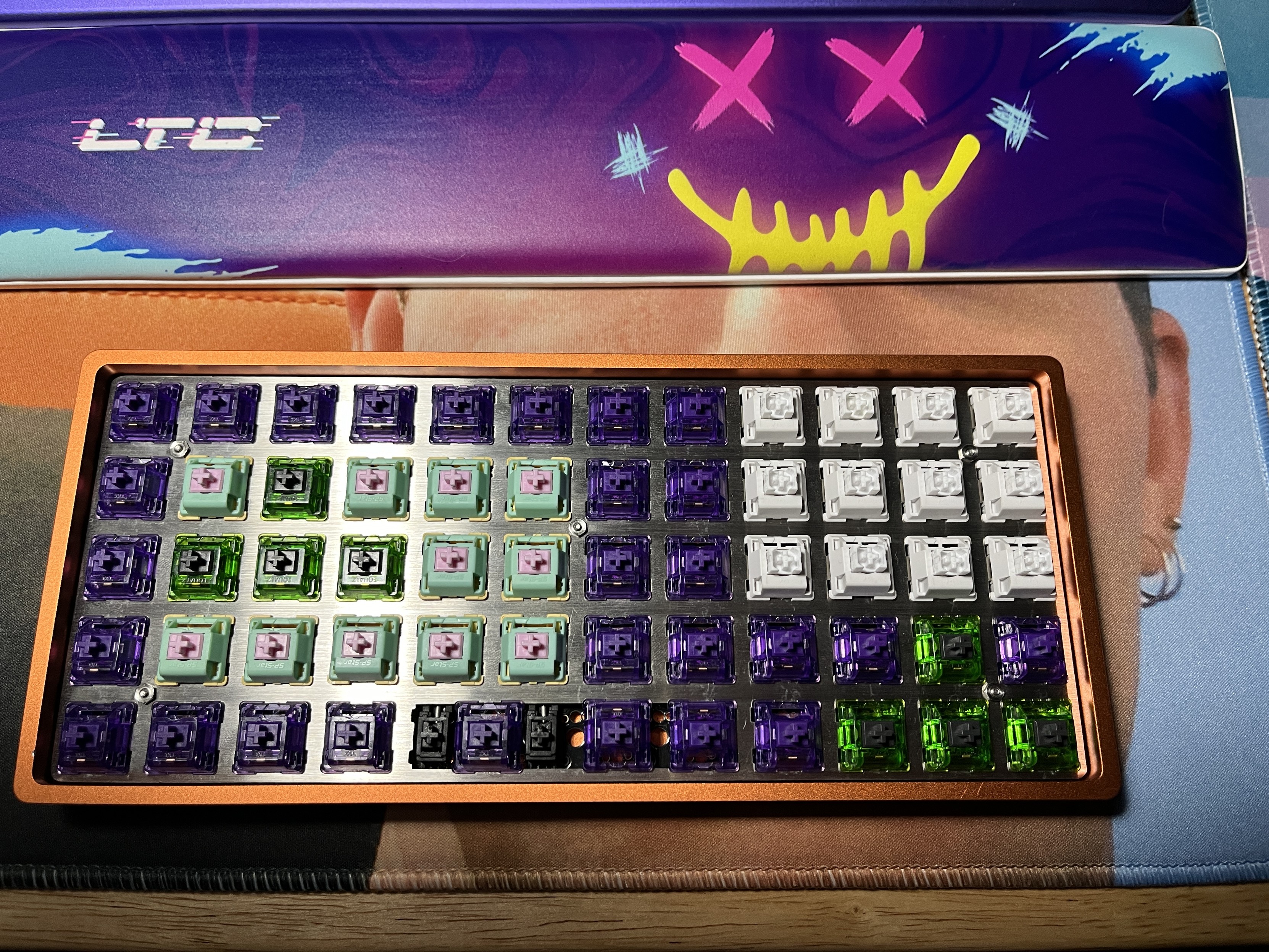


I was messing around with my gamerZ #preonic keyboard when I realized a fatal flaw- no space keys 🪦
So I made some changes and spruced up the look while I was at it 😎
#Shenanigans are afoot! I have not gave my #preonic much love lately; let’s change that up.
What madness is gonna happen?
#MechanicalKeyboard

Client Info
Server: https://mastodon.social
Version: 2025.07
Repository: https://github.com/cyevgeniy/lmst