
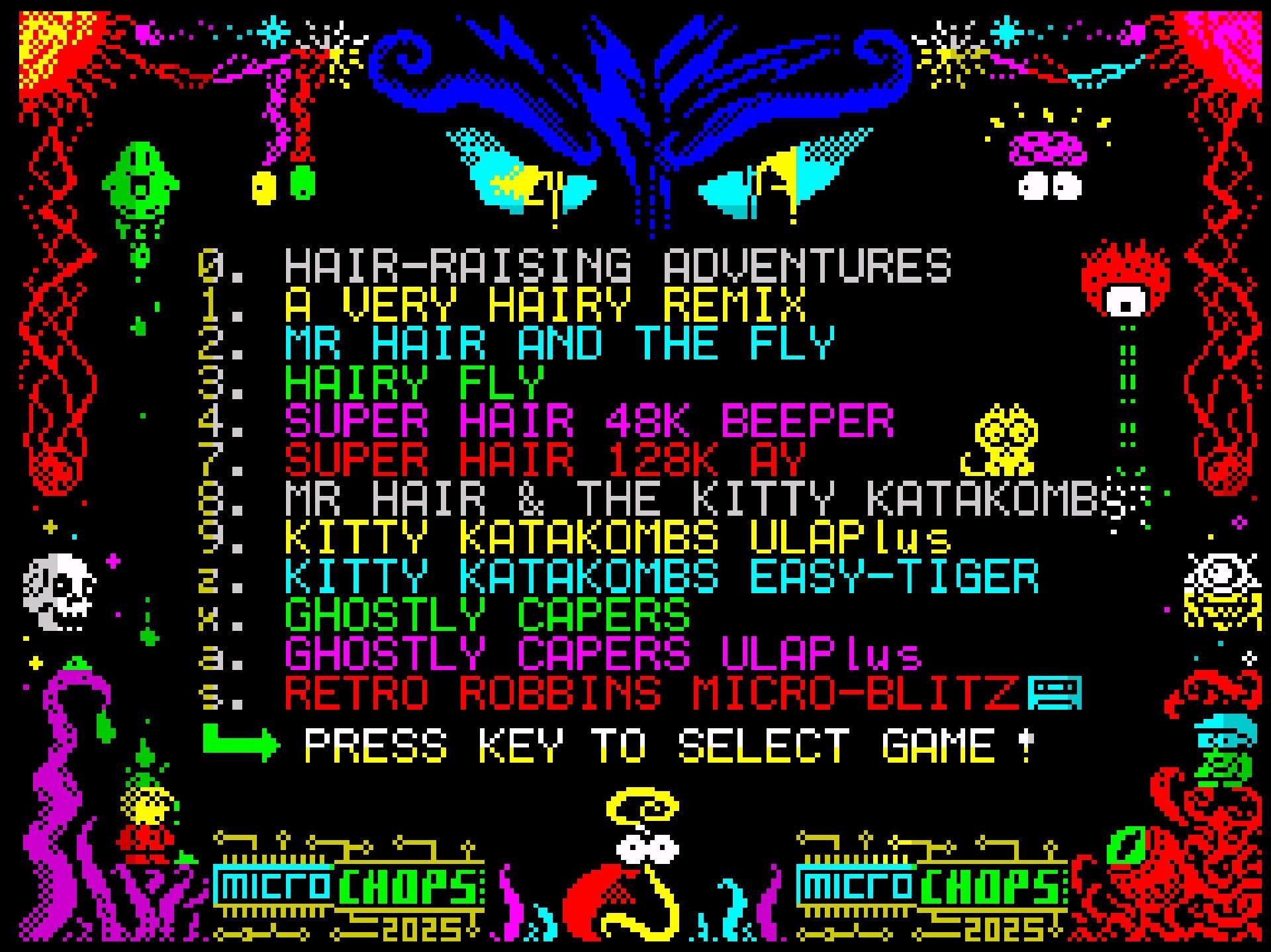
Todas las aventuras de “Mr Hair” están ahora disponibles en un solo archivo .tap para que los usuarios del #ZXSpectrumNext y de #TheSpectrum puedan disfrutar de ellos de una forma cómoda.
Disponible en https://chopz.itch.io/complete-microchops-package-in-one-tap-file
#ZxSpectrumNext

Head Over Heels es uno de esos videojuegos que no solo se juegan: se recuerdan. Desarrollado por Jon Ritman y Bernie Drummond para microordenadores de 8 bits acabó redefiniendo lo que podía ser un juego de aventuras y puzles en aquella época.
👉 https://pulsayjuega.blog/2025/12/13/head-over-heels/ 🕹️ #retrogaming #zxspectrum #commodore64 #msx #amstradcpc #ZXSpectrumNext


Sunteam nos trae este Duckie Dug Dug, un juego simple pero tremendamente adictivo para el Spectrum Next y compatibles.
👉🏻 https://pulsayjuega.blog/2023/09/09/duckie-dug-dug/ 🕹️ #zxspectrumnext #retrogaming


ZX Spectrum Next on the Internet: Xberry Pi ESP01 and Pi Zero Upgrades
https://retrogamecoders.com/zx-spectrum-next-on-the-internet-xberry-pi-esp01-and-pi-zero-upgrades/
#HackerNews #ZXSpectrumNext #XberryPi #PiZero #RetroGaming #TechUpgrades

Unfortunately due to manufacturing and logistics delays The ZX Spectrum Next KS3 delivery has been pushed to late February.
Personally, I prefer the Next team to deliver a solid release and get it right, instead of getting it rushed and green.
https://www.kickstarter.com/projects/spectrumnext/zx-spectrum-next-issue-3-0/posts/4556106
#ZXSpectrum #Speccy #Spectrum #SpectrumNext #ZXSpectrumNext
#retrocomputing #retrogaming


Day 2 talk from Crash Live on the #ZXSpectrumNext
(This is a different talk from the one posted above)
#zxspectrum

Torvin: Echo of the Realms demo updated: https://technoshedsoftware.com/torvin-echo-of-the-realms
#ZXSpectrumNext #SpeccyNext #RetroGaming #RetroGame #RetroComputer #RetroComputers
Bapstarcade’s Crash Live 2025 walkthrough vid: https://youtu.be/cNyRj5G6GEQ
#ZXSpectrum #CrashLive #ZXSpectrumNext #RetroComputer #RetroComputing #RetroGames #RetroGaming

„O“ für den Sinclair ZX Spectrum Next ist ein fordernder Plattform-Titel mit 50 Bildschirmen, drei Zonen, Sammelobjekten, Zeitlimit und einem sehr klassischen Ansatz ohne Speicherstände.
Im Beitrag gehe ich auf Story, Levelaufbau, Steuerung, Präsentation und Schwierigkeitsgrad ein und ziehe ein Fazit, für wen sich der Titel lohnt – und wer mit dem hohen Anspruch eher hadern dürfte.
Zum Artikel: https://www.jungsi.de/o-sinclair-spectrum-next/
Torvin: Echo of the Realms Demo is available, now!
https://technoshedsoftware.com/torvin-echo-of-the-realms
#Torvin #TorvinEchoOfTheRealms #RetroGaming #RetroGames #Retrogame #PuzzlePlatformer #TechnoShed #ZXSpectrumNext #SpeccyNext
Kickstarter 3 - Crash live 2025 talk from the #ZXSpectrumNext team.
So, I am hoping to write some #chiptune music for games on the #ZXSpectrumNext and am involved with TechnoShed Software. This is the first game I’ve seen go through development (there are lots in the pipeline!)
-CREDITS-
Programming John Weatherley (WEZ)
Artwork: Zingot Graphics
Music: Richard Faulkner
Chief Tester: Mark Hayes
Thanks:
Matt Neale
Paul Harthen
Gentlemeris Pixel Club
Emz & Vic
Becca & Marcus
https://www.technoshedsoftware.com
I’m not on this release, but I’m really happy to be able to share this as the team (above) have been working hard on it for months now. 😊
#RetroGaming #RetroComputing #RetroGames #RetroGame #Torvin #PuzzlePlatformer #TorvinEchoOfTheRealms
PS/2 Port Functionality on the N-GO
The N-GO board includes a single PS/2 connector that is dual-purpose. It supports both a keyboard and a mouse. Internally, the firmware and FPGA core multiplex the PS/2 data lines, similar to the ZX Spectrum Next Issue 2B that it clones.
You can connect:
- A PS/2 keyboard only, plugged directly into the port; or
- A PS/2 keyboard and mouse together, by using a Y-splitter cable (a PS/2 dual adapter with one connector for the board and two female ports marked “keyboard” and “mouse”).
How to Connect Both
- To use both devices, you need a PS/2 splitter cable (also known as a PS/2 keyboard and mouse Y-adapter).
- It has one 6-pin mini-DIN male plug on one end (to connect to the N-GO board) and two female PS/2 sockets for the keyboard and mouse.
Once connected:
- The keyboard works normally for typing and ZX Spectrum BASIC input.
The mouse is supported through NextZXOS and other software that recognize the Kempston Mouse interface emulation provided through the PS/2 port.
Compatibility Notes
The PS/2 port uses true PS/2 signalling. Passive USB-to-PS/2 adapters only work if the connected USB keyboard or mouse supports dual protocols (PS/2 mode). Many older devices do; most modern ones do not.
Active USB-to-PS/2 converters (with a built-in controller) will also work but can introduce minor lag or require external power.
If you are mounting the board in a case with internal peripherals, you can route the Y-splitter cable inside the case for a cleaner setup.
If you missed out on the KS3, here's a price alert that may be of help:
ZX Spectrum Next for €110
https://ultimatemister.com/product/zx-spectrum-next-n-go-board/
This is a N-GO-branded, perfect clone of the ZX Spectrum Next Issue 2B (TBBlue board only).
Bring your own keyboard and PS/2 mouse.
#ZXSpectrum #ZXSpectrumNext #SpectrumNext #Spectrum #Speccy #retrocomputing #retrogaming


We released a #ZXSpectrumNext demo, probably the first fully fledged demo for the platform (not an intro, not a port, etc) despite its 8 year history. It stays true to its #ZXSpectrum heritage using 256x192 video mode (which is also much easier to handle on a 8-bit platform) with 128x96 overlays.
The demo also utilizes Next's copper and in general pushes the hw quite a bit, so existing ZX Next emulators aren't able to show it properly :)
And here's the renowned Mr Hewson.
Consulting, of course.
https://www.kickstarter.com/projects/robhwson/20-best-programs-for-the-zx-spectrum
#ZXSpectrum #Spectrum #Speccy #SpectrumNext #ZXSpectrumNext #retrocomputing #retrogaming


The new Monty looks great
(and other Spectrum Next updates)
https://www.kickstarter.com/projects/spectrumnext/zx-spectrum-next-issue-3-0/posts/4523623
#ZXSpectrum #Speccy #Spectrum #SpectrumNext #ZXSpectrumNext #retrogaming

Buried in the last Spectrum Next KS3 update there's something that I think is not a minor announcement in passing, but possibly something big that could potentially bring hordes of new indie programmers, designers, artists to the Next platform. And hopefully many more people who stand to play some really good games as well.
A PICO-8 core is under development for the Spectrum Next, meaning the Next will be one of the first computers capable of running actual PICO-8 games on real hardware.
https://www.kickstarter.com/projects/spectrumnext/zx-spectrum-next-issue-3-0/posts/4515703?ref=activity
#ZXSpectrum #Spectrum #Speccy #ZXSpectrumNext #SpectrumNext #retrogaming #pico8

I had missed this update #7 of ZX Spectrum Next KS3 posted last Oct 18.
- The next version of the Next board is go for production.
- Includes pictures of the Magenta Next model, a preview of Crash Magazine's event, and more.
#ZXSpectrum #Speccy #Spectrum #SpectrumNext #ZXSpectrumNext #retrocomputing


Regarding ZX Spectrum Next (KS3) dual SD card support:
- There are no exact specs confirmed by any official source describing how dual SD support will work.
That being said, a rough consensus of sorts seems to have formed among enthusiasts about the most plausible model that's to be expected:
Internal SD likely holds system / OS / firmware stuff
External SD likely handles games, data, user storage
Internal SD is probably not removable via standard user access
Backing up internal without opening is uncertain / possibly non-trivial
Other conjectures about system updates over WiFI and other work modes have been theorised, but seem to be considered less plausible by most.
#ZXSpectrum #speccy #Spectrum #ZXSpectrumNext #SpectrumNext #retrocomputing
Client Info
Server: https://mastodon.social
Version: 2025.07
Repository: https://github.com/cyevgeniy/lmst