
Apple Pages-Dokumente können mit #LibreOffice geöffnet werden!
Meine Entdeckung des Tages. :)
Apple Pages-Dokumente können mit #LibreOffice geöffnet werden!
Meine Entdeckung des Tages. :)
Moin #FediLZ, wie immer zum Schul- bzw. Halbjahresbegin habe ich meine lehrerwerkzeuge (u.a. Jahres-/Stundenplanung und Notenverwaltung) etwas aktualisiert. Nutzt sie gerne, wenn sie euch die Arbeit erleichtern.
→ https://github.com/tweh/lehrerwerkzeuge
#automatisierung #numbers #macos #pages #applepages #applenumbers #texlatex #applescript
Dear #GM fellows. I worked my way through from the overworld (#Nortantis) to city maps and groves (#Watabou) and even created a little #booklet template with #ApplePages so I can write little compendiums to hand out. #CryptPad as the markdown idea writer.
Now I need something more elaborate than the grove generator, so I can create a grove with some tombstones and stuff. What is out there that would work well? #OSS preferred.
Something that can be edited after some random generation would be nice. And it's so much fun, but also a rabbit hole ...
https://jandjheydorn.com/nortantis
https://watabou.github.io
#RolePlay
Apple Pages gets out of your way for focused writing, but don't let its simplicity fool you. It packs powerful features like template control, Word doc finessing, & a hidden Save As. Fair warning: footnotes are quirky. #ApplePages #MacTips #WritingFlow
Apple Pages Can No Longer Publish E-books to Apple Books
Apple Pages lost the functionality to publish to Apple Books thanks to Apple Intelligence.
The post Apple Pages Can No Longer Publish E-books to Apple Books first appeared on Good e-Reader.
https://goodereader.com/blog/electronic-readers/apple-pages-can-no-longer-publish-e-books-to-apple-books
#applebookspublishing #applepages #applepagespublish #applepagespublishapplebooks
@indieauthors
#top5 stand-out #LibreOffice features that make it my go-to #officesuite;
Ready to ditch #MSOffice or #ApplePages? @LibreOffice includes all the features you need and none of the ones you don't.
I'm not sure if I should switch to a new digital journaling way like using #MicrosoftWord or something like #ApplePages
I'm not sure that I want my thoughts on an app that hosts my information on a server somewhere. I want to keep something on my #Synology #NAS
I'm not sure what to use.
Is anybody here good at using Apple Pages? I'm working on a ~400-page document which is my travelogue from Africa. Each day is was originally an email, and I copied and pasted all of the text and images one day at a time into the Pages doc. Changing the size and text wrap of every single image is tedious - is there a more efficient way? Video to explain:
I tried Pages in the iCloud and it's truly mediocre. Apple didn't even try to make a compelling product, and that's quite amusing to me. Google Docs, Microsoft, LibreOffice Writer are much better products than Apple's milquetoast offering.
With as much supposedly useful software they have, in a way, it's really lame that Apple hasn't been arsed to make Pages a great document writer/editor in iCloud or on one's iPhone. Seems like the Mac version has gotten the most love.
Getting nice looking equations in #msword is such a pain, especially if you want something more elaborate than the supported equation snippets. This is my current workflow: Go to herehttps://temml.org, type in #latex code, make sure 'xml' is selected and copy to clipboard. This can then be pasted into a Word document. Meanwhile, in #applepages I can just click 'Insert Equation' and start typing LaTeX. Of course, not all LaTeX code is supported here either, but way better than in Word.
Are there any scripts/automations out there for creating masonry or waterfall layouts in Apple Pages? Ideally I’d just select a bunch of photos, click a button, and they’d drop into place automatically in rows or columns.
If not, are there other tools that could assemble the layout in a PDF or other image/object that I could insert into a Pages document?
A new feature in Pages, Keynote, and Numbers lets you select bits of text that aren’t next to each other so that you can, for example, format them or copy them all at once. Here's how. #JimmyTechTips #AppleTips #MacTips #iWork #ApplePages
https://jimmytechsf.com/select-non-contiguous-text-in-pages-keynote-and-numbers-14/
Online-Seminar: Textverarbeitung mit Apple Pages
.
#vhs #Straubing #ApplePages
http://regio-aktuell24.de/online-seminar-textverarbeitung-mit-apple-pages-2/181347
Need to create a table of contents in Apple Pages? It's much simpler than you think, but you do need to structure your document correctly. Learn how to make an impressive TOC in Pages. #ApplePages, #Formatting, #iWork, #Documents, #TableOfContents
https://iworkexpert.com/how-to-make-a-table-of-contents-in-apple-pages/
Dusting off my Finer Things in Tech blog, I miss writing. This is just a tiny tip, though. Working on more. #Apple #ApplePages
https://www.finertech.com/2024/01/30/pages-share-a-file-from-finder-get-collaboration-options/
#Fonts not showing in #ApplePages? Easily fix this frustrating quirk with a simple how to guide. #iWork #iWorkExpert
The key to any paragraph numbering issues in #ApplePages will be how your paragraphs are formatted and being recognized. #iWork #iWorkExpert
https://iworkexpert.com/fix-paragraph-numbering-issues-in-apple-pages/
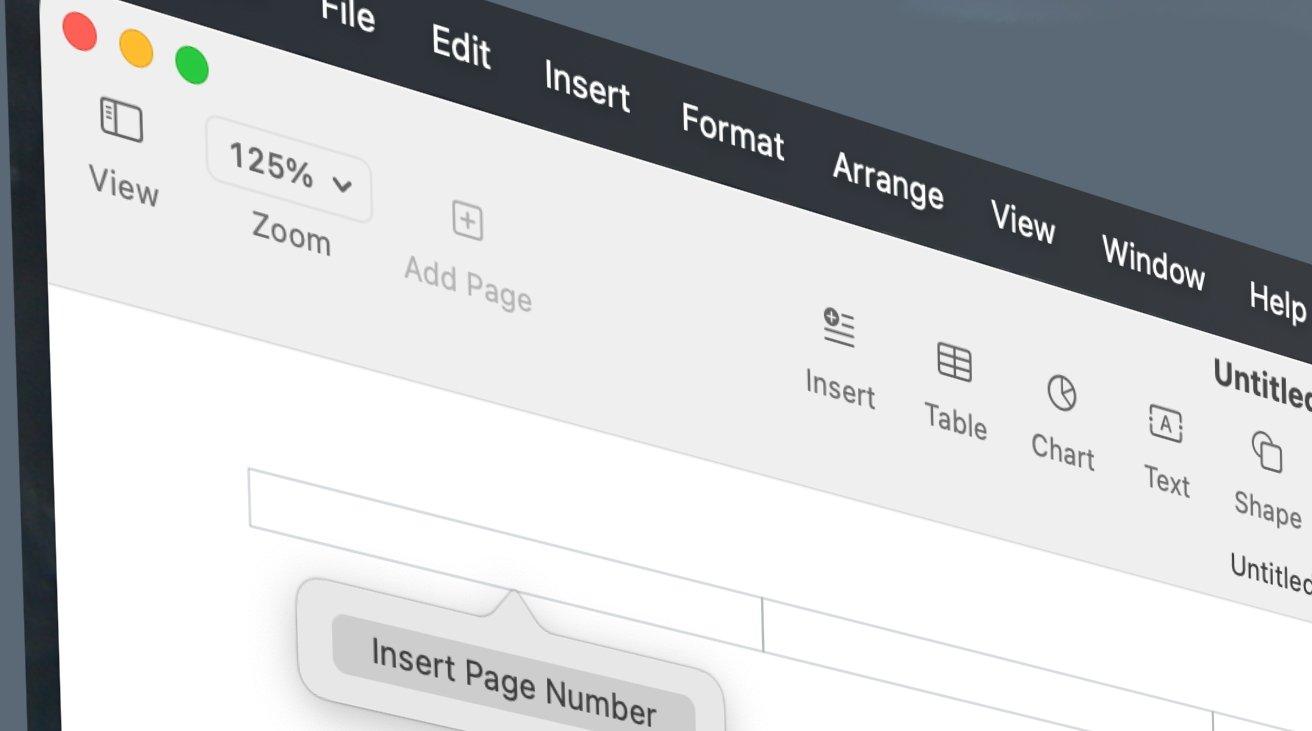
Need to jazz up your header or footer. Learn the better way to do it in #ApplePages
https://iworkexpert.com/better-way-to-make-headers-and-footers-in-apple-pages/
Love this update enabling moving from Notes to Pages.

I like #ApplePages…I did my undergrad papers on an #APPLE][e using #ClarisWorks. But I really prefer #LiO #LibreOffice now and wish #AppleWorks was #opendocumentformat compatible.