The macOS text replacement thing — which lets me type something like “long-s” to get the actual long-s “ſ“ character — only seems to work on Apple's own apps.
Does not work in Office 365, Adobe apps, and the desktop Ivory app.
But it DOES work on iOS, everywhere, and this has always been the case; it's not Yet Another Tahoe Bug (there's SO MANY BUGS).
Which makes adding things like ¯_(ツ)/¯ (I type “shruggy”) and ಠಠ (“redditeyes”) on the Mac a mild pain in the butt.
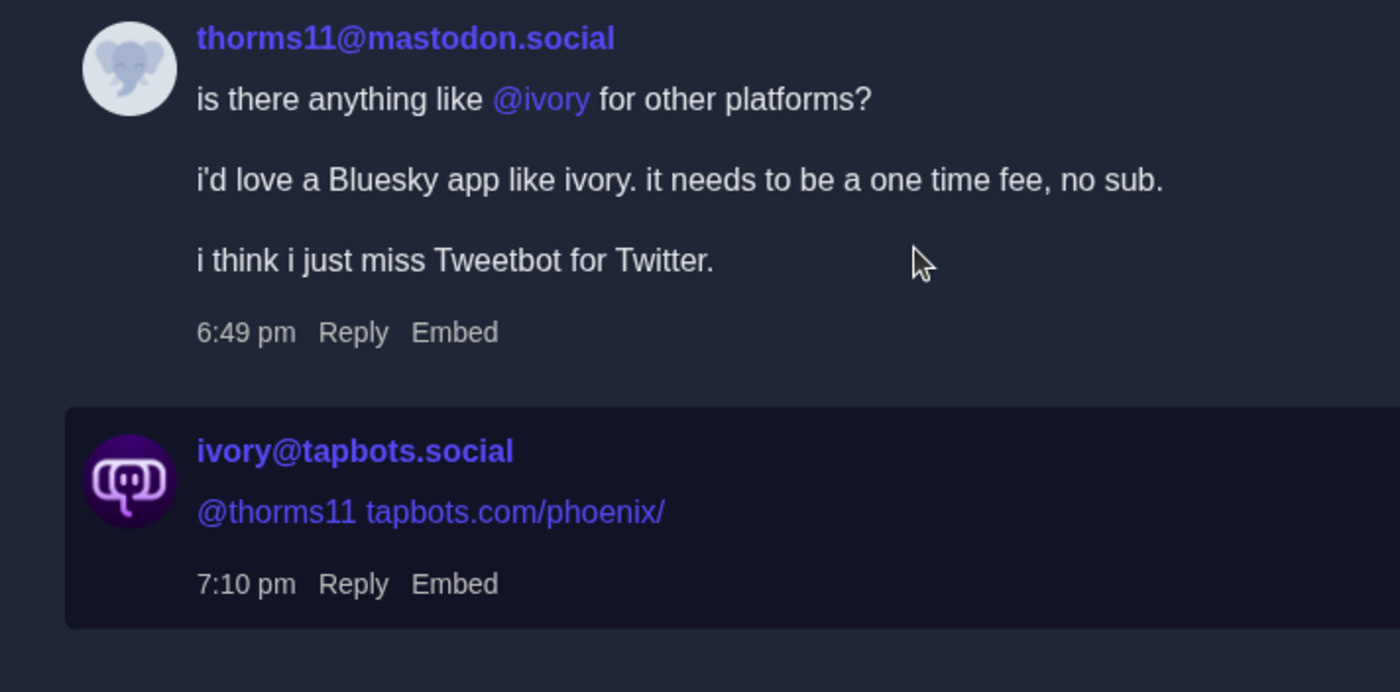
Also, Ivory randomly drops characters like underscores, asterisks, and \ for whatever reasons. I typed this in the first pic and the second pic is what is displayed in both versions of the app. @ivory
Hey, these characters are preserved in the alt text! WTF…