Immersa: Open-source Web-based 3D Presentation Tool
https://github.com/ertugrulcetin/immersa
#HackerNews #Immersa #Open-source #Web-based #3D #Presentation #Tool #Technology #3DGraphics #OpenSource #PresentationTools #GitHub
Immersa: Open-source Web-based 3D Presentation Tool
https://github.com/ertugrulcetin/immersa
#HackerNews #Immersa #Open-source #Web-based #3D #Presentation #Tool #Technology #3DGraphics #OpenSource #PresentationTools #GitHub
Immersa: Open-source Web-based 3D Presentation Tool
https://github.com/ertugrulcetin/immersa
#HackerNews #Immersa #Open-source #Web-based #3D #Presentation #Tool #Technology #3DGraphics #OpenSource #PresentationTools #GitHub
🎉 Calling all teachers and presenters! Let's spice up our lessons and presentations with a little playful twist - TIMERS! 🕒⏰ Set timed challenges or activities to keep everyone engaged and on their toes. And guess what? You can use ubitimer.com for free! Let's mix focus with fun and rock our productivity game! 💪🏼 #education #productivity #timers #presentationtools #keepitplayful
https://www.youtube.com/watch?v=jHRUBl9S2Aw
Just talked with #DisabilityServices at Colorado Christian University. They’re encouraging me to use #MicrosoftWord instead of #LaTeX for schoolwork, since Word has built-in dictation that could help when my #RheumatoidArthritis flares up and typing gets hard.
To other #Blind folks: how do you remember all of Word’s keyboard shortcuts? I swear I spend more time navigating the ribbon than actually writing. I stick with LaTeX because I can remember commands better than shortcuts.
They said Word’s dictation is accessible, so I’m giving it a shot. But I’m also wondering: what reference managers do you use? I’ve been using #Zotero since it works with #VSCode and LaTeX, but I don’t know how well it integrates with Word — and definitely not with #PowerPoint. My school has me doing a lot of #APA-style presentations lately.
Would love tips from anyone juggling accessibility, citations, and academic workflows.
@mastoblind@a.gup.pe @mastoblind @main
#Accessibility #AcademicAccess #ScreenReader #DictationTools #ChronicIllness #NeurodivergentAcademia #AcademicWriting #TechForGood #InclusiveTech #PresentationTools #CitationTools #AcademicWorkflow #DisabledAndAcademic #LaTeXCommunity #MicrosoftAccessibility #ZoteroTips
🕒 Struggling to stay on time during lessons or presentations?
Try UbiTimer — a simple, clean PowerPoint timer add-in with countdown, radial display, and Slide Show mode support.
🎓 Free for teachers | 💻 No subscriptions
📽️ Demo video:
https://www.youtube.com/watch?v=ELhJfI3sJac
#EdTech #Teachers #PresentationTools #TimeManagement #UbiTimer
👋 Excited to join Mastodon!
I'm the creator of UbiTimer – a slide timer for PowerPoint. Perfect for teachers & presenters. 🧑🏫⏲️
🎓 Free version for educators available now!
🌐 https://ubitimer.com
Transform your PDFs into polished presentations in minutes with GenSpark AI. Upload your document, choose a style, and let AI handle the rest. Perfect for professionals seeking efficiency and quality. #GenSparkAI #PresentationTools
https://pupuweb.com/how-to-create-presentations-with-genspark-ai/

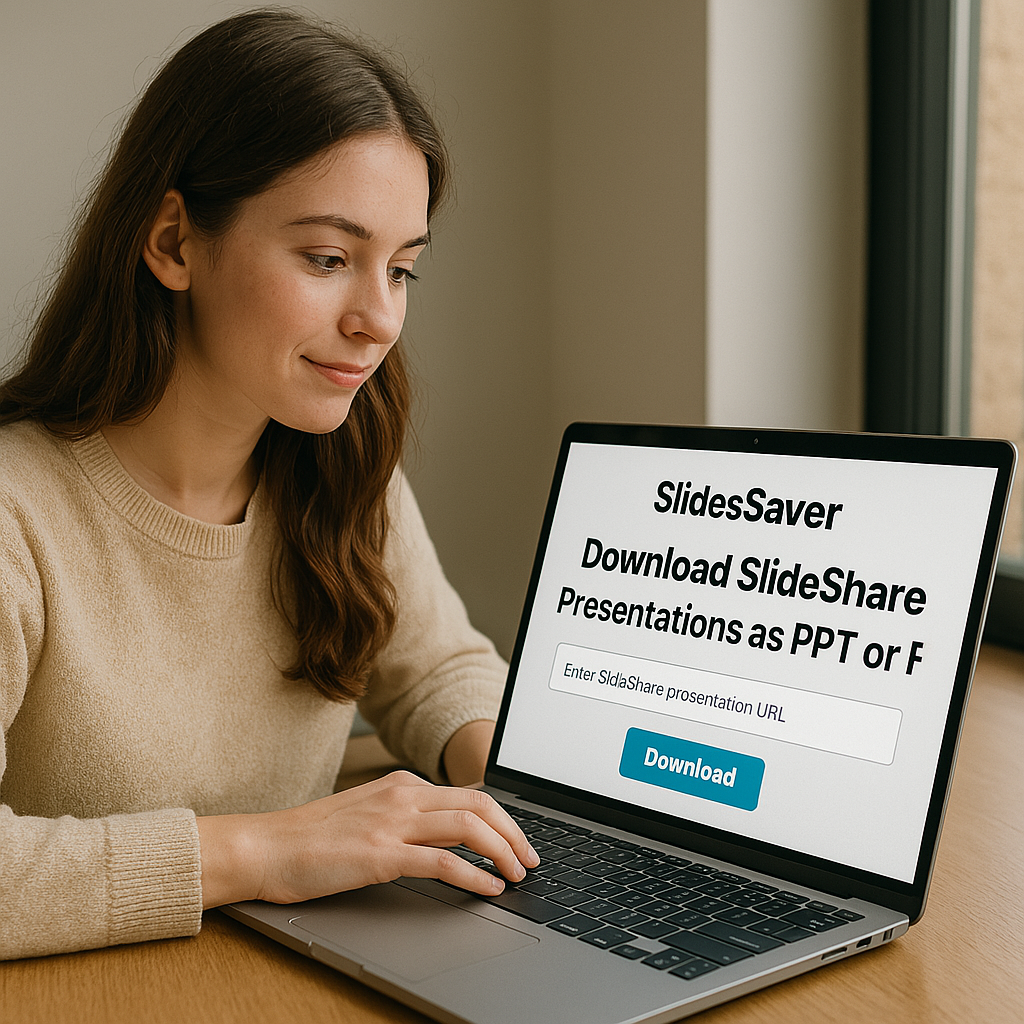
Download SlideShare Presentations as PPT or PDF – Instantly & Free
Need to save that perfect SlideShare presentation for offline access?
Whether you're a student, researcher, or professional, SlidesSaver.com helps you download any SlideShare in PPT or PDF format instantly, no sign-up needed.
#SlideShareDownloader #PPTDownload #PDFTools #Students #StudyHack #PresentationTools #FreeDownload #EducationTools #SlideSaver
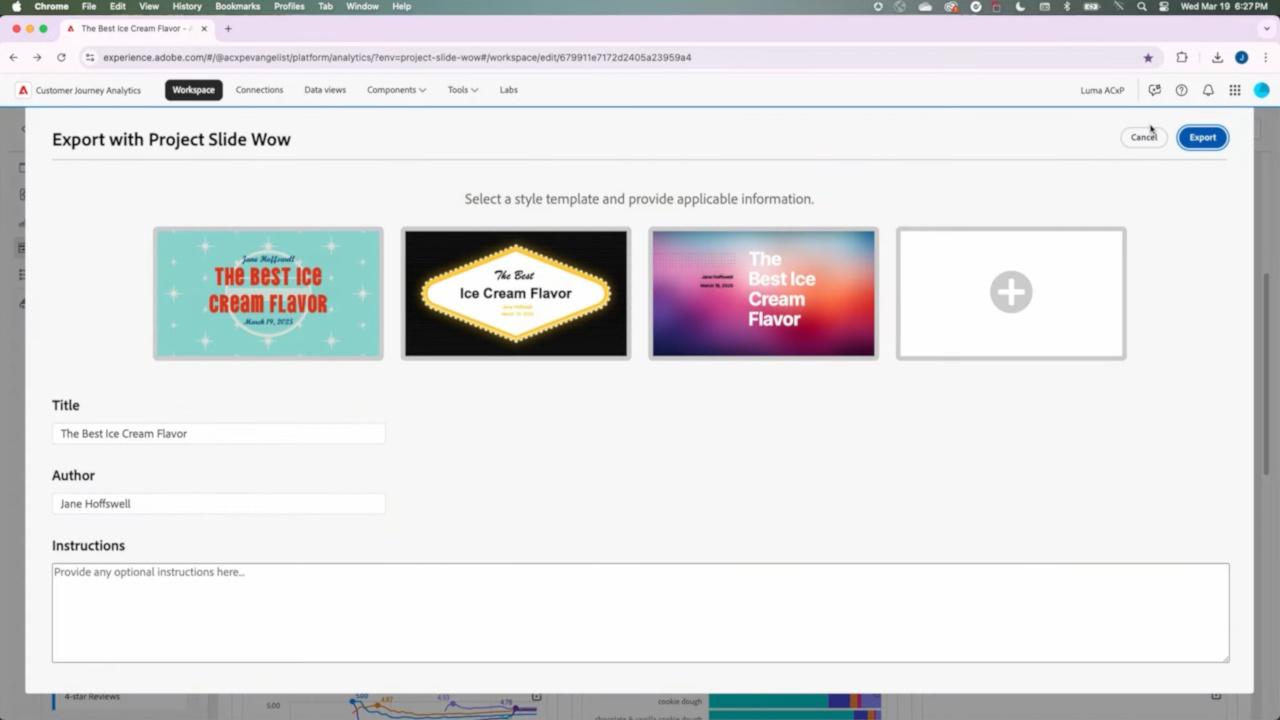
Adobe has introduced Project Slide Wow, an AI-powered tool that transforms raw customer data into PowerPoint presentations
#AI #GenAI #Adobe #ProjectSlideWow #AIAutomation #PowerPoint #EnterpriseAI #MarketingTech #PresentationTools #AdobeSummit