@techsimplified Love this!!! ❤✊
Accessibility shouldn’t be an add-on—it should just be how tech works.
Voice tools make such a difference for folks dealing with RSI, pain, or mobility challenges.
Big support from 3mpwr App 🙌
@techsimplified Love this!!! ❤✊
Accessibility shouldn’t be an add-on—it should just be how tech works.
Voice tools make such a difference for folks dealing with RSI, pain, or mobility challenges.
Big support from 3mpwr App 🙌
♿ Accessibility isn't a feature — it's a fundamental right.
For professionals with RSI, carpal tunnel, or mobility challenges, voice AI eliminates barriers:
✅ Zero typing strain
✅ Works on any device
✅ No special software needed
✅ Professional-quality output
One keyboard shortcut opens a world of hands-free productivity.
Your health matters. Your productivity matters. Both are possible.
genie007.co.uk
♿ "The Accessibility Case for Voice-First Computing" - How voice AI is revolutionizing digital accessibility and creating truly inclusive technology experiences. https://telegra.ph/The-Accessibility-Case-for-Voice-First-Computing-02-09 #Accessibility #VoiceAI #InclusiveTech #DigitalInclusion #UniversalDesign
FOSS for All 2026년 1월 밋업에 참석 해 주신 분들께 감사 드립니다! 혹시 참석 못 하신 분들을 위해 발표자료와 녹화영상을 공유합니다. 아래 링크에서 확인하실 수 있습니다 :) #FOSSforAll #FOSS #FiscalSponsorship #InclusiveTech #Meetup https://pretalx.fossforall.org/meetup-2026-01/talk/

I’m one ally with a tiny voice.
TurtleIsland.social, an Indigenous‑run server, has a bigger one, yet it’s invisible on Join Mastodon. It meets the covenant and supports safe Indigenous spaces. Help amplify this so it can be found. Boosts appreciated!
@Yehuda @joinmastodon @Mastodon @Gargron @fediverse
#Fediverse #Indigenous #InclusiveTech
🌍 100% offline functionality + WCAG AAA accessibility
✔️ Voice control
✔️ Screen reader support
✔️ High contrast + dyslexia fonts
📲 See all features 👇 3mpwrapp.pages.dev/features/
Everyone belongs here ! ❤🫂🌏
FOSS for All 1월 밋업. 지금 티켓타코에서 참가등록 하실 수 있습니다!
1월 31일, 모두의연구소 강남캠퍼스 라운지에서 뵙겠습니다!
https://ticketa.co/e/ajhehljc
#FOSSforAll #OpenSource #FiscalSponsorship #InclusiveTech #Meetup

모두 새해 복 많이 받으시기 바랍니다!
FOSS for All (#포스포올) 에서는 오는 1월 31일에 모두의연구소 강남캠퍼스에서 첫 #밋업 개최를 준비하고 있습니다. 국내 Fiscal sponsorship 사례 연구, 포용기술 전문가 간담회 후기 등을 주제로 프로그램이 구성 될 예정입니다.
참가 등록이 몇일 안으로 열릴 예정이니, 조금만 기다려 주세요!

Every delay in accessibility affects real users
One-step activation helps teams enable accessibility faster, without long development timelines. ⚡Faster setup means faster access.
👉 Learn more: https://accesstive.com/access-assistant/
#AccessibilityMatters #InclusiveTech #A11yTools #DigitalInclusion #WebAccessibility #accesstive

Reposting. Slots available.
After a short break, I’m returning to accessibility training services.
I provide one-on-one training for blind and visually impaired users across multiple platforms. My teaching is practical and goal-driven: not just commands, but confidence, independence, and efficient workflows that carry into daily life, study, and work.
I cover:
iOS: VoiceOver gestures, rotor navigation, Braille displays, Safari, text editing, Mail and Calendars, Shortcuts, and making the most of iOS apps for productivity, communication, and entertainment.
macOS: VoiceOver from basics to advanced, Trackpad Commander, Safari and Mail, iWork and Microsoft Office, file management, Terminal, audio tools, and system upkeep.
Windows: NVDA and JAWS from beginner to advanced. Training includes Microsoft Office, Outlook, Teams, Zoom, web browsing, customizing screen readers, handling less accessible apps, and scripting basics.
Android: TalkBack gestures, the built-in Braille keyboard and Braille display support, text editing, app accessibility, privacy and security settings, and everyday phone and tablet use.
Linux: Orca and Speakup, console navigation, package management, distro setup, customizing desktops, and accessibility under Wayland.
Concrete goals I can help you achieve:
Set up a new phone, tablet, or computer
Send and manage email independently
Browse the web safely and efficiently
Work with documents, spreadsheets, and presentations
Manage files and cloud storage
Use social media accessibly
Work with Braille displays and keyboards
Install and configure accessible software across platforms
Troubleshoot accessibility issues and build reliable workflows
Make the most of AI in a useful, productive way
Grow from beginner skills to advanced, efficient daily use
I bring years of lived experience as a blind user of these systems. I teach not only what manuals say, but the real-world shortcuts, workarounds, and problem-solving skills that make technology practical and enjoyable.
Remote training is available worldwide.
Pricing: fair and flexible — contact me for a quote. Discounts available for multi-session packages and ongoing weekly training.
Contact:
UK: 07447 931232
US: 772-766-7331
If these don’t work for you, email me at aaron.graham.hewitt@gmail.com
If you, or someone you know, could benefit from personalized accessibility training, I’d be glad to help.
#Accessibility #Blind #VisuallyImpaired #ScreenReaders #JAWS #NVDA #VoiceOver #TalkBack #Braille #AssistiveTechnology #DigitalInclusion #InclusiveTech #LinuxAccessibility #WindowsAccessibility #iOSAccessibility #AndroidAccessibility #MacAccessibility #Orca #ATTraining #TechTraining #AccessibleTech
“I just love how kind everyone is.” Meet Jennipher Wilson, Aira’s product manager shaping tools that support access to information, reduce friction, and keep culture front and center. 🌊
https://aira.io/staff-profile-jennipher-wilson/
#BlindAndLowVision #InclusiveTech #CompanyCulture #ProductManagement #OnMyTerms
Meet Jennipher Wilson, Aira’s product manager with startup fire and a surfer’s soul. 🌊
With over fifteen years in software and a track record across startups and Intuit, Jennipher has brought her expertise to support Aira and Aira ASL. She’s focused on building products that support access to information, reduce friction, and enhance independence.
She appreciates that Aira’s purpose goes beyond profit: “Every company and startup, they’re all just about bottom line. So when you actually get to be here and see that, no, it is actually about trying to help a community, an underserved community, and do the right thing.”
Read Jennipher's Staff Profile: https://aira.io/staff-profile-jennipher-wilson/
Apple's new limited edition iPhone grip is a game changer for accessibility! Designed with expert advice, it enhances usability for all. This is how technology should evolve, inclusive and diverse! #AppleInnovation #AccessibilityRevolution #InclusiveTech
https://www.squaredtech.co/apple-limited-edition-iphone-grip-accessibility?fsp_sid=4714
🔥 Closed Beta Testers are starting soon!
This is your chance to help shape the future of disability advocacy tech from the ground up.
3mpwr is here to uplift, guide, and empower every step of your advocacy journey — and now you can be part of building it.
https://3mpwrapp.pages.dev/user-guide/
#3mpwr #ClosedBeta #DisabilityAdvocacy #AccessibilityMatters #Empowerment #SupportAndStrength #InclusiveTech
2/2
Upcoming Webinar: Discover the Power of Meta Smart Glasses
Fighting Blindness, in partnership with the DigiCoach Project, is delighted to invite you to an exciting free webinar exploring the Meta Smart Glasses — a groundbreaking piece of wearable technology that combines audio, camera, and AI assistance to support greater independence for people who are blind or vision-impaired.
🗣️ Presented by Digi Coaches: Jackie McBrearty & Stuart Haxell
Join Jackie and Stuart as they take you through the features of the Meta glasses — from using voice commands and taking photos, to making video calls and much, much more. Learn how these glasses can enhance daily life, improve navigation, and make staying connected easier than ever.
💬 The session will include a live Q&A, giving you the chance to ask any questions you have about setup, usage, or accessibility features.
📅 Date: Monday, 17th November
🕖 Time: 7:00 p.m. (Irish time)
💻 Location: Online via Zoom
👉 Register now to secure your place: https://us02web.zoom.us/webinar/register/WN_SUeXMfLdTESjkD3H65Be1A
Don’t miss this chance to get hands-on insights and practical tips directly from Digi Coaches who use and teach this technology every day.
💡 The DigiCoach Project is a partnership between Fighting Blindness and St John of God Liffey Services, proudly funded by Rethink Ireland.
#Accessibility #AssistiveTechnology #VisionImpairment #MetaGlasses #SmartGlasses #WearableTech #DigitalInclusion #IndependentLiving #DigiCoach #FightingBlindness #RethinkIreland #InclusiveTech #Ireland
Hoping to be accepted!
I’d be really happy to become one of the accessibility testers. I’ve always supported AI-powered music tools—they help spark new ideas whenever I hit a creative block in my own work. Grateful for anything that helps artists keep creating.
#Accessibility #AIMusic #MusicCreation #VisuallyImpairedArtists #CreativityBoost #InclusiveTech

Check it out and see how privacy meets accessibility. 👇
https://3mpwrapp.pages.dev/features/2025/11/13/feature-spotlight-privacy-security-architecture/
#3mpwrApp #PrivacyFirst #Security #Accessibility #InclusiveTech
2/2 🫂🌏
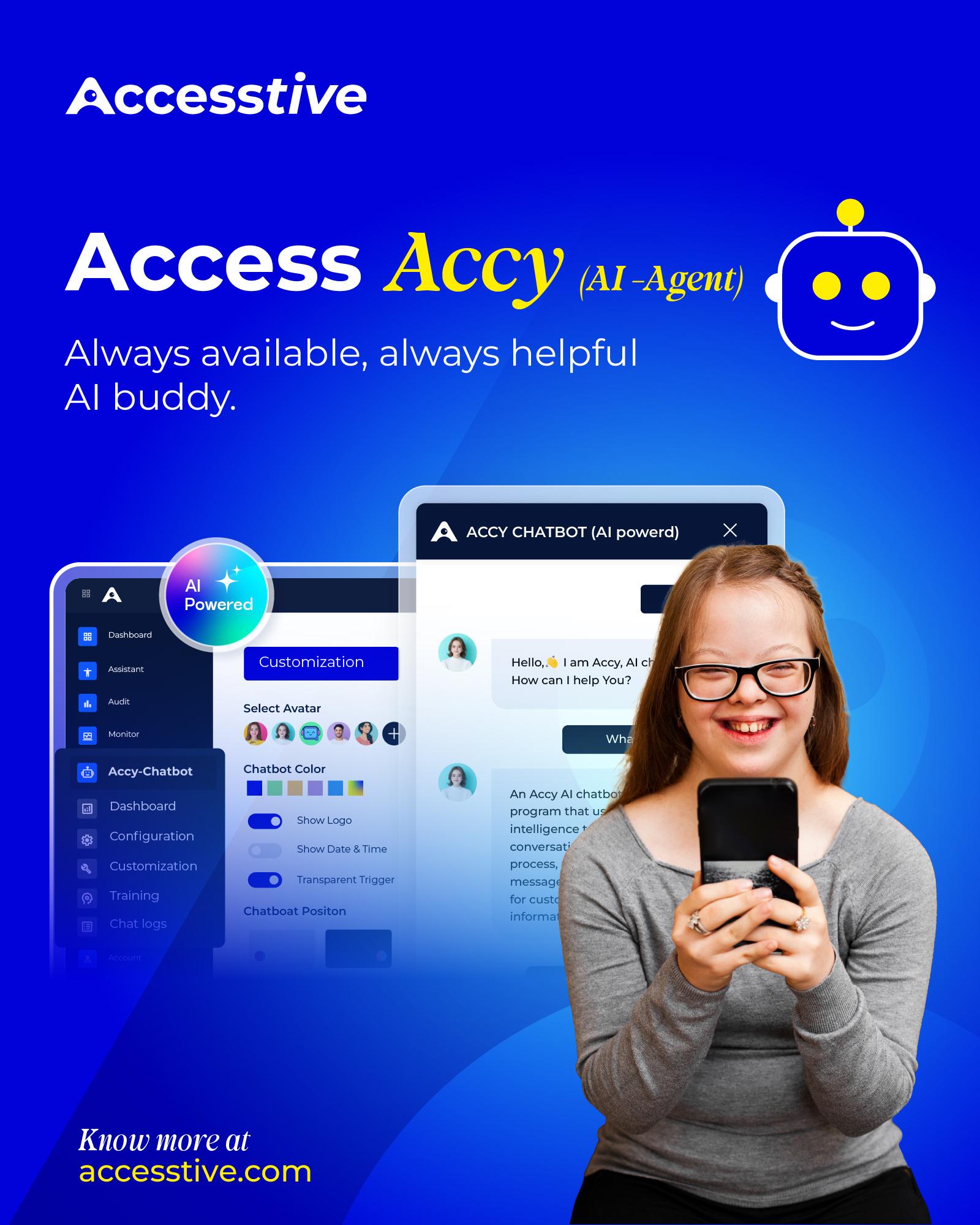
✨ Meet Accy - your AI sidekick built for inclusion.
⏰ Always on - 24/7 support
🧱 Breaks barriers, builds connections
💡 Smart, empathetic, and inclusive
🌐 Helps you create accessible spaces
Let’s make access the default - not the exception.
Know more about Accy & see it in action. 👇
🔗 https://accesstive.com/access-accy/
#AccessAccy
#InclusiveTech
#Accessibility
#TechForGood
#DigitalInclusion
#AIForAll
Techopolis began in 2017 with a simple Wi-Fi name inspired by a love of technology and cities like Metropolis.
In 2021, that idea became Techopolis Online Solutions.
We build accessible apps that use on-device AI to give people fast, private, and inclusive technology. Accessibility is at the heart of everything we do.
#AppDevelopment #OnDeviceAI #Accessibility #InclusiveTech
Just talked with #DisabilityServices at Colorado Christian University. They’re encouraging me to use #MicrosoftWord instead of #LaTeX for schoolwork, since Word has built-in dictation that could help when my #RheumatoidArthritis flares up and typing gets hard.
To other #Blind folks: how do you remember all of Word’s keyboard shortcuts? I swear I spend more time navigating the ribbon than actually writing. I stick with LaTeX because I can remember commands better than shortcuts.
They said Word’s dictation is accessible, so I’m giving it a shot. But I’m also wondering: what reference managers do you use? I’ve been using #Zotero since it works with #VSCode and LaTeX, but I don’t know how well it integrates with Word — and definitely not with #PowerPoint. My school has me doing a lot of #APA-style presentations lately.
Would love tips from anyone juggling accessibility, citations, and academic workflows.
@mastoblind@a.gup.pe @mastoblind @main
#Accessibility #AcademicAccess #ScreenReader #DictationTools #ChronicIllness #NeurodivergentAcademia #AcademicWriting #TechForGood #InclusiveTech #PresentationTools #CitationTools #AcademicWorkflow #DisabledAndAcademic #LaTeXCommunity #MicrosoftAccessibility #ZoteroTips