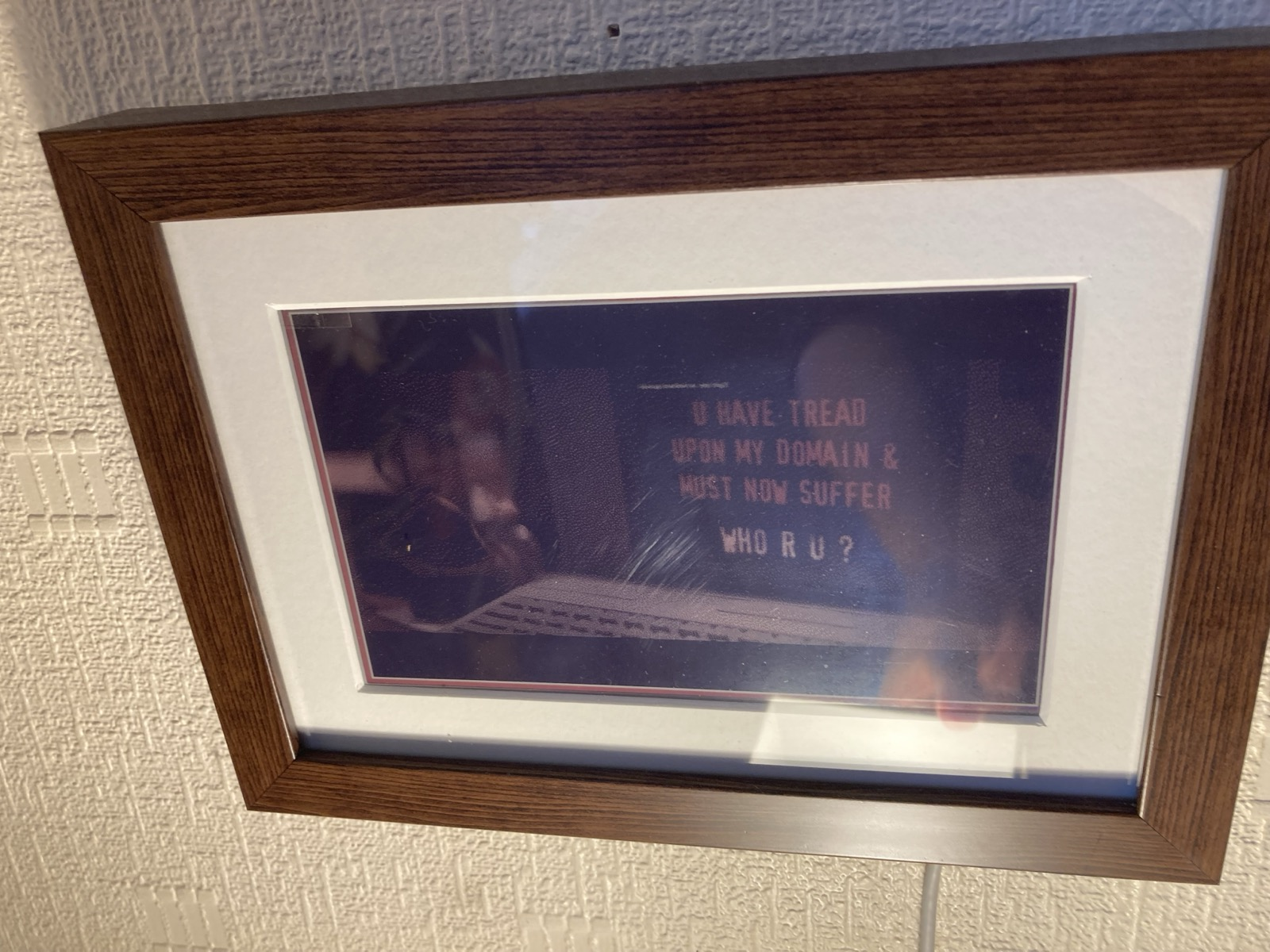
Saved a Lenovo 20TG from the dump a couple weeks ago. Wiped and installed Linux Mint, which works well for the most part. There's not much Linux support for the external eink display, but I did find a driver here: https://github.com/LizardKing00/thinkbook-eink
Now, this driver comes with a system monitor tool, but I wanted the orientation flipped around AND some furry art on there (what's the point of a display if it's not showing furry art, I ask you). Fortunately, the driver also comes with a tool to send over a static image to the display. Wrote a kludgy little python script to grab some system info using inxi, then write that to a template image (containing furry art, yay) rotate the image, and use the setbackside utility from the above driver to shoot the image over to the eink display.
It's not pretty right now, because I don't know how UIs work. It's also pretty slow, but I can still get about 10fps which is solid for an eink display!


![<div><img alt="Mimisbrunnur" class="attachment-large size-large wp-post-image" height="442" src="https://hackaday.com/wp-content/uploads/2026/03/base-bottom-16-9.png?w=786" style="margin: 0 auto; margin-bottom: 15px;" width="786" /></div><p dir="auto">E-readers are an awesome creation allowing you to display digital information in a way that requires little battery life. While there’s plenty of very impressive models to chose from on the commercial market, it’s also possible to build one yourself — which is exactly what [kaos-69] did in his <a href="https://github.com/kaos-69/Mimisbrunnur" target="_blank">Mimisbrunnur project</a>, creating a truly unique e-reader from scratch.</p>
<p dir="auto">While looking through old junk at home, [kaos-69] came across a case that held a calculator and pen at one point in the distant past. The pen was gone and the calculator no longer functioned but the case held promise. He removed the calculator and got some parts on order. For the e-paper display he went with a 5.83-inch unit that <em>just</em> fit inside the spring-loaded case. The Mimisbrunnur is powered by a 2000 mAh LiPo battery, with a micro SD card reader for storing what will be displayed. The brains come from an RP2040 microcontroller on an Adafruit Feather breakout board, which worked out great as it already takes care of battery management and the 24-pin interface for the e-paper display.</p>
<p dir="auto">There are also eight buttons that live below the disp](https://files.mastodon.social/cache/media_attachments/files/116/209/624/017/520/898/original/625ba8d394122164.png)