
We are currently working on revising the initial prototype of the CAFFEINE Pod ( https://www.scottericpetersen.com/wp-content/uploads/2025/06/CAFFEINE-ICMC2025.pdf) to make it smaller. Here we see most of the important components, the #ESP32S3 , the #mpu6050 IMU, the #LipoRider boost and charging module, the #hcsr04 distance sensor, and a sound module (microphone.) #floss #creativecoding #creativetoots
#mpu6050



Whatsapp+447432782488
fuehrerscheinkaufen24.co/de/
#führerschein #führerscheinprüfung #führerscheinbestanden #führerscheinfit #führerscheinchallenge #führerscheinmachen #führerscheinprüfungbestanden #führerscheinausbildung #führerscheinentzug #führerschein2019 #führerschein2018 #führerscheinonlinekaufen #führerscheintheorie #führerscheintipps #führerschein2020 #führerscheinkaufen #führerscheinklasse #führerscheinexpress #führerscheinklassebe
#mpu #mpu6050 #mpu22012
fuehrerscheinkaufen24.co/de/
#führerschein #führerscheinprüfung #führerscheinbestanden #führerscheinfit #führerscheinchallenge #führerscheinmachen #führerscheinprüfungbestanden #führerscheinausbildung #führerscheinentzug #führerschein2019 #führerschein2018 #führerscheinonlinekaufen #führerscheintheorie #führerscheintipps #führerschein2020 #führerscheinkaufen #führerscheinklasse #führerscheinexpress #führerscheinklassebe
#mpu #mpu6050 #mpu22012

Machine learning на ESP32
Распознавание жестов — это технология, которая позволяет людям взаимодействовать с устройствами без физического нажатия кнопок или сенсорных экранов. Интерпретируя жесты человека, эта технология нашла свое применение в различных потребительских устройствах, включая смартфоны и игровые консоли. В основе распознавания жестов лежат два ключевых компонента: сенсор и программный алгоритм. В этом примере используются измерения акселерометра MPU 6050 и машинное обучение (ML) для распознавания трех жестов рукой с помощью ESP32. Данные из сенсора распознаются на микроконтроллере и результат выводится в консоль в виде названия жеста и вероятности результата. Модель ML использует TensorFlow и Keras и обучается на выборке данных, представляющей три различных жеста: "circle" (окружность), "cross" (пересечение) и "pad" (поступательное движение). Разработка проекта начнется с получения данных из акселерометра для построения набора жестов. Затем мы проектируем полносвязную нейронную сеть для распознавания жестов, и подключим модель в проекте ESP32. В следующей части рассмотрим как настроить Bluetooth LE (BLE) на ESP32 и Android устройстве. Передадим квантированный набор ускорений сенсора по BLE. Настроим Модель ML для распознания жестов на Android.
Machine learning на ESP32
Распознавание жестов — это технология, которая позволяет людям взаимодействовать с устройствами без физического нажатия кнопок или сенсорных экранов. Интерпретируя жесты человека, эта технология нашла свое применение в различных потребительских устройствах, включая смартфоны и игровые консоли. В основе распознавания жестов лежат два ключевых компонента: сенсор и программный алгоритм. В этом примере используются измерения акселерометра MPU 6050 и машинное обучение (ML) для распознавания трех жестов рукой с помощью ESP32. Данные из сенсора распознаются на микроконтроллере и результат выводится в консоль в виде названия жеста и вероятности результата. Модель ML использует TensorFlow и Keras и обучается на выборке данных, представляющей три различных жеста: "circle" (окружность), "cross" (пересечение) и "pad" (поступательное движение). Разработка проекта начнется с получения данных из акселерометра для построения набора жестов. Затем мы проектируем полносвязную нейронную сеть для распознавания жестов, и подключим модель в проекте ESP32. В следующей части рассмотрим как настроить Bluetooth LE (BLE) на ESP32 и Android устройстве. Передадим квантированный набор ускорений сенсора по BLE. Настроим Модель ML для распознания жестов на Android.

I did it!!!
Now it can easily simulate 1000 particles (on the ESP32, thanks to floating point math) and it knows about gravity 🫠 via the MPU-6050 gyro/accelerometer
#electronics #esp32 #arduino #simulation #mpu6050 #ssd1306 #physics
[Перевод] Бюджетный квадрокоптер на базе ESP32 своими руками
За последние годы дроны стремительно переросли из нишевых хобби-девайсов в гибкие инструменты, применяемые для множества всевозможных задач — от фотографии до сельского хозяйства и даже военной сферы. В зависимости от назначения, характеристик и способности нести полезную нагрузку подобные устройства могут стоить от нескольких тысяч до миллионов. И хотя основной принцип, лежащий в их основе, может казаться простым, для правильного функционирования дронов и реализации ими нужных задач применяются сложные технологии и вычислительные системы. Например, для сохранения стабильности в полёте необходимы прецизионные датчики вроде гироскопа, а также эффективная обработка считываемых ими данных. Нашим же проектом станет сборка небольшого дрона, управляемого с помощью смартфона.
https://habr.com/ru/companies/ruvds/articles/870258/
#ruvds_перевод #дроны #квадрокоптеры #diy #esp32 #MPU6050 #электроника
#LSM6DS3 or #mpu6050 ? I found a lovely Kaplan implementation for #arduino that works really well with the #esp32 + 6050 with some small modifications. Anyone using a #magnetometer unit? If so, what’s your application?
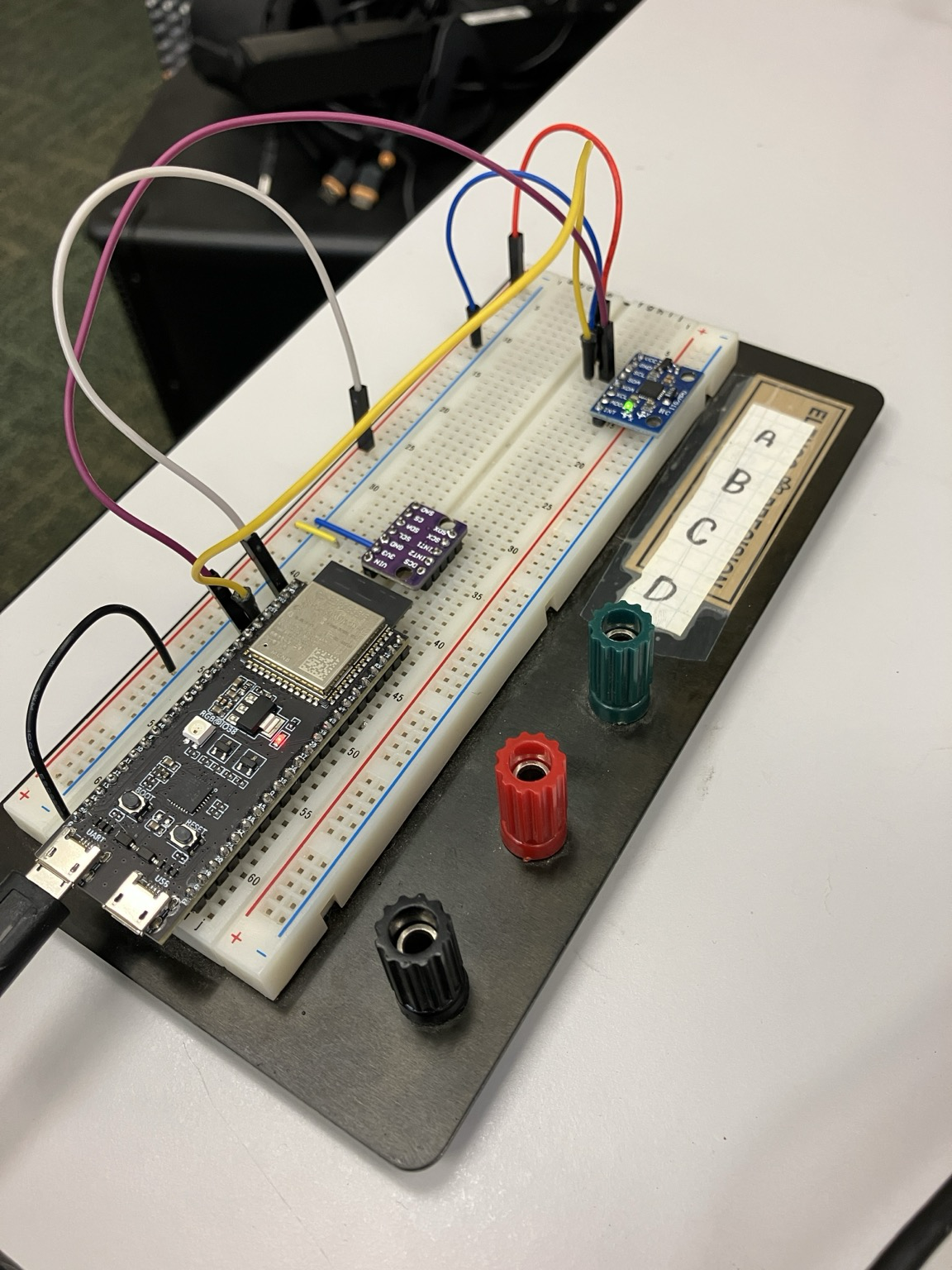



Learn how to build a digital spirit level with the ESP32 https://www.makerspace-online.com/leveling-the-game/
#level #ESP32 #MPU6050 #gyroscope #makers #projects #semiconductor #DIY #RaspberryPi
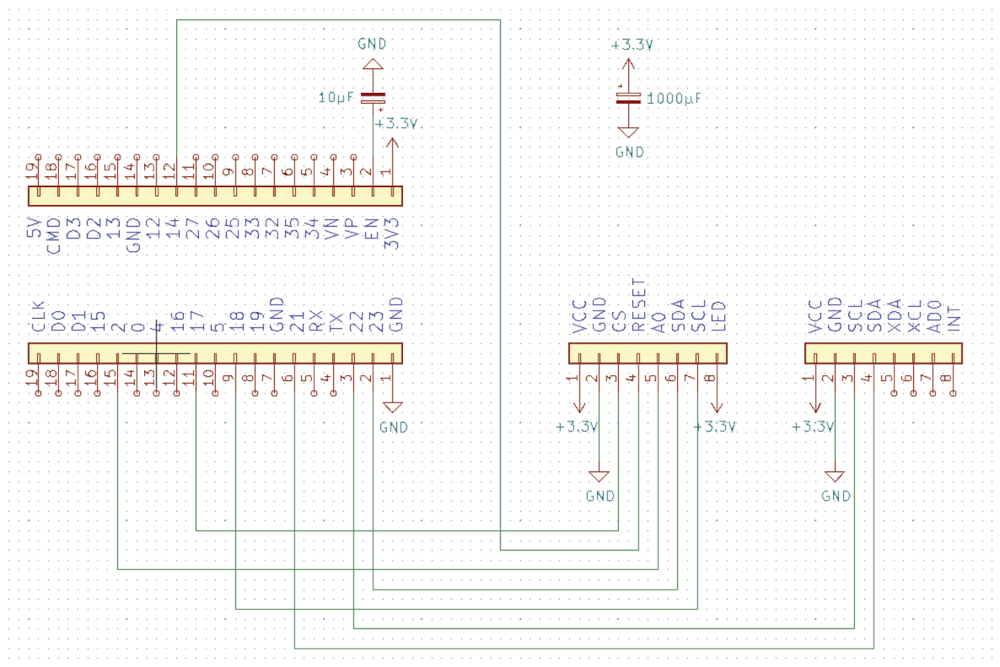

JJ-2 learned to drive. With self balancing software. #droidbuilders #droidbuilder #inspiration #3dprinting #arduino #mpu6050 - https://www.instagram.com/reel/C9E5N6-Klc6/

Are there any people here in the bubble who are familiar with #gyros/#accelerometers/#IMUs? I want to detect the carrying away of IT objects that means if motion (or time derivation) > threshold. Is there any chip recommendation (SPI/I2C)? #LSM6DS3? #MPU6050? // @PeterKratz @znuh

The SpaceMouse Wireless
This is a tale of ancient wizardry, yearning for control, failed prototypes, and just plain bad timing. Let us begin.(...)
#3d #circuitpython #diy #hardware #hid #mpu6050 #rp2040 #spacemouse #usb
Gyro-Controlled Labyrinth Game Outputs to VGA https://hackaday.com/2024/01/03/gyro-controlled-labyrinth-game-outputs-to-vga/ #RaspberryPi #labyrinth #wireless #mpu6050 #pipico #Games #game #vga
Wii-Inspired Controller Built Using Raspberry Pi Pico https://hackaday.com/2024/01/01/wii-inspired-controller-built-using-raspberry-pi-pico/ #nintendowii #MiscHacks #mpu6050 #wiimote #wii

Brick Breaker clone's clone - controlled over remote MPU6050 (ESP8266 Webserver, SSD1331 OLED)
https://makertube.net/videos/watch/3d0dda9e-8d19-4d7a-b74d-ea737c7fc81b
Rotatey balls on a 2.42'' SSD1306 OLED
Shake, Rattle, Roll, with Your Own Seismograph https://hackaday.com/2023/07/19/shake-rattle-roll-with-your-own-seismograph/ #ArduinoHacks #seismograph #mpu6050

Accessible Arduino Mouse Helps
We enjoy access to cheap stuff because of the mass market for things like mice, keyboards, and cell phones. But if you need a device that doesn't have mass appeal, you will have to pay a lot more if you can find it at all. However, with modern techniques like 3D printing and Arduino-like microcontrollers being cheap and simple to use, you now have the option to build that special one-of-a-kind device. Case in point: [Davy's] mouse for people who have brain or nervous system disorders. This particular device is helping a 6-year-old who can't manipulate a normal mouse.
The device uses an Arduino Pro and an MPU-6050 accelerometer and gyroscope. The original design uses machined aluminum, but 3D printing should work, too. There's something wrong with the link to the design files in the post, but it is easy to find the correct link.
If you do 3D print a similar enclosure, you might consider using heat-set threaded inserts instead of tapping the holes. They work great, are easy to install, and seem to be a bit more robust than trying to thread plastic. Then again, threaded plastic isn't as bad as you might think.
There are, of course, many ways you could make this work, and besides, every special user will be a little different. But what a great feeling to help someone be able to do what most people take for granted.
ElectronBot: A Sweet Mini Desktop Robot That Ticks All The Boxes
[Peng Zhihui] seems to have found some spare time and energy to crack out another sweet robot build, this time it's a much smaller, and cuter emoji-bot (Original GitHub Link,) with the usual production-ready levels of attention to detail. With a lot of fine details in the 3D printed models, this is one for SLS printing in nylon, but that can be done for a reasonable outlay, in China at least. The electronics package consists of a few full custom, and tiny, PCBs designed with Altium Designer, with off-the-shelf modules for the circular LCD and camera. The main board hosts an STM32F405 and deals with the display and SD card, The reason for this choice of STM32 was due to the requirement for connecting to an external USB3300 high-speed USB PHY. There is a sensor PCB which handles the gesture sensor, a USB hub, MPU6050 9-axis sensor, and also the USB camera module. This board attaches to the USB-C connector in the base, via a FFC cable, allowing the robot to rotate on its base.
Cunning two-servo shoulder mechanism
[Peng] clearly has exacting standards as to how things should work, and we guess wanted to have the arms back-driveable in a way that enabled the host computer to track and record the motor positions for replaying later on. The connection back to the controller is via I2C, allowing all five servos to hang on the same bus, saving previous resources. Smart! Getting a processor and motor driver in such a tiny space was a bit of challenge, but a walk in the park for [Peng] as is demonstrates in the video embedded below (We believe English subtitles are pending!) The arm mechanism is particularly interesting, and rather elegantly executed, and he does seem rather proud of this part of the design, and so he should! Like with [Peng's] other projects, there is a lot to see, and plenty of scope for feature explosion. It was nice to see the 'bot being used as an input device, not only with gesture sensing via the dedicated sensor, but also using the camera with OpenCV to track user posture and act accordingly. This thing could act as genuinely useful AI device, as was a being darn cute at the same time!
We know you come to Hackaday for your cute robot fix, and we're not going to disappoint. Here's a cute robot lamp, an obligatory spot (a robot dog) type project, and if you're more of a cat person, then we got that base covered as well.
#robotshacks #circularlcd #gesturesensor #mpu6050 #opencv #robot #stm32 #usbc #usb3300

Client Info
Server: https://mastodon.social
Version: 2025.07
Repository: https://github.com/cyevgeniy/lmst