
Thinking about setting up a KVM. I'm sick of rearranging my rack everytime I need to access a server...
Any KVM switch recomendations? And has anyone tried #pikvm
Thinking about setting up a KVM. I'm sick of rearranging my rack everytime I need to access a server...
Any KVM switch recomendations? And has anyone tried #pikvm
Hey @homelab folks. I'm looking for an IP KVM capable of connecting multiple devices, and that won't bankrupt me. I know the PiKVM is one of the best, but the base module plus the 4 devices module is just too much money. What else is out there?
In case you wanna know, my fall-back solution, in case nothing pans out, would be the GL.iNet Comet (single device, $89 in the US). So I guess I'm willing to go up to $200, maybe $300 maximum. For sure not the $650 of a full PiKVM setup.
[Перевод] Сборка устройства PiKVM v2 для удалённого управления компьютером или сервером по KVM over IP
Удалённый доступ на уровне BIOS, восстановление при падении ОС и «оут-оф-бэнд» без танцев с RDP — для этого и нужен KVM over IP. В статье — практичная DIY-сборка PiKVM v2 на Raspberry Pi 4 : выбор совместимых компонентов (в т.ч. USB-HDMI капчур на MS2109), самодельный Y-кабель USB-C для HID-эмуляции, продуманный корпус с активным охлаждением, прошивка PiKVM OS и настройка доступа по LAN и через Tailscale. Разбираем ключевые нюансы подключения, безопасность и обновления, монтирование ISO из веб-интерфейса и ограничения по видео-задержке, чтобы получить рабочий plug-and-play IP-KVM для домашнего стенда или мини-серверной, независимый от ОС целевой машины.
https://habr.com/ru/companies/otus/articles/948196/
#PiKVM #raspberrypi #raspberry_pi_4 #Захват_HDMI #Эмуляция_HID #Внеполосное_управление #KVM_over_IP
Устанавливаем Pi-KVM 4.94 на любое железо с OTG
Многие слышали про DIY проект Pi-KVM, позволяющий превратить ненужную малинку в IP-KVM. Не смотря на то, что разработчик проекта выпускает свое собственное железо, проект опенсурсный, но заточен только под одноплатные микрокомпьютеры Raspberry Pi 2, 3, 4 и Zero 2 W. Для того, чтобы поставить Pi-KVM на одноплатники других производителей существует хитрый хак, а именно скрипт, написанный энтузиастами. Лучше не знать, какая магия творится там внутри, но скрипт реально делает свое дело - ставит PiKVM версии 3.291. На этом вроде бы можно и закончить, если бы не одно "но" - в самой свежей версии 4.94 (на момент написания данной статьи) реализован режим эмуляции DVD-ROM, который позволяет монтировать большие ISO образы. Да и в принципе приятно когда установлен свежий софт, с исправленными глюками и багами, а не версия времен динозавров.
Its just embarrassing, also your welcome #dprk #tinypilot #pikvm #grumpygoose #blackhat

【ブログ更新】 ネットワーク経由でPCを操作するKVM装置が、安価で小さいとなると、ついつい……。 #KVM #RemoteKVM #PiKVM /
リモートKVMをお手軽に実現する「GL.iNet Comet (GL-RM1)」を試した - RemoteRoom https://remoteroom.jp/diary/2025-07-20/
No voi vimpeli!
Asentelin PiKVM:n ja liitin sen koneeseen, jossa on videoulostulona vain VGA. Koneen ja PiKVM:n väliin lykkäsin jonkun halvan VGA-HDMI-muuntimen.
Eilen en saanut videota mitenkään tulemaan läpi ja Internet tiesi kertoa, että halpojen adapterien kanssa on ongelmaa. Niinpä hätäpäissäni tilasin koneeseen uuden emolevyn, jossa on HDMI-lähtö. Tänään sitten aamulla systeemi toimiikin moitteettomasti.
On kummallista tämä.
So, wrote up a quick guide on how to put a PiKVM onto a VLAN via `systemd-network`. It works though I'll admit the quality is slightly lower than normal due to beers...
Wooo, got the PiKVM on the OOB VLAN. That took way longer than it should've, but finally tracked down the small issue I had with the `systemd-network` files.
Hrmm, it seems like there aren't many sources on how to put a PiKVM onto a proper VLAN. It seems like it's using `systemd-network` for networking, might have to put together an article on how to do it properly assuming I can remember correctly.
So, went ahead and connected the HDMI cables to the PiKVM switch and at least got the video routed to the PiKVM v4. While these were pricey, the software and capabilities more than make up for it.
Started running some cables into the basement for the PiKVM. Got the network patch keystone installed in the patch panel, and ran the network connection along with the first two MS-A2 server HDMI cables. Unfortunately, I'm still waiting on the third HDMI cable, all of the USB-A to C cables, and a few replacement cables for the PiKVM + KVM Switch. Things progress though...
Ob HomeLab oder Serverrack, wer schon mal nachts wegen eines eingefrorenen Systems los musste, weiß: RMC ist Gold wert.
Tools wie PiKVM, NanoKVM, JetKVM machen echten OutofBandZugriff erschwinglich. BIOS fernbedienen, rebooten, ISO einlegen!
Aber: Bitte nicht offen ins Netz hängen!
Die Cloud von JetKVM? Bequem, ja aber aus Security-Sicht eher ein rotes Tuch.
Habt ihr solche Lösungen im Einsatz? Wie sichert ihr den Zugang ab?
#Homelab #KVMoverIP #RemoteManagement #PiKVM #NanoKVM #TurnschuhIT
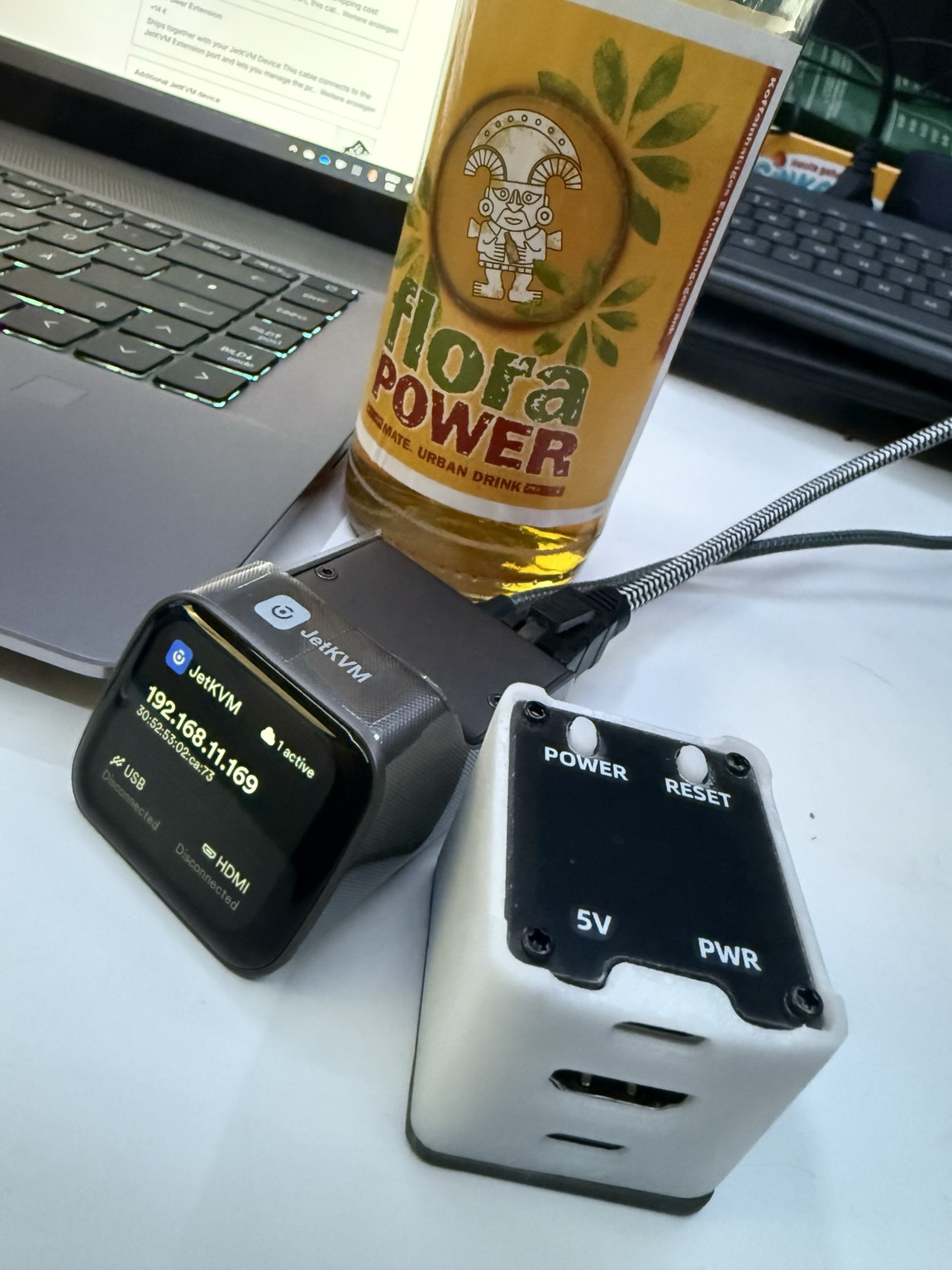
A quick review of the new competitor to the #PiKVM and #JetKVM from #GLiNet
If you have weird requirements for networking and controlling a machine remotely without installing anything on it, #NanoKVM is pretty fucking cool. Got mine recently and while the interface is not as nice as something like #Remmina (for example it can't capture all keyboard input in Firefox, and the video codec is not optimized for this purpose) it fits my weird little niche very well.
I was originally going to buy a #TinyPilot or a #PiKVM, but this was much cheaper, plus it draws way less power, since it's not a full #RaspberryPi. (Also I did not want to give more money to the Raspberry Pi Foundation.)
We'll see how it holds up in a few months, but so far it's been more reliable than the alternatives I've tried. (But again, I have a very weird networking setup that I can't really discuss.)
#PiKVM has turned into one of those projects that I’m very happy to have installed. At this point I’m actually thinking of making another for a different location. I needed a commercial Internet connection for something for work and I just realized I could set up the machine at home, hook my PiKVM into it, and then I can still connect to the machine while I’m at work.
Anyone who runs their own server, I highly recommend setting up a KVM. #PiKVM is a great option! Plus it works out-of-the-box with #Tailscale, so you can easily access it remotely! https://pikvm.org
@intelligentdithering posted about an 8-port DIY KVM switch using the #PiKVM. Here's the link to a succinct writeup and parts list:
https://intelligentdithering.com/8-port-ip-kvm-on-a-budget/#parts

Good week for #homelab stuff. My #JetKVM and #PiKVM extenders both showed up. The JetKVM is VERY polished for such a new product. Being able to stream ISOs instead of download/uploading them is very cool. As always, the PiKVM remains king though. This MultiPort extender is a gamechanger. It will be hooked up to two #TrueNAS servers and 2 #Proxmox servers with full ATX control. I also got some #Unifi Protect AI Ports (and the rackmount) bringing new detection features to my existing cameras.

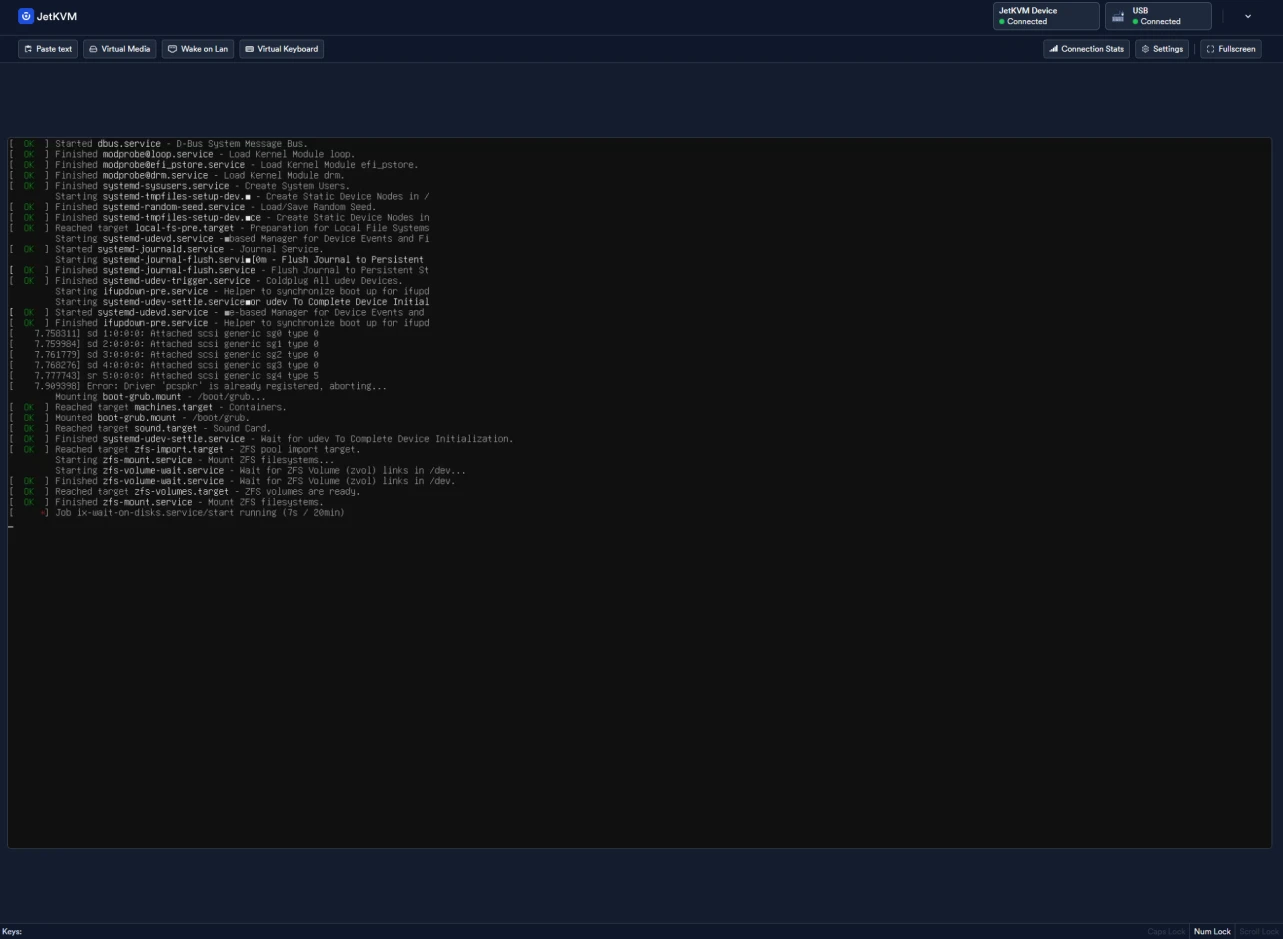


I tested the new PiKVM Switch Multiport Extender with every device I had. Here's how it went.