
Kick off your creative match with these 50 Football Text Effects — perfect for game-day posters, jerseys, and sports branding! Download now and score big on design! https://poster.vn/download/50-football-text-effect-file-vector/ ⚽ #FootballDesign #TextEffect #PosterVN
#textEffect
Pack your bags for design adventure! 🌍 Explore 50 Travel Text Effects that bring wanderlust to every word. Perfect for posters, blogs, and travel branding. Download now → https://poster.vn/en/download/50-travel-text-effects/?wmc-currency=USD #TravelDesign #TextEffect #AdventureFont
Bring your text to life with 6000 stunning PSD Text Effects (Part 20) – perfect for designers craving impact! Explore and download instantly here: https://poster.vn/en/download/6000-text-effect-files-psd-part-20/?wmc-currency=USD ✨ #GraphicDesign #TextEffect #PSDDownload

Adobe Illustrator Text Effect by Gstudio Templates: Mastering the “Noise” Typography Trend https://weandthecolor.com/adobe-illustrator-text-effect-mastering-the-noise-typography-trend/205732
#texteffect #adobe #adobeillustrator #mockup #typography #design #graphicdesign
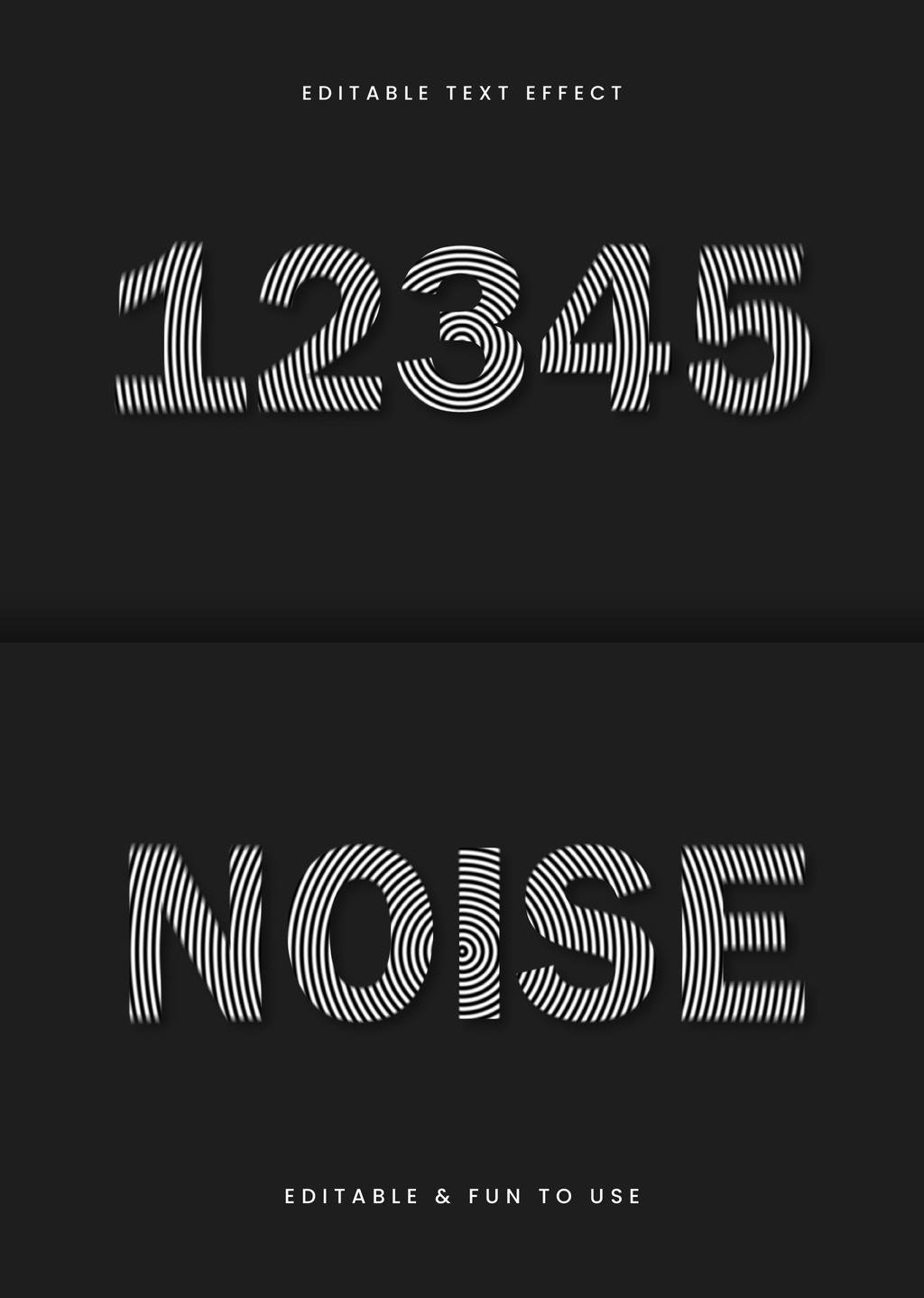

Adobe Illustrator Text Effect: Mastering the “Noise” Typography Trend
Visual communication now demands typography that does more than just convey information; it must evoke a feeling. This Adobe Illustrator text effect perfectly captures this need for textural, emotive lettering. Gstudio Templates created an editable mockup that generates a captivating “noise” effect. This style uses concentric and parallel lines to create a sense of vibration and depth. It stands as a powerful tool for designers seeking to add a modern, edgy, and sophisticated touch to their work. This is not merely a stylistic choice; it is a response to a design world saturated with clean, minimalist fonts.
Download from Adobe StockPlease note that this text effect requires Adobe Illustrator installed on your computer. You can get the latest version from the Adobe Creative Cloud website. Just have a look here.
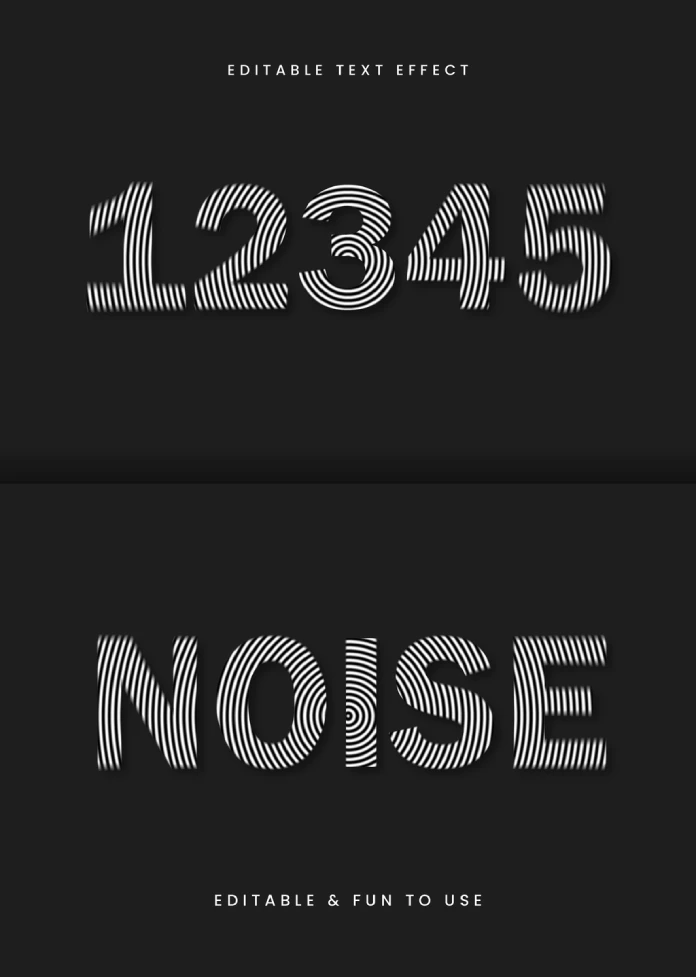
Adobe Illustrator Text Effect by Gstudio Templates of Black and White Circular Lines on Blurry Titles Download from Adobe StockThe Allure of Visual Disruption
What makes this particular Adobe Illustrator text effect so compelling? Its primary strength lies in its ability to create visual “noise.” The effect uses a series of fine, contrasting black and white lines that follow the contour of the letters. In some areas, these lines are straight and parallel. In others, they become concentric circles, creating a focal point of visual interest. This technique results in a fascinating optical illusion. The text appears to vibrate or blur slightly at the edges, adding a dynamic, almost kinetic quality. It’s a sophisticated approach to texture in typography.
This is a significant departure from standard text treatments. Many effects focus on color gradients, simple shadows, or clean outlines. This noise effect, however, introduces a layer of complexity. It feels both organic and digital, reminiscent of moiré patterns or the visual static of old analog screens. This duality makes it incredibly versatile for a range of design projects.
Deconstructing the “Noise” Text Effect Style
A Symphony of Lines
At its core, the effect is a masterful manipulation of line work. The letters and numbers serve as a canvas for this intricate pattern. The use of only black and white enhances the graphic impact, ensuring the focus remains on form and texture rather than color. The lines themselves are uniform in weight, but their direction and arrangement create a sense of depth and movement. This is a clever way to add dimension without resorting to traditional 3D rendering.
Editable and Accessible Design
Gstudio Templates designed this as an editable text mockup. This is a crucial point for professional designers and hobbyists alike. The ability to apply this complex effect to any text or numeral with ease is a significant time-saver. Users do not need to manually create the intricate line patterns for each letter. Instead, they can simply input their desired text and let the template work its magic. This accessibility democratizes high-level design, allowing more creators to experiment with sophisticated typographic styles.
Why This Modern Typography Design Works
This noise text effect resonates with current design trends. There is a growing appreciation for textures that add a tactile quality to digital interfaces. This effect provides that sensory experience. Furthermore, it taps into a nostalgic aesthetic for retro technology while remaining undeniably modern. It can feel both futuristic and vintage, depending on the surrounding design elements.
Consider its application. For a music festival poster, it could convey the energy and vibration of sound. For a tech startup’s branding, it might suggest innovation and digital disruption. On a book cover, it could create intrigue and a sense of unease. The possibilities are extensive because the effect is evocative rather than prescriptive. It adds a layer of meaning without overpowering the message of the text itself.
How to Use This Adobe Illustrator Text Effect
Leveraging this effect in your own projects is straightforward, thanks to its template format. The process typically involves opening the file in Adobe Illustrator and locating the designated text layer. By editing this layer, you can instantly apply the noise effect to your own titles, logos, or headings. This user-friendly approach is what makes resources like this so valuable in a fast-paced design environment.
For those wondering how to create a noise text effect in Illustrator from scratch, it would be a far more laborious process. It would involve meticulously drawing path patterns within each letterform and using clipping masks. The Gstudio Templates solution bypasses this, offering an efficient and effective alternative. This allows designers to focus on the creative application of the effect rather than the technical execution. This specific Gstudio Templates text effect serves as a testament to the power of smart, well-designed resources in the creative community. It’s an inspiring example of how a simple, yet clever, graphic treatment can elevate a design from ordinary to extraordinary.
Download from Adobe StockFeel free to find other professional graphic design templates here at WE AND THE COLOR.
Subscribe to our newsletter!
[newsletter_form type=”minimal”]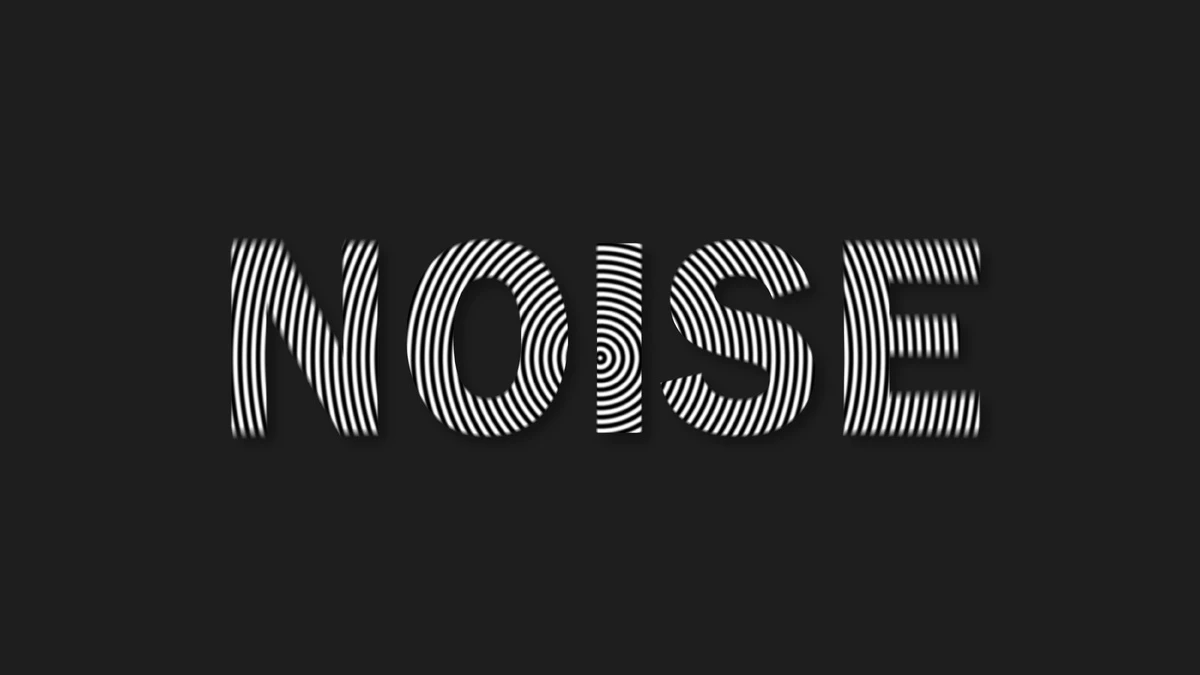

A cool single div poster on @codepen https://codepen.io/thebabydino/pen/dyEeVrg
Real text, no duplication at all, not in the markup, not in pseudo content. A single image used for the backdrop, the magic 🪄 is in a `feColorMatrix` extracting the contrasting red areas to use them for the text split.
#SVG #filter #svgFilter #code #coding #textEffect #textEffects #frontend #CSS #web #dev #webDev #webDevelopment
Pixelbuddha Studio’s Stylish Retro Chrome Text Effect Adds a Modern Nod to an Iconic Aesthetic. https://weandthecolor.com/authentic-retro-chrome-text-effect-photoshop-mockup/205532
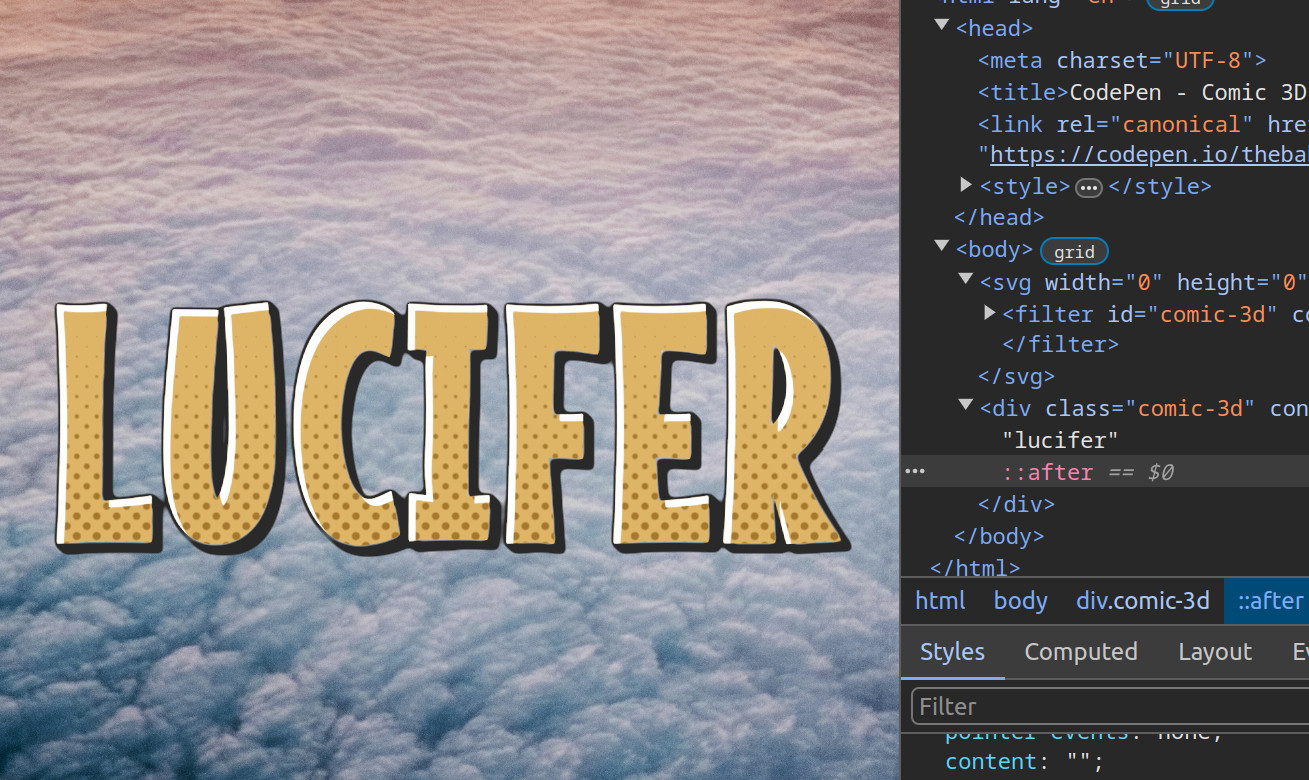
Comic 3D on @codepen https://codepen.io/thebabydino/pen/abMvzoo
A little text effect demo with outline, inner shadow, #halftone pattern and extrusion effect.
No images other than #CSS gradients, no text duplication whatsoever, contenteditable.
An #SVG #filter does the magic! ✨🪄🎩🐇
#svgFilter #cssGradient #code #coding #web #dev #webDev #webDevelopment #frontend #textEffect #textEffects
This Halftone Vintage Text Effect is a Bold Fusion of Psychedelic Color and Retro Texture https://weandthecolor.com/this-halftone-vintage-text-effect-is-a-bold-fusion-of-psychedelic-color-and-retro-texture/204872
#AdobePhotoshop #TextEffect #Retro #Vintage #GraphicDesign #Typography
This Halftone Vintage Text Effect is a Bold Fusion of Psychedelic Color and Retro Texture
The visual language of the past consistently finds new ways to permeate contemporary design. Retro aesthetics, far from being mere nostalgia, offer a rich vocabulary of texture, color, and form that designers continually reinterpret. Within this revival, the halftone vintage text effect emerges not just as a trend, but as a powerful tool for creating visually arresting typography. A standout example is the vibrant, distorted text effect by Grkic Creative for Adobe Photoshop, which masterfully blends psychedelic energy with the tactile quality of print. This effect is more than a simple filter; it is a sophisticated design asset that transforms plain text into an experimental work of art.
This particular Photoshop effect serves as a compelling case study in how historical printing techniques can be reimagined in a digital context. It moves beyond the simple dot patterns of traditional halftones, introducing a dynamic complexity that captures the eye and engages the imagination. For designers, marketers, and creative professionals, understanding how to leverage such tools is crucial for producing memorable and impactful visual content.
Download from Adobe StockPlease note that this mockup requires Adobe Photoshop. The latest version can be downloaded from the Adobe Creative Cloud website—just look here.
Halftone Vintage Text Effect by Grkic Creative for Adobe Photoshop Download from Adobe StockDeconstructing the Aesthetic: What is This Halftone Text Effect?
At its core, this effect is a multi-layered typographic treatment. It deconstructs letterforms and rebuilds them with a unique combination of color and texture. Its visual identity is defined by several key characteristics that work in harmony to produce a cohesive, yet wildly expressive, result.
Halftone Line Texture
Instead of the classic grid of dots, this effect utilizes fine, curved lines that mimic the contours of the letters. These lines vary in density, creating a sense of depth and movement. This approach feels organic, as if the letters themselves are vibrating with a natural frequency. This is a significant evolution from standard halftone patterns, offering a more fluid and artistic texture that feels both digital and hand-drawn.
Multicolored Gradient Overlay
Each character is drenched in a riot of overlapping colors. Bold reds, electric blues, vibrant greens, and warm oranges bleed into one another, unbound by the strict edges of the typography. This creates a psychedelic rainbow effect that feels spontaneous and energetic. The color transitions are not smooth gradients but rather intersecting planes of hue, adding to the design’s experimental nature. How might this bold use of color change the emotional tone of a word?
Displacement and Distortion
A subtle yet crucial element is the distortion applied to the letterforms. The halftone lines warp and bend, particularly at the edges, creating a visual echo or a gentle vibration. This displacement effect gives the text a sense of motion blur, as if captured in a fleeting, dreamlike moment. It suggests that the text is not a static object but a living, breathing entity.
The Power of Smart Objects: Why This Photoshop Effect is a Game-Changer
The true genius of this halftone vintage text effect lies in its technical implementation. Created as an editable smart object in Adobe Photoshop, it offers maximum flexibility without sacrificing quality. For designers, this is a critical feature.
Effortless Customization
The use of smart objects means that applying this complex effect to your own text is incredibly straightforward. Users can simply open the smart object layer, type their desired text, and save the changes. The intricate web of colors, lines, and distortions automatically adapts to the new letterforms. This accessibility democratizes high-level design, allowing even those with basic Photoshop skills to produce professional, eye-catching typography.
High-Resolution Ready
Optimized for a high resolution of 5000 x 3475 pixels, this effect is built for professional applications. Whether for large-format printing like posters and banners or for high-definition digital displays, the details remain crisp and impactful. This technical foresight ensures that the design’s integrity is maintained across various media, a vital consideration for any branding or campaign work.
Creative Applications: Where to Use This Modern Retro Text Style
The versatility of this effect makes it suitable for a wide range of creative projects. Its ability to be simultaneously retro, modern, and psychedelic opens up numerous possibilities for visual communication. It is a tool for making a statement.
Music, Arts, and Culture
The vibrant, energetic style is perfectly suited for the music and nightlife industries. Imagine it on:
- Album or playlist covers for electronic, indie, or psychedelic rock artists.
- Music & nightlife posters for festivals, concerts, and club events.
- Promotional materials for art exhibitions or cultural happenings.
Experimental Branding and Publishing
Brands looking to project a creative, forward-thinking image can use this effect to stand out. It is ideal for:
- Experimental branding for fashion labels, creative agencies, or tech startups.
- Trendy magazine headlines and editorial spreads that demand attention.
- Book covers in the sci-fi, fantasy, or contemporary fiction genres.
Digital Art and Social Media
In the digital realm, where capturing attention is paramount, this effect provides a powerful visual hook. It can be used to create:
- Engaging social media graphics for platforms like Instagram and Pinterest.
- Unique digital art pieces and typographic explorations.
- Website headers and banners that immediately establish a creative tone.
All things considered, this halftone vintage text effect from Grkic Creative is an experience. It invites the viewer to look closer, to decode its layers of color and texture. By harnessing the spirit of vintage print and infusing it with modern psychedelic flair, it provides designers with a tool to create typography that is not just read, but felt. It challenges us to think about how text can be expressive in its very form, carrying meaning not only in the words themselves but in the vibrant, dynamic energy that brings them to life.
Download from Adobe StockDon’t hesitate to find other trending design templates at WE AND THE COLOR.
#adobePhotoshop #halftone #photoshopEffect #retro #textEffect #vintage
Saw https://mastodon.social/@codepo8@toot.cafe/114705664551095252
Since that logo is a 12KB complicated .svg, I recreated something of the kind on @codepen with #HTML + #CSS + an extrusion #SVG #filter https://codepen.io/thebabydino/pen/zxGJJzX
... with under 10% the total amount of code! 🥳
#code #coding #frontend #svgFilter #web #webDev #webDevelopment #dev #textEffect #textEffects
1️⃣1️⃣ 501 ❤️ Slice! https://codepen.io/thebabydino/pen/GRaKbZo
Definitely one of my faves I've made on @codepen in 2024.
No JS, no text duplication whatsoever, no images save for #CSS gradients. #SVG filters take care of both the texture and the slice + offset effect.🪄
Also contenteditable. 😼
Oh, and the code is heavily commented.
#cssGradient #svgFilter #filter #code #web #dev #webDev #webDevelopment #frontend #coding #textEffect #noise #grainy
Updated to add another possible solution not limited by font (not ugly for cursive fonts) - see
https://mastodon.social/@anatudor/112410224855133935
However, this solution needs text duplication + has both inner & outer stroke outside unstroked text shape.
Both on @codepen 👉 https://codepen.io/thebabydino/pen/GgRrmzO?editors=1100
#SVG #filter #textEffect #svgFilter #coding #code #frontend #typography #textEffects #web #dev #webDev #webDevelopment #textStroke
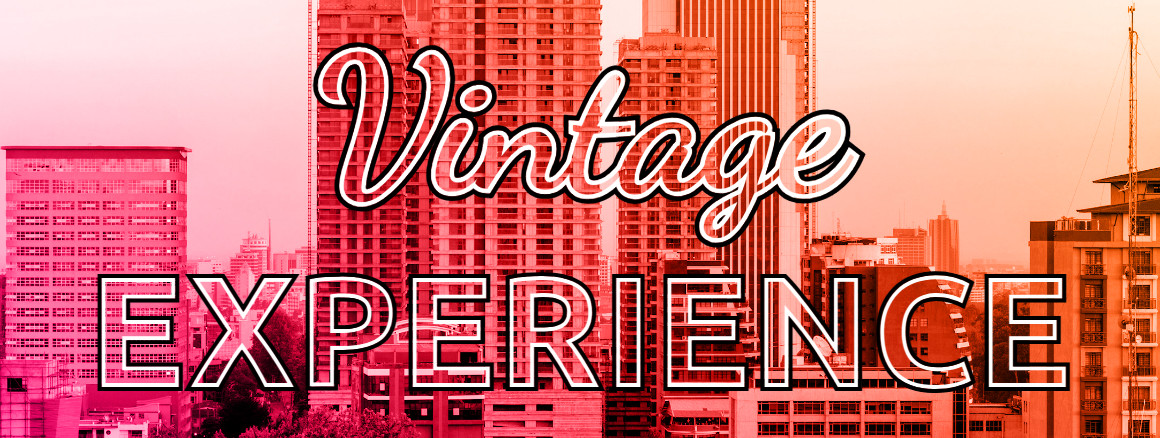
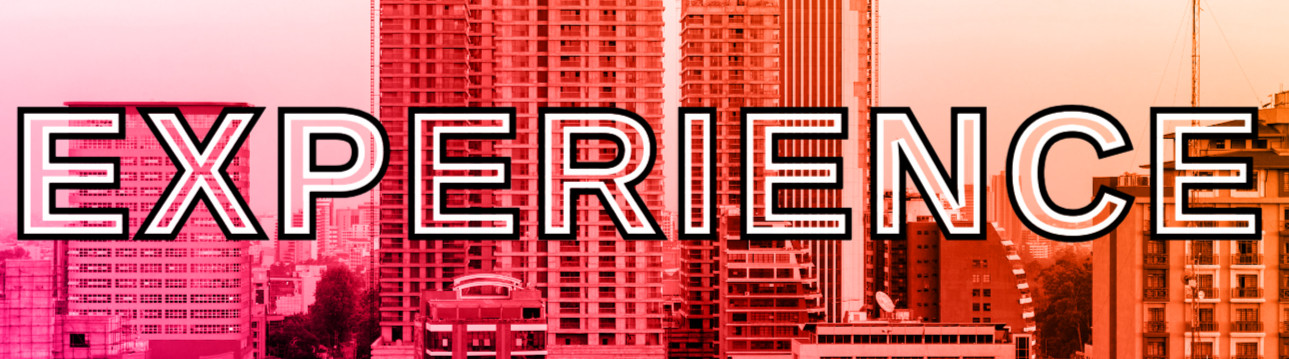
Someone asked how to get a double stroke text. Here's my take on it, requiring no text duplication: https://www.reddit.com/r/css/comments/1j04b4e/comment/mfbaq7y/
@codepen demo with minimal code 😸 https://codepen.io/thebabydino/pen/GgRrmzO?editors=1100
#SVG #filter #textEffect #CSS #code #dev #coding #webDev #webDevelpment #web #frontend
1⃣ using a channel as an alpha mask - the bottom row lets us choose which input channel is used for the output alpha; if we set one of the RGB channels (first 3 values) to 1 and zero all else on the last row, that channel is used as the alpha mask.
Here is the interactive demo illustrating this on @codepen
https://codepen.io/thebabydino/full/OJqZvQO
#CSS #SVG #filter #svgFilter #textEffects #textEffect #code #coding #frontend #web #dev #webDev #webDevelopment
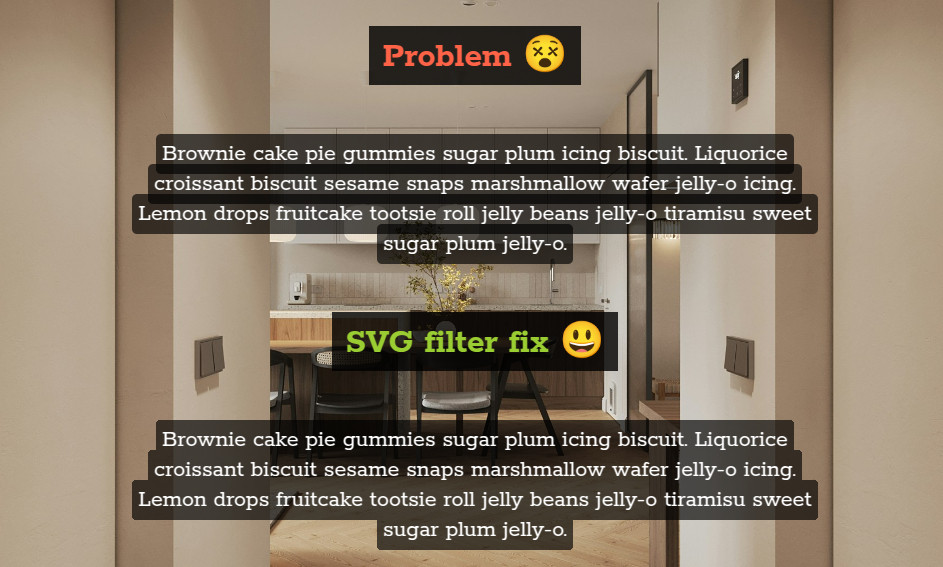
Want inline semitransparent text background with no overlap?
Here's how on @codepen
https://codepen.io/thebabydino/pen/gbOwxGL?editors=1100
(you can see the overlap problem and the desired result below)
The `filter` combines 2 `feColorMatrix` techniques:
1️⃣ using a channel as an alpha mask
2️⃣ solid fill
#CSS #SVG #filter #svgFilter #textEffects #textEffect #code #coding #frontend #web #dev #webDev #webDevelopment
Made a version of https://mastodon.social/@codepen@fosstodon.org/113765084437649599 that doesn't duplicate the text and doesn't split it into individual letters - it's all done with a heading, a little bit of #CSS and a simple #SVG #filter. No JS either.
Check it out!
https://codepen.io/thebabydino/pen/RNbMbYN?editors=1100
#textEffect #code #coding #frontend #web #dev #webDev #webDevelopment #text #svgFilter #textEffects
Somebody asked how to fix a text fill effect and got an answer, but I thought I could improve on that, so here's me writing in detail about what I'd do instead https://www.reddit.com/r/css/comments/1hwhxyn/comment/m6d9wxv/
And my solution on @codepen
https://codepen.io/thebabydino/pen/RNbQXNx?editors=1100
#CSS #textEffect #text #textEffects #code #web #dev #webDev #webDevelopment #coding #frontend #cssGradient #CodePen
Started making something on @codepen on the last day of the year, but didn't really get anywhere I was happy with...
Posting it anyway https://codepen.io/thebabydino/pen/XJreEqR
1 div, no text duplication, just some CSS + SVG filters. Chromium only, Firefox & Safari bugs linked in description.
#CSS #SVG #filter #textEffects #textEffect #web #dev #webDev #webDevelopment #code #coding #frontend #svgFilter
Someone hearted a Pen I made over a year ago, a no library, minimal JS version of another I found on @codepen.
At the time, it didn't work in Firefox as it was transitioning custom properties and support for :has() there was spotty.
Now it's cross-browser codepen.io/thebabydino/pen/gOqYdJd
#CSS #cssTransition #mask #cssMask #revealEffect #textEffects #textEffect #code #coding #frontend #webDevelopment #web #dev #webDev
Client Info
Server: https://mastodon.social
Version: 2025.07
Repository: https://github.com/cyevgeniy/lmst