
#AlbionOnline #FishShell #Scrot #Imagemagick #Linux
I started gathering in red zones. I prefer areas where no hostile players are active. There is a little indicator in the right bottom corner displaying the number of hostile players. I have to keep an eye on it. I wrote a little helper script that warns me when the number changes. It uses a sleep loop, scrot to snapshot the indicator and imagemagick-compare to validate it, finally paplay plays a warning sound. Works nicely 😎
#Scrot
12 Months of Gentoo. Was a success, I hit a couple of random speed bumps along the way but nothing too dramatic.
Gentoo will probably be home for the forseeable future :)
#gentoo #sundayscreenshot #scrot #suckless
Can I call myself a Gentoo user now?


> now running on real metal, #ThinkpadX280 #NetBSD10
Beautiful!! Congrats! :D
> #wifi working, graphics seem to work, xrandr down to 1368x768 on this tiny screen
Still a totally usable resolution. ;)
> #scrot for screenshots
Yes! See if you can find i3-scrot somewhere. It's a little easier to use. Holler if you can't find it.
> Issues still to address:
> Where do I configure keeping the set wallpaper and screen resolution size?
Put stuff in ~/.Xsession.
For wallpaper, you can use feh or nitrogen, or just something like Xbackground??? I'm not running X11 on here, so I'm having to go on memory.
Xrandr will write a file that you can source like a shell script, IIRC
> Can't seem to figure out sleep. Closing the laptop lid does nothing.
man zzz or man apm. Search the web for 'suspend when closing lid "NetBSD"'
> A battery icon or some type of notifier would be nice.
Gkrellm??
> Using Firefox Nightly and sometimes dialogue boxes extend passed the edges of the screen.
Try alt-drag or super/meta-drag inside a window to see if you can grab and move it past the screen edges. Otherwise consult the WM docs.

now running on real metal, #ThinkpadX280 #NetBSD10
#wifi working, graphics seem to work, xrandr down to 1368x768 on this tiny screen
#scrot for screenshots
Issues still to address:
Where do I configure keeping the set wallpaper and screen resolution size?
Can't seem to figure out sleep. Closing the laptop lid does nothing.
A battery icon or some type of notifier would be nice.
Using Firefox Nightly and sometimes dialogue boxes extend passed the edges of the screen.

ɢօɮʟɨռʍօɖɛ
#unixporn #unixart #rice #ricing #goblinmode #linux #neovim #tmux #irc #irssi #goblin #screenshot #scrot #metal #goblinmetal

full res > https://0x0.st/KrbD.57.png
a typical day, #Linux #Sway #archlinux #scrot


acabo de eliminar xfce de mi instalacion con debian 13,esto lo hago con el proposito de lograr algun tipo de entorno ultra minimalista,mezclando lo mejor de las apps GUI y TUI a su vez,es algo que ya hacia antes con mi vieja instalacion de void linux solo que esta vez intento llevarlo al extremo.
como recomendacion para aquellos que buscan un screenshooter sencillo y simple pueden usar #scrot para ello,se puede configurar con multiples atajos y no pesa nada.
and here's a new scrot for the long weekend
#linux #unixart #unixporn #oldriceputin #scrot #neovim #knockers


Annoyances fixed (1)
Since a long time I was annoyed about the blurred screenshots on my Linux computer. I like Flameshot. It allows to make a screenshot and then draw circles or squares or insert some text, use a marker. But just like with the PrintScreen button on the keyboard it gives blurred screenshots.
<inserting blurred screenshot made with Flameshot>
A few days ago I found enlightenment with the good old (old school) scrot command line tool, which gives no such blurring.
I already had a script for scrot made a long time ago but didn’t use it very often :
#!/bin/sh/usr/bin/scrot -d 5 -e 'mv $f ~/Pictures'
<inserting screenshot made with scrot>
See the shiny difference ?
Drawback is that I need to crop the result manually but since it is only for uploading to Mastodon, which I don’t do very often, this is OK for now.
Years ago I used Shutter to screengrab but the development of that was stalled (Cause sometimes there’s for example GKT3 -> GTK4 or Python2 -> Python3 migrations needed for a programmer and that can take a lot of time. I think this was the case with Shutter too) and I stopped using it. It is back though. Maybe I’ll try that again too.
So apparently I can add creating libre ebooks from scans to my list of calming, relaxing activities for weekend evening candle and death metal routine.
dwm is so good, I love it so much. I struggle to use any other wm or de.
Very much worth the effort with patching and configs.

thirtEee two :linux:
my laptop is currently out of commission so have been using a little Asus EeePC netbook running the latest Debian (32bit FTW!)
* wallpaper: custom image
* colours: oldriceputin
* font: gohu
* wm: herbstluftwm
* terminal: urxvt
* terminal multiplexer: tmux
* text editor: vim
* sys info script: syscat
* colorscheme script: skullz
dots: https://git.pyratebeard.net/dotfiles
#unixart #unixporn #ricing #scrot #linux #debian #32bit #ansiart #terminalmancer #drinkcoffeehailsatan

Is this legit?
https://github.com/resurrecting-open-source-projects
I was searching for #scrot to install on Manjaro... and found this:
https://github.com/resurrecting-open-source-projects/scrot

maim --select | tesseract stdin stdout 2>/dev/null | xsel --input --clipboard
Tested on X.org with the following versions:
maim 5.6.3
tesseract 4.1.1
xsel 1.2.0
Not sure how you managed to get the leaner #tesseract command, @robby. Is it a different version? Didn't work for me that way.
Also, I originally tried with #scrot and discovered #maim because getting scrot to redirect to stdout is messy. Maim looks much nicer.
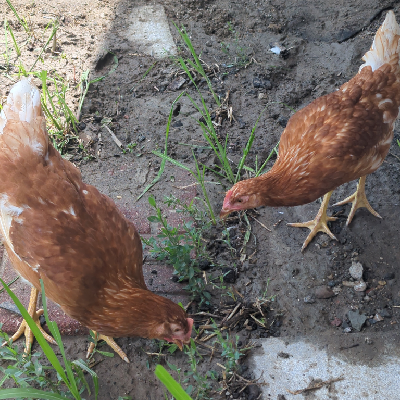
Here's a fun script for #sxmo to take a screenshot with #scrot
https://www.janwagemakers.be/jekyll/pinephone/2020/06/10/pinephone-sxmo-screenshot.html
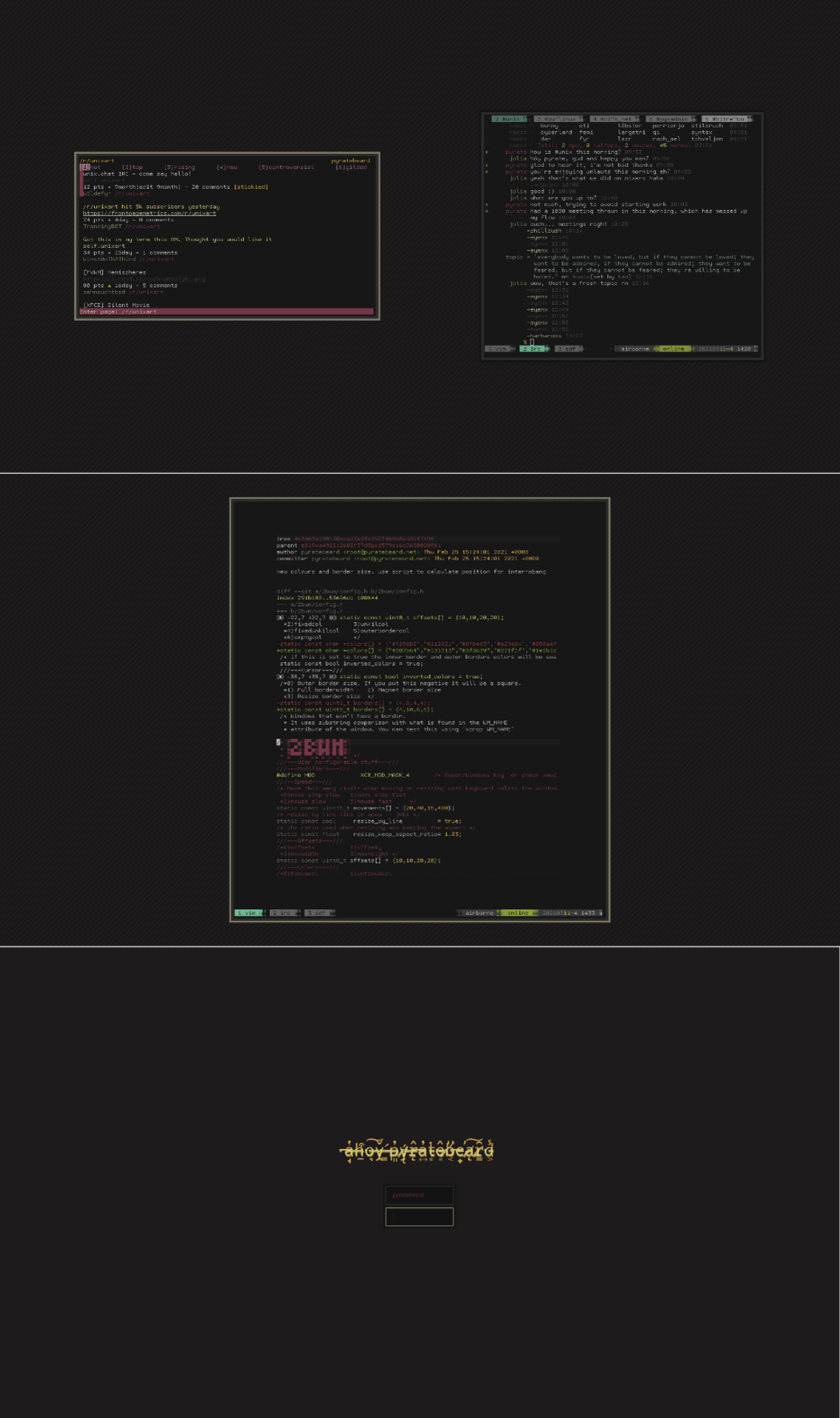
爪ㄩㄒ丨几ㄚ
#unixporn #nixers #scrot #screenshot #linux #arch #metal #irc #pirate #crypto #irssi #nix #btwos #vim

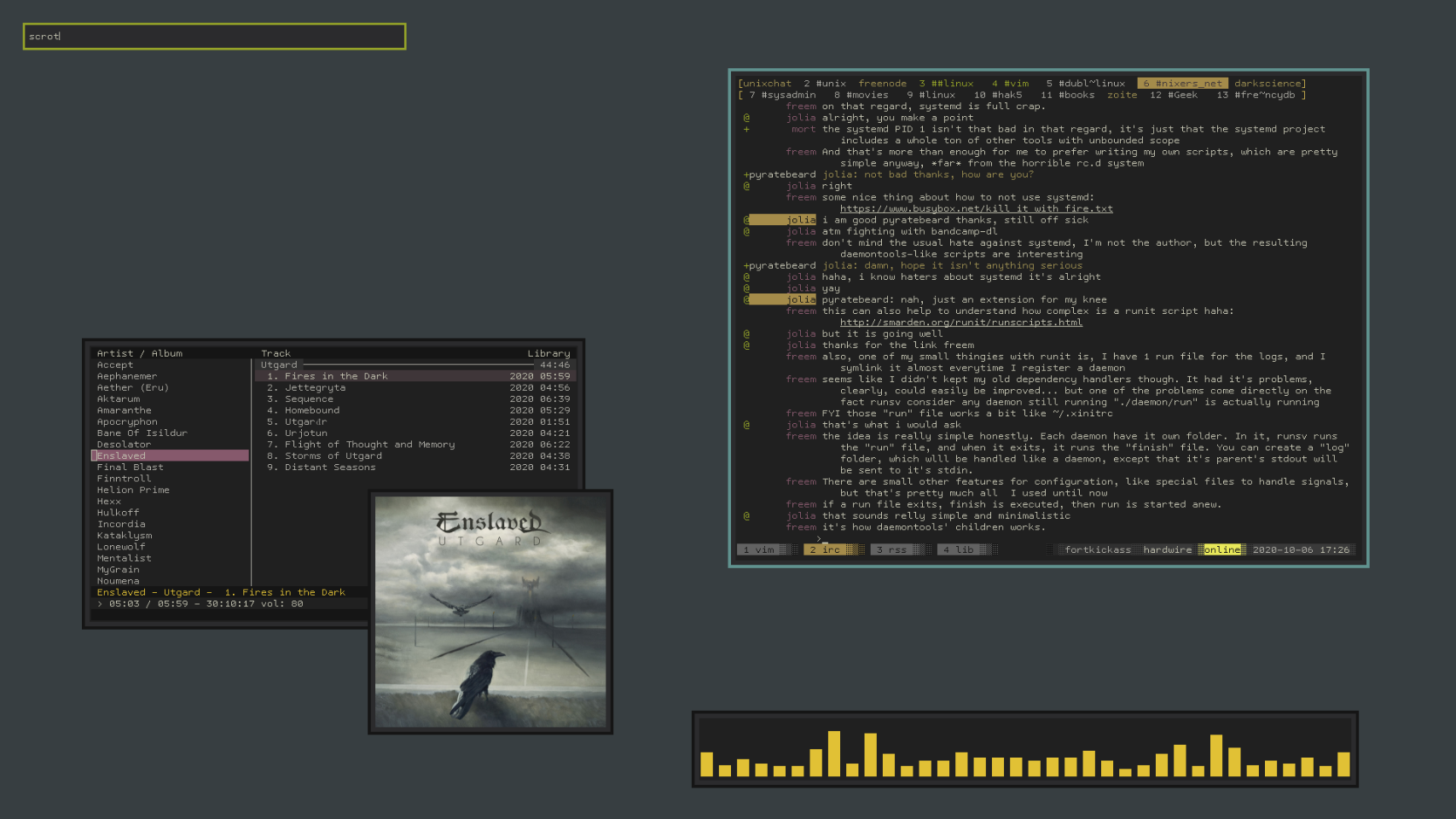
Client Info
Server: https://mastodon.social
Version: 2025.07
Repository: https://github.com/cyevgeniy/lmst