🔍 Reviewing what to delete is nerve-wracking.
Not here! 🚫
In Review Mode, select individually or in bulk, see previews, then Commit removals safely.
No surprises. 🎉
🔍 Reviewing what to delete is nerve-wracking.
Not here! 🚫
In Review Mode, select individually or in bulk, see previews, then Commit removals safely.
No surprises. 🎉

📰 Today's top stories, curated for you by Zorz Studios: http://zorz.it/newspaper
Free #PhotoManager #digiKam gets major new update with #AITools;
- Maximize your #impact by making the most of #SocialMediaPlatforms;
- A sophisticated garden party #wedding in the #Mountains;
- At #MensFashionWeek in #Paris, hot collections (and temperatures);
- The only painting #VanGogh ever sold: discover #TheRedVineyard (1888), and more
I love it when my customers ask the important and interesting questions, such as this one here:
Q: It is possible to use a shared #NeoFinder for #macOS database folder on a file server, but also have my own private Catalogs on my own Mac?
A: That is indeed possible with NeoFinder, and here is how that works:
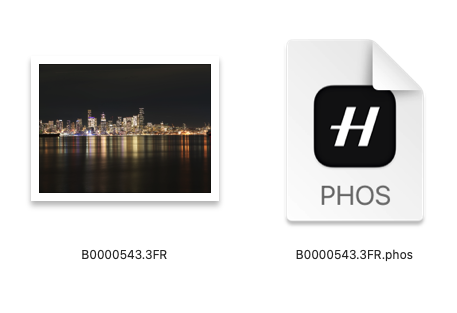
Who is using the #Hasselblad "Phocus" photo editing software on #macOS?
We are currently working on improving the integration of our #NeoFinder photo library with the FFF and 3RF RAW files from Hasselblad cameras, and we are interested in more testers, and also feedback.
Please contact us.
#Catalog #Olympus #Canon #Nikon #Fuji #PhotoManager #Photography #Photographer #Lightroom #PhotographySoftware #PhotographyWorkflow #PhotoLibrary #IndieDev #Aperture #Apple #iMatch
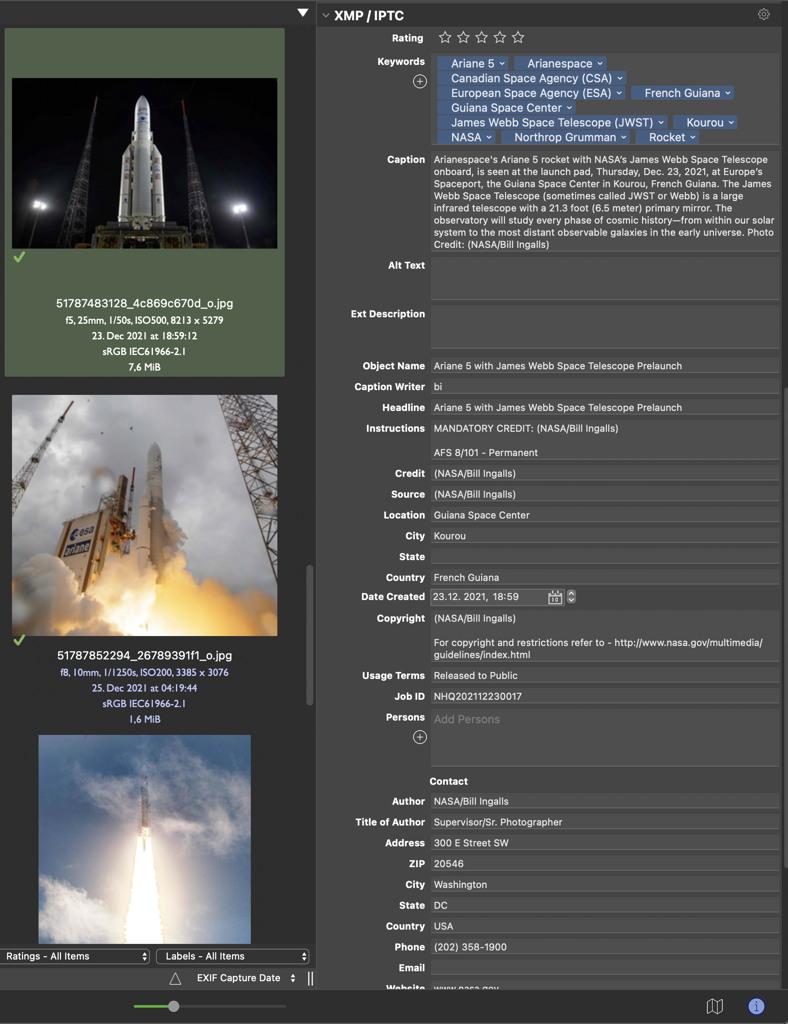
We have updated the Photo Library section of the #NeoFinder website, so you can see what NeoFinder offers to a #photographer, both amateur and pro level.
https://www.cdfinder.de/photo-organizer.html
Check it out, and learn about thumbnails, EXIF, XMP, metadata, renaming, find, geotags, and so much more!
#macOS #iOS #Catalog #Olympus #Canon #Nikon #Fuji #PhotoManager #Photography #Lightroom #PhotographySoftware #PhotographyWorkflow #PhotoLibrary #IndieDev #MediaPro #iView #Software #Aperture #Apple #iMatch
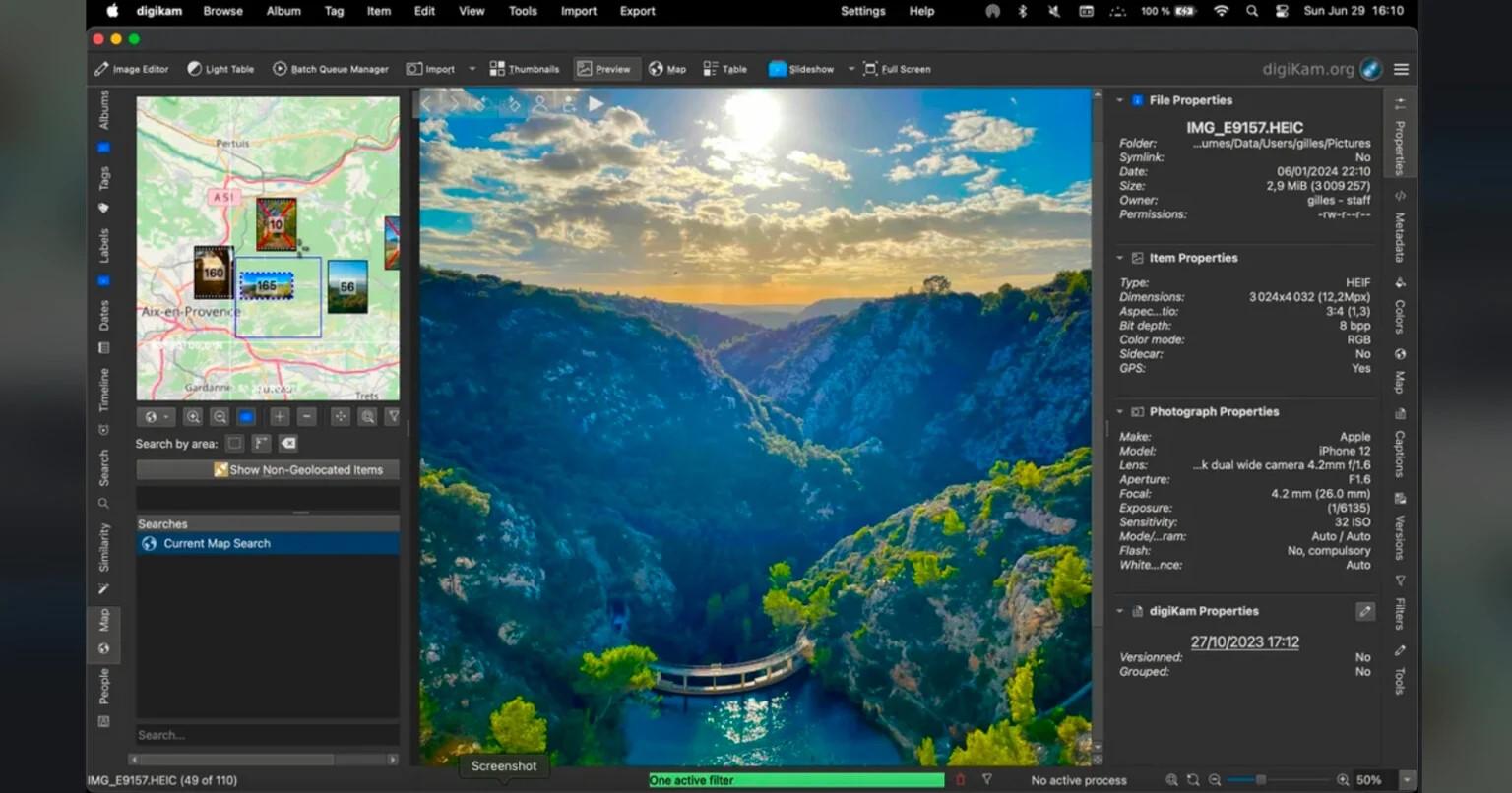
I've used both Shotwell and digiKam.
digiKam has a richer set of features. I'm happy with its performance on my collection of 30,000+ images. There was a bit of a learning curve, but there always is for more sophisticated software.
digiKam 7.8.0 is released
https://www.digikam.org/news/2022-09-03-7.8.0_release_announcement/
Photo Management Program digiKam version 7.7.0 is released
https://www.digikam.org/news/2022-06-26-7.7.0_release_announcement/
digiKam 7.6.0 is released
https://www.digikam.org/news/2022-03-05-7.6.0_release_announcement/
digiKam 7.5.0 is released
https://www.digikam.org/news/2022-01-16-7.5.0_release_announcement/
digiKam 7.4.0 is released
https://www.digikam.org/news/2021-12-17-7.4.0_release_announcement/
digiKam 7.4 Professional Photo Management App Brings New Features and Better Camera Support https://9to5linux.com/digikam-7-4-professional-photo-management-app-brings-new-features-and-better-camera-support #imagemanager #photomanager #imageeditor #digikam #news #app
digiKam 7.3 Open-Source Photo Management App Released with ExifTool Support, More
digiKam 7.2 Open-Source Photo Management App Released with Numerous Improvements https://9to5linux.com/digikam-7-2-open-source-photo-management-app-released-with-numerous-improvements #imageorganizer #photomanager #imageeditor #digikam #news #app
digiKam 7.2 Open-Source Photo Management App Released with Numerous Improvements

digiKam 7.1 Released with Better Support for Canon CR3 Metadata, Improvements
https://9to5linux.com/digikam-7-1-released-with-better-support-for-canon-cr3-metadata-improvements