#linuxdistro

Parrot Securityparrotsec
2025-12-09

Parrot 7 Beta Images are here 💥

Parrot is now based on Debian 13 (Trixie), with KDE as the new default desktop. Please test drive it and let us know what breaks (nicely). 🦜

👉 Click the link down below and read the full Release Notes on our website, then grab the beta and have fun ⤵️

parrotsec.org/blog/2025-12-09-

DocYeet :verified:docyeet@halis.io
2025-12-08

On another topic, I think I am moving to NixOS for everything…

After discovering nixos-anywhere and colmena, it seems like a much easier path than maintaining my own Debian based image, and applying ad-hoc conversation via ansible

I will still need ansible for Wireguard and k3s credentials, but that makes the whole infrastructure much more unified and deterministic

Soon, a flow of machines abstracted in a big cohesive lump, what a dream

#nixos #nix #homelab #selfhosted #selfhosting #cluster #kubernetes #linux #linuxdistro

Hacker Newsh4ckernews
2025-12-06
2025-12-03

Interesting. Heard of Dyne:bolic as well but decided to try an older version from 2004

#Linux #LinuxDistro #OpenSource #Unix #FOSS #Dynebolic #LiveCD

Monochrome boot screen rendered in ASCII art. Large stylized 'A' shape on the left with text describing 'GNU/Linux live bootable CD-ROM standalone FreeSoftware operative system version 1.3' and on the right a boxed boot menu listing F1–F5 options and 'press return to accept the license & boot'Dyne:bolic welcome dialog centered on the desktop showing a large orange 'db' logo and 'dynebolic' wordmark inside a gray window; dark red-and-black abstract wallpaper and a slim system status panelDesktop screenshot with an open Xfe file manager displaying the /home directory tree on the left and folder list on the right; a smaller Dyne:bolic information dialog with three donation/info panels overlaps the lower-right; red-and-black abstract wallpaper is visible behindScreenshot of a Dyne:bolic Linux desktop showing a large globe map on the right, a terminal window titled '[dyne:bolic] XTERMINAL' in the foreground with system information text, and a dark red-and-black wallpaper with 'dyne:bolic' logo at left
2025-12-02

Hmm... heard of this distro but never tried it before. Guess I will today if it works

#Linux #RetroComputing #LinuxDistro #OpenSource #LinuxHistory #Tux #LinuxLife #Nostalgia #Unix #FOSS #TechThrowback

Welcome to Libranet GNU/Linux 2.7-Classic

Libranet strives to be the best GNU/Linux system available. We hope you will find Libranet simple to install and a pleasure to use.

Libranet is distributed under the GNU General Public Licence (GPL) and other license agreements. The software included in the Libranet distribution is provided “as is” without warranty of any kind. Press F1 to read the COPYRIGHT AND LICENSE WARRANTY information.

YOUR USE OF THE SOFTWARE SIGNIFIES THAT YOU HAVE READ, UNDERSTOOD AND AGREE TO THESE TERMS AND CONDITIONS.

If you do not agree to these terms, remove the CD and press ctrl-alt-delete.

Before installing you should have made backups of any data you do not want to risk losing on this system. There will be no other way to recover this data if it becomes overwritten during the install. While the likelihood of this happening is remote, it is better to be safe. If you need to make backups, remove the CD and press ctrl-alt-delete.

Only if you are installing onto a system that you know has a SCSI hard drive or SCSI CD-ROM, enter scsi and then press ENTER.

To begin the install, press boot:
2025-12-02

This #news post is a little old
tomshardware.com/software/linu
but here are my thoughts:

So you finally decided to quit #Microsoft Windows & move to Linux, good for you👍
It is not easy to quit Windows, it's like quitting a street drug that you never wanted to begin with.
#ZorinOS is not my first choice of a #LinuxDistro, as it does not support #KDE Plasma
but it's a start down the right path to a better computing life with the freedom of Linux & that's what matters most.

#Windows #Linux #OS #TechNews

A hyper-realistic syringe lies diagonally on a wet, dark surface. The syringe is full of glowing liquid divided into four pane-like sections, each matching the Windows logo colors: blue, red, green, and yellow. The liquid casts a vibrant glow onto the surface below. Behind the syringe, a neon-blue penguin symbol outlined with circuit-like lines glows faintly, with its reflection subtly visible in the wet ground. The scene is moody and minimal, emphasizing the syringe and the symbolic contrast between Windows and Linux.
2025-12-01
A KDE desktop screenshot with a blue Caldera Systems wallpaper and icons down the left side (OpenStore, Register Now!, Autostart, Trash, Templates, Floppy, Floppy_2, CD-ROM). A "KDE Control Center" window is open in the center showing a left-hand tree of settings categories and system info on the right: KDE Version 1.1.2, User: sinclair, Hostname: the-mainframe.nodomain.nowhere, System: Linux, Release: 2.2.14, Machine: i686. The bottom taskbar shows virtual desktop buttons labeled One–Four, several application icons, and a clock reading "07:31 Jan 01."
2025-12-01

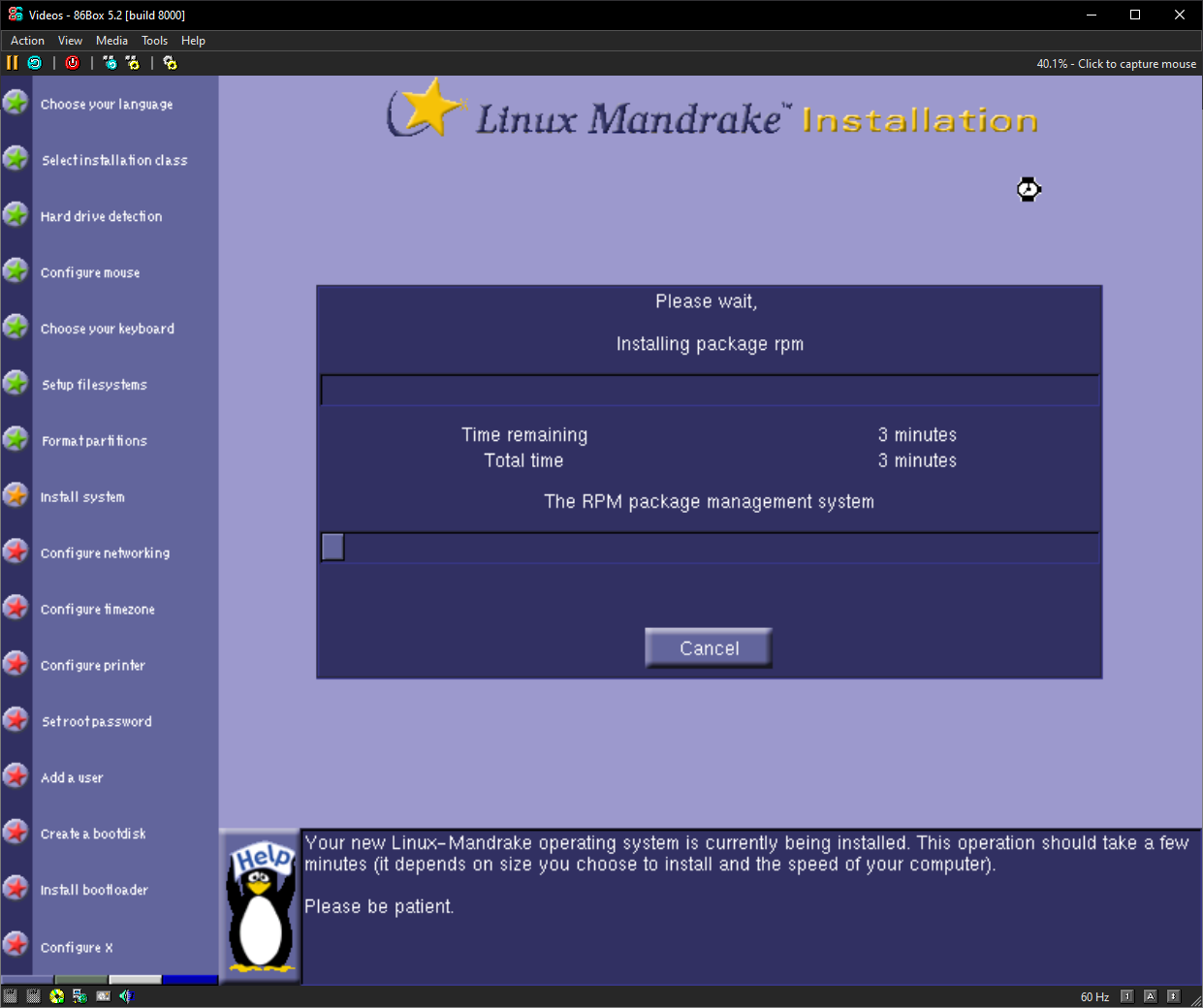
People seemed to like my Mandrake 7.2 install so have 5.1 too. Glad it worked this time :blobsmile:

#MandrakeLinux #Linux #RetroComputing #LinuxDistro #OpenSource #LinuxHistory #Tux #LinuxLife #Nostalgia #Unix #FOSS #TechThrowback #Mandriva #Mandrake

A blue KDE desktop screenshot with no open windows. Device and folder icons (Trash, Templates, Autostart, CDROM, FLOPPY, HOME, RPMmanager, XKill) run down the left side. A gray bottom panel shows workspace buttons labeled One–Four and small application icons; the clock reads '06:20 Jan 01'A blue KDE desktop screenshot. A terminal window near the upper-right displays a root prompt and the output 'release 5.1 (Venice)'. Icons for Trash, Templates, Autostart, CDROM, FLOPPY, HOME, RPMmanager and XKill line the left side; a panel with application icons runs along the bottom and the clock reads '06:19 Jan 01'A blue KDE desktop screenshot showing the KDE Control Center window centered. The control panel lists categories on the left and system details on the right (User: root, Hostname: localhost.localdomain, System: Linux, Release: 2.0.35, Machine: i686). A small 'About KDE' dialog overlaps the lower-right with text about the KDE project and an OK button. The bottom panel and taskbar icons are visible; clock reads '06:21 Jan 01'
N-gated Hacker Newsngate
2025-11-30

🚀 Oh, look! Another Arch-based distro promising "blazingly fast" performance because that’s never been done before. 😂 It's like Linux for people who think typing "CachyOS" repeatedly will unlock some magic speed boost. 🖥️✨
cachyos.org/

Linux OrtLinuxOrt
2025-11-28

Now online: Important Linux distributions: an overview [2025]

youtu.be/tRLK4UIXm7g

Linux GuidesLinuxGuides
2025-11-28

Jetzt online: Linux-Distributionen im Überblick (2025)

youtu.be/iCE6cbcQYZo

德克斯特的實驗室jayhsu@pari.cafe
2025-11-23

最近在找一個好用的 Linux 發行版,希望桌面介面和整體操作體驗盡量接近 macOS,日常使用起來順手又好看 🍏🐧
同時也要能穩定支援 xrdp,讓 Windows 這邊可以直接用內建遠端桌面連進去,不用再裝一堆額外工具
🖥️
有沒有人有實際在用、覺得不錯的發行版或桌面環境推薦?也歡迎順便分享你們的 xrdp 設定心得
🙏

------
Looking for a Linux distro with a macOS‑like desktop experience – both UI and overall UX – so it feels smooth and pleasant to use every day
🍏🐧
It also needs to work reliably with xrdp, so I can connect directly from Windows using the built‑in Remote Desktop client without extra tools
🖥️
If you have any distro + desktop environment combos that work well, or xrdp setup tips, please share your experience
🙏

------
macOS に近いデスクトップ UI と使い心地を持った、使いやすい Linux ディストリを探しています
🍏🐧
同時に xrdp にもしっかり対応していて、Windows の標準リモートデスクトップクライアントからそのまま Linux デスクトップに接続できる環境が理想です
🖥️
実際に使って良かったディストリやデスクトップ環境、xrdp 設定のコツなどがあれば、ぜひ教えてください
🙏

#Linux #Linux桌面 #Linux發行版 #macOS風 #macOS風格 #xrdp #遠端桌面 #Windows遠端桌面 #桌面環境 #發行版推薦 #自架環境 #技術交流
#Linux #LinuxDesktop #LinuxDistro #macOSlike #macOSstyle #xrdp #RemoteDesktop #WindowsRDP #DesktopEnvironment #DistroRecommendations #Homelab #TechTalk
#Linux #Linuxデスクトップ #Linuxディストリ #macOS風 #macOSライク #xrdp #リモートデスクトップ #Windowsリモートデスクトップ #デスクトップ環境 #ディストリ紹介 #自宅サーバー #技術メモ

Client Info

Server: https://mastodon.social
Version: 2025.07
Repository: https://github.com/cyevgeniy/lmst