
Рубрика ебануццо
В 2004 году один датчанин написал полнофункциональный GUI для DOS для машин класса XT на — держитесь — #QuickBasic. Иконки, запуск других программ итп. Минимум просит 200k. Называется #costaGUI, сорцы открыты
#QuickBASIC


Кто угодно может пнуть мёртвого льва
Кто угодно может пнуть мёртвого льва. Мёртвый лев не рыкнет на наглеца. Мёртвый лев не откусит ему ногу «по самое не хочу», хотя стоило бы. Лев мёртв, и теперь его может пнуть каждый ишак, что конечно же не показывает превосходство ишака над львом. Эта статья будет полна негодования и ненависти. Кровь ещё закончила кипеть от негодования. Но, разумеется, помимо эмоций будут и сухие объективные факты, немножко исследования и расстановка точек над i. В интернете кто-то не прав... опять... Существует целый ряд инструментов, технологий и вообще вещей, которым по какой-то непонятной вселенской несправедливости не повезло : нашлась масса непонятных людей, которые по какой-то необъяснимой причине начали распускать про эти инструменты/технологии/вещи разные небылицы, идиотские фейки, слухи и прочий порочащий репутацию «компромат». Можно не переживать, если речь идёт о технологии, которая находится «на пике» — у неё будет большое community и правда восторжествует. Совсем другое дело, когда речь идёт о чём-то, что далеко не на пике, чья минута славы в прошлом (возможно даже давно в прошлом) — здесь мёртвый «лев» не может дать сдачи, и что самое обидное, что в какой-то степени «лев» сейчас мёртв отчасти и потому, что ещё при его жизни началось необоснованное распространение всяких бредовых поверий и мифов про него. И сегодня речь пойдёт об одном из таких случаев.
https://habr.com/ru/articles/973594/
#Basic #QuickBasic #Visual_Basic #интерпретатор #трансляция #x86 #фейки
FYI: QB64: Why This Community Keeps Building! #shorts: QB64's community thrives despite setbacks, finding lost materials and rewriting code. It offers early internet vibes and an easy learning curve. See fast results across Windows, MacOS, and Linux, with backwards compatible innovation. #QB64 #QuickBasic #community #coding #retrocomputing https://www.youtube.com/shorts/nxYuVzHDLLc

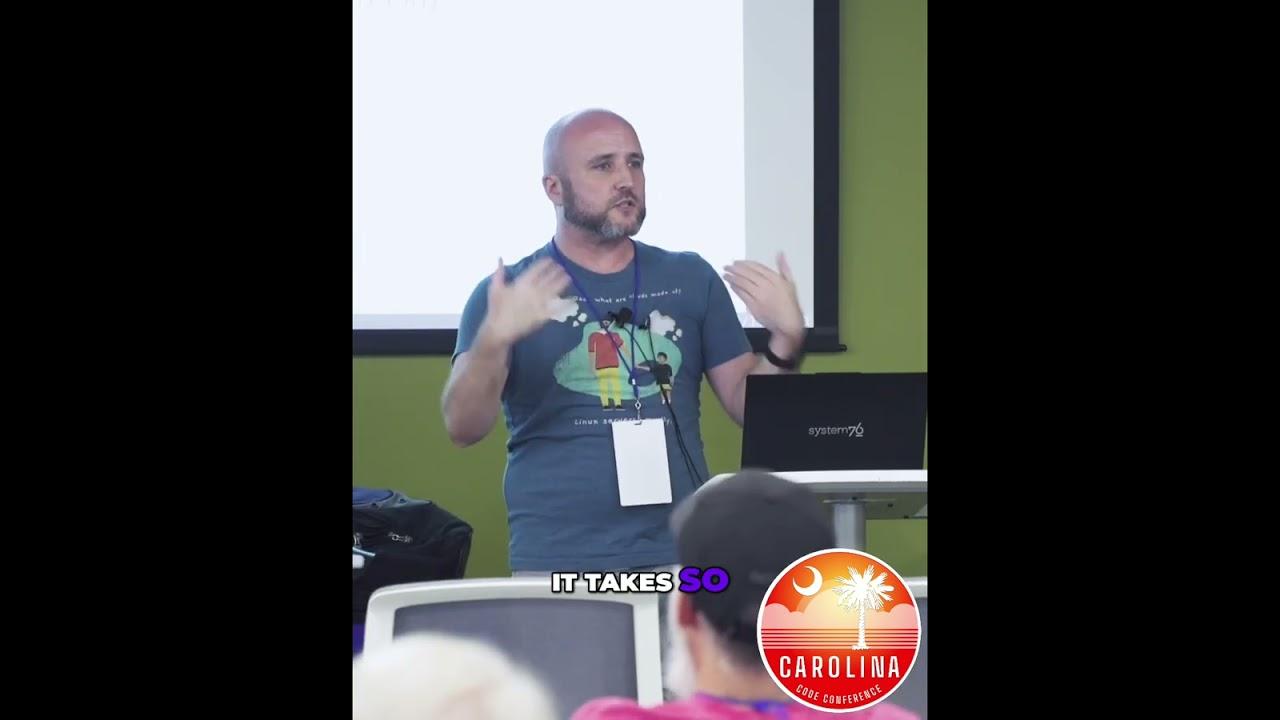
ICYMI: QB64: Why This Community Keeps Building! #shorts: QB64's community thrives despite setbacks, finding lost materials and rewriting code. It offers early internet vibes and an easy learning curve. See fast results across Windows, MacOS, and Linux, with backwards compatible innovation. #QB64 #QuickBasic #community #coding #retrocomputing https://www.youtube.com/shorts/nxYuVzHDLLc
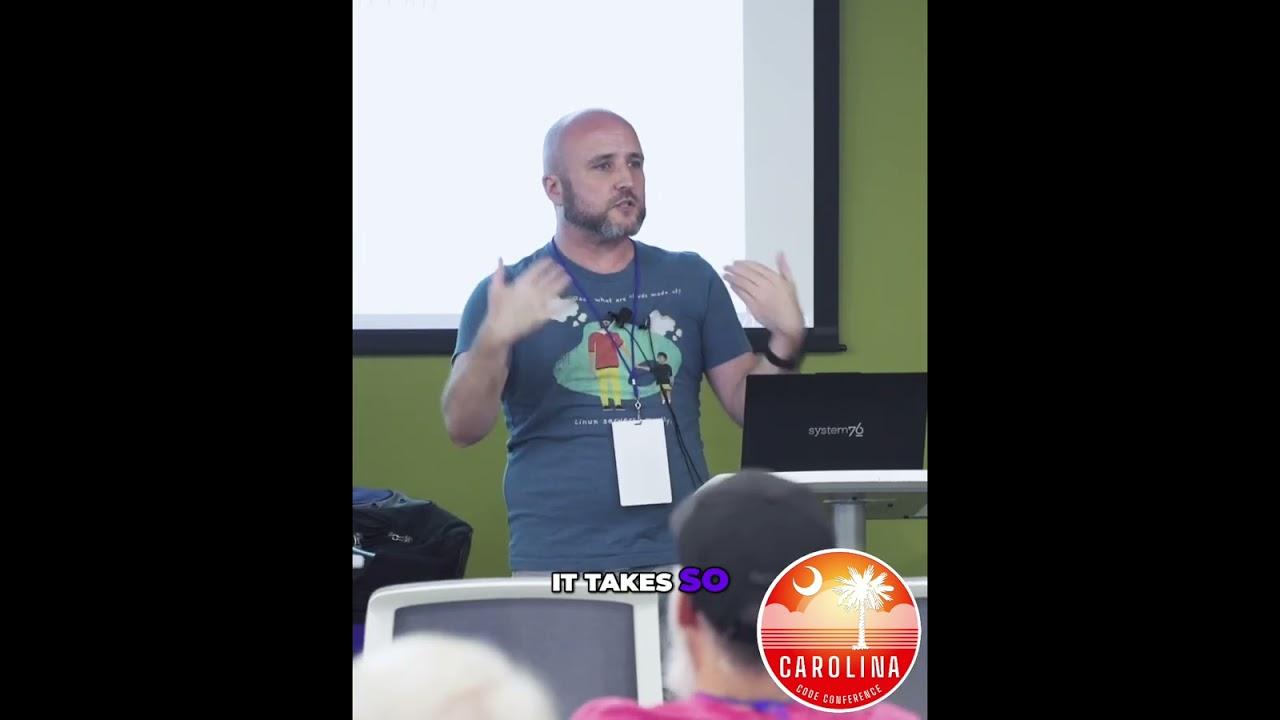
QB64: Why This Community Keeps Building! #shorts: QB64's community thrives despite setbacks, finding lost materials and rewriting code. It offers early internet vibes and an easy learning curve. See fast results across Windows, MacOS, and Linux, with backwards compatible innovation. #QB64 #QuickBasic #community #coding #retrocomputing https://www.youtube.com/shorts/nxYuVzHDLLc
Repórter Retro 118
https://retropolis.com.br/2025/09/24/reporter-retro-118/
#ReprterRetro #6502 #AdrianBlack #AMXProject #Argentina #BancoDeDados #BASIC #CdigoDeBarras #Commodore64 #CommodoreVIC20 #CPM #DanielCampos #DartmouthCollege #DiskII #disquete #DisqueteDe312 #GrupoDeUsurios #IBM #IntelignciaArtificial #ISA #JAIIO #Mainframes #MakerTube #microsoft #modem #MSDOS #MSX #MSXJa #MSXRio #MSXVGA #Novell #Pick #QuickBASIC #RetroRio #SWAC #TByteCreator #Theremin #VWestlife #Windows95 #Xenix

I know there are many #DOS gamers here and those who simply love #retroComputing and #technology . But are there any serious DOS #programmers here as well? If so, in which language/s do you write? (I want to learn #QuickBasic , but I am at the very beginning, and it's not advanced enough for what I need.) Does anyone here work on the development of #FreeDOS ? Assuming any of the above is true, do any of you know about #accessibility and #ScreenReaders ? I am totally #blind and have loved DOS since I was a teenager. I am now forty-one. I am aware of the many updates to the system over the years, but have been unable to take advantage of them due to the fact that no new or updated #AdaptiveTechnology is being developed for it. Everyone seems to love Linux. I don't. Neither do I like Mac OS. I love Windows XP and 7, but 11 drives me mad. I think we deserve another alternative to all of these, and I also think that DOS can be it if a few things are added to it, including a talking installer, an updated screen reader and good software speech synthesis. For those of you who think DOS only equals dialup modems and floppies, you may wish to read this, or at least skim through it.
I am trying to learn QuickBasic 4.5. I am using the files that I found here.
https://qbasic.net/en/top-ten-downloads/
I am learning from this tutorial.
https://www.pcjs.org/documents/books/mspl13/basic/qblearn/
Unfortunately, I don't have any of my real DOS machines or synthesizers available at the moment, so I am using Talking Dosbox. While I am familiar with VocalEyes, at the moment, I am using Flipper, since it comes with built-in speech and is quick. At any rate, the menu system looks like standard menus in Windows, and for that matter, in edit.exe. I can access them normally with the alt key, alt+f, then use the arrows and enter. I am trying to open qcards.bas. I have tried both entering it via the full path "c:\qb45\inc\qcards.bas", and looking for the file list as instructed by the tutorial. But how do I get to the file list? I tried tabbing as I would do in Windows, but that didn't work. Then, I saw "okay, cancel, help", but again, I couldn't activate either one. I tried the first letter of each with no success and tried using the arrow keys and enter, all to no avail.
Perhaps, it's just because I don't know how to use this particular screen reader very well, since I haven't yet read the manual for it. This machine also has ASAP and JAWS installed, and I do have a demo of VocalEyes that I can use if worse comes to worst, but I am very surprised that this isn't working, considering that it's all text-based!
I could skip this section and go straight to writing my first lines of code, but I really want to know how this works. I also know of Quickbasic 7.1, and even a 64-bit version, but I have no idea if they are accessible or how different from 4.5 they are. Any help would be appreciated, particularly from my blind peers. No, I have no interest in programming for Linux. I also prefer procedural-based languages and text-based programs, not graphical ones. If I programmed for Windows, it would be 32-bit XP or 7.
#accessibility #ASAP #blind #DOS #Flipper #JAWS #programming #QuickBasic #VocalEyes
I just found the fullversion of QuickBasic 4.5, including all of the demonstration programs that I need to use with the tutorial! Plus, there is a version configured for Dosbox! Both can be found here.
https://qbasic.net/en/top-ten-downloads/
#Basic #computing #DOS #MS-DOS #learning #programming #QuickBasic #technology #tutorials
I am starting my lessons today. I actually had a bit of a problem at first, but it has now been resolved. I am using this tutorial.
https://www.pcjs.org/documents/books/mspl13/basic/qblearn/
I found Quickbasic at both Winworld and the Internet Archive. Here is the latter link.
https://archive.org/details/qb-450
The manual talks about a setup.exe file, which makes complete sense. However, all I found was a qb450.exe file. I tried to execute it but that didn't work, so I unzipped it. There was no setup file. I also couldn't use a separate subdirectory for it as in c:\qb\qb45. Instead, I had to add the contents of the new directory into the main one. From there, I could type qb. It worked, and I was able to get into the various menus, but why they couldn't just include a normal setupthe regular setup file I don't know. I was also hoping to be able to see the program examples and whatnot that they referred to, since they could help me. Regardless, now I can start learning!
I actually figured out what I want to create and have an interface in mind for it. While I normally enjoy pull-down menus, for something like this, I think my systemworks best. This is not meant to be a real tutorial, just an example in as few words as possible that still conveys the program's design. Each option can be accessed either by arrowing down to the number and pressing enter or by pressing the number itself and enter.
c:\>
whathave
"Welcome to Whathave, your inventory maker!
Initial Run
"1. Create Category
2. Help
3. Exit"
1
"enter name of category."
food
"1. Enter subcategory
2. Delete category"
1
"Enter name of subcategory."
eggs
"Enter number of items."
6
"Enter threshold."
4
backspace twice or h forHome
Second run
"1. Create Category
2. List categories
3. Delete categories
4. Help
5. Exit"
2
"1. Food" (more listed if added)
1
"1 eggs = 6" (more listed if added)
+ (plus, adds 1 with high-pitched ding) - (minus, deletes 1 with lower-pitched ding) number (entered directly immediately switches to that number) 0 (clears all in the list)
4 or - until 4 is reached (alarm sound) "Warning! Threshold reached! Buy more of this item!"
I am sure I could add features and refine things such as editing names of categories, items, etc., but this is the basic setup.
#DOS #MS-DOS #inventory #learning #programming #QuickBasic #technology
I am considering learning to program, not as a career but for myself. I have been wanting to do this for a long time but never really started. One thing I do know is that I like procedural languages as opposed to object-oriented ones. I am strongly considering QuickBASIC 4.5 or 7.1, and Turbo Pascal 6.0, but I don't know which to choose as a beginner. I know there are flavours of these that can work with Windows XP and 7, and maybe, one day, I will try them in their 32-bit varients. But for now, I am focusing on the DOS ones,since they are probably easier to learn and use. Is there anything I should know as a totally blind programmer? If I did choose to switch to a Windows varient of one of these languages, how difficult would the transition be?
If it helps, these are the sorts of programs I use in Windows.
Notepad Classic, Jarte (can simply use Edit or Wordperfect 5.1, or MS Word 5.5, but simple editor may be good for project)
MPCHC (mp3 player, I don't mind a simpler one)
Virtual Recorder (simple mp3 recorder/may be difficult in DOS)
Thunderbird 102 (most likely too advanced for a beginner)
TweeseCake, TWBlue (for Mastodon/there is already a DOStodon, but don't know if it's accessible)
Reddit for Blind, Luna for Reddit
Cook Timer (simple timers exist, but this may be good to create as a beginner project)
Openbook, Kurzweil 1000 (ocr and pdf converter, too advanced for beginner)
various audio and text-based games
#16-bit #32-bit #accessibility #BASIC #blind #DOS #programming #QuickBASIC #TurboPascal #Windows7 #WindowsXP
*Please only add me if you're over twenty-one.
Since the Bio field has such a short character limit, consider this to be my profile/biography.
I don't write about American politics, race, anticapitalism, world affairs (wars, poverty, oppression, etc.), loneliness, bad self-esteem, or anxiety/depression, and will not add those who do so often. The same is true of those who feel it necessary to use obscenities. I am not a modern programmer or gamer, I do not use Linux, and I don't care what social network you use.*
Hello. For the sake of honesty, Georgiana Brummell is not my legal name, but it is what I use. I live in New Jersey and am forty-two years old. Some of my interests include studying dandyism, nineteenth-century English grammar, Upper Received Pronunciation, the Italian language, British history, the Regency, opera, and MS-DOS. I like coffee, tea, wine, cooking, hot baths, reading British literature, watching nature and historical documentaries, gardening, old BBC radio shows, hot weather, and playing cards and dice. I love opera, particularly singers from the 1940-s and earlier, and I adore the tenore di grazia and lyric tenor voice types. I also enjoy English and Viennese operettas. In classical music, I like Baroque through a bit of early Romantic, while in popular, I like 1950's through 1970's. I prefer antique menswear and accessories (no feminine clothing). It's my dream to either buy a genuine Edwardian suit or have one commissioned. I love wit, wordplay, and dry humour without vulgarity. I am happily childfree, am not religious, speak my mind and am against political correctness. I also love cats. I have been totally blind since I was two months old, due to Retinopathy of Prematurity.
This is my journal. Anyone can read or comment, whether or not he is a member.
http://dandylover1.dreamwidth.org
This is my dating post on Mastodon, which is shorter than the one on Dreamwidth. It's somewhat similar to this one, but it contains an explanation of what I am seeking in a partner. If you are or know a genuine dandy, or at least, an intelligent, single, childfree man over sixty, please read the link below and/or pass it on to him.
https://someplace.social/@dandylover1/114966815790206512
If you're on MSN via Escargot I am dandylover1@escargot.chat. My Google Voice number is 201 589-1890. Please send me a text if I don't know you well, as I don't answer unrecognised numbers.
I am also the administrator of the following subreddits.
Old Opera
http://www.reddit.com/r/oldopera
Blind and Fine
http://www.reddit.com/r/blindandfine
Interests
#accessibility #AgeGapRelationships #animals #atheism #BeauBrummell #baking #BelCanto #birds #BoardGames #books #BritishHistory #BritishLiterature #cards #cats #ChamberMusic #childfree #ClassicalMusic #coffee #cooking #crafts #dandies #dandyism #dating #documentaries #Dreamwidth #England #food #friends #friendship #gardening #grammar #history #humor #humour #introduction #Italian #MSDOS #nature #NewJersey #NoPolitics #NJ #NVDA #OldMen #OldTimeRadio #opera #operetta #paranormal #parapsychology #plants #QuickBasic #reading #ReceivedPronunciation #Reddit #Regency #RoyalFamily #seniors #SilverFork #singing #singles #suits #tea #theater #theatre #TWBlue #TweeseCake #UpperClass #Windows7 #WindowsXP #wine #writing

Me to local-run exaone3.5:32b "write a #QuickBasic program to animate a white square moving from left to right repeatedly"
Most #coding #AIs fuck up #QBASIC code pretty bad. This one did better than most I've tried. On the Left is what it spat out, and on the Right is how I fixed it.
Some shit code nonetheless.



If you want to run it on DOSBox, or have a peek to the source code of my fantasy football management program, I put it here: http://davbucci.chez-alice.fr/index.php?argument=retroc/oldp/oldp.inc I used a technique to sort of include inline assembly that was quite elegant and that I learnt from a paper by Francesco Balena in the mid-1990's. #retrocomputing #retrocoding #BASIC #QuickBasic #Fantacalcio #MSDOS

It wouldn't compile. #QuickBasic 4 kept telling me I had a duplicate definition of a variable named TEACHER. This made so little sense I wanted to sit down and cry. The program doesn't have a variable named TEACHER. There was a TEACHER$, but... (j p) #Byte #ByteMagazine #Anno1988
Episódio 162 – BASIC.BAS – Parte B
https://retropolis.com.br/2025/04/16/episodio-162-parte-b/
#Podcast #AcornSystemBASIC #Amiga #AMOS #amstrad #arm #AtariSTBASIC #AtomBASIC #BAS #BASIC #BASIC68 #BASIC69 #BASICA #BBCBASIC #CARealizer #Commodore #copyleft #CPC #DarkBASIC #DB2 #Dijkstra #gwbasic #IBMBASIC #LibreOffice #LinguagemDeProgramao #LocomotiveBasic #MallardBASIC #MICROBASIC #microsoft #MSX #MSXBASIC #Picocalc #podcast #QB64 #qbasic #QuickBASIC #Retrocomputao #retrogaming #Retrpolis #s

Oh, crap, looks like AMD Geode LX is not fully compatible with 8087 so it's a poor choice for DOS #retrocomputing.
The following #QuickBASIC program will hang:
A% = VAL("99999"):PRINT A%
(the original 8087 fails with an overflow)
#QEMU is not any better here either - the emulator itself crashes (see https://gitlab.com/qemu-project/qemu/-/issues/318). This means we are losing the ability to run old QB binaries.
Workaround is to disable FPU detection in QB run-time (patch the binary).

The co-inventor of #BASIC has passed away. 😢
BASIC was my first programming language and I was so into it (the #QuickBASIC dialect) in the late 90s.
https://computerhistory.org/blog/in-memoriam-thomas-e-kurtz-1928-2024/
Client Info
Server: https://mastodon.social
Version: 2025.07
Repository: https://github.com/cyevgeniy/lmst