
Google Chrome freezes my whole system on Ubuntu 22.04 (even 24.04) (Intel Haswell GPU, VAAPI too old) #2204 #googlechrome #2404 #freeze #vaapi
#VAAPI

🧵 1/10
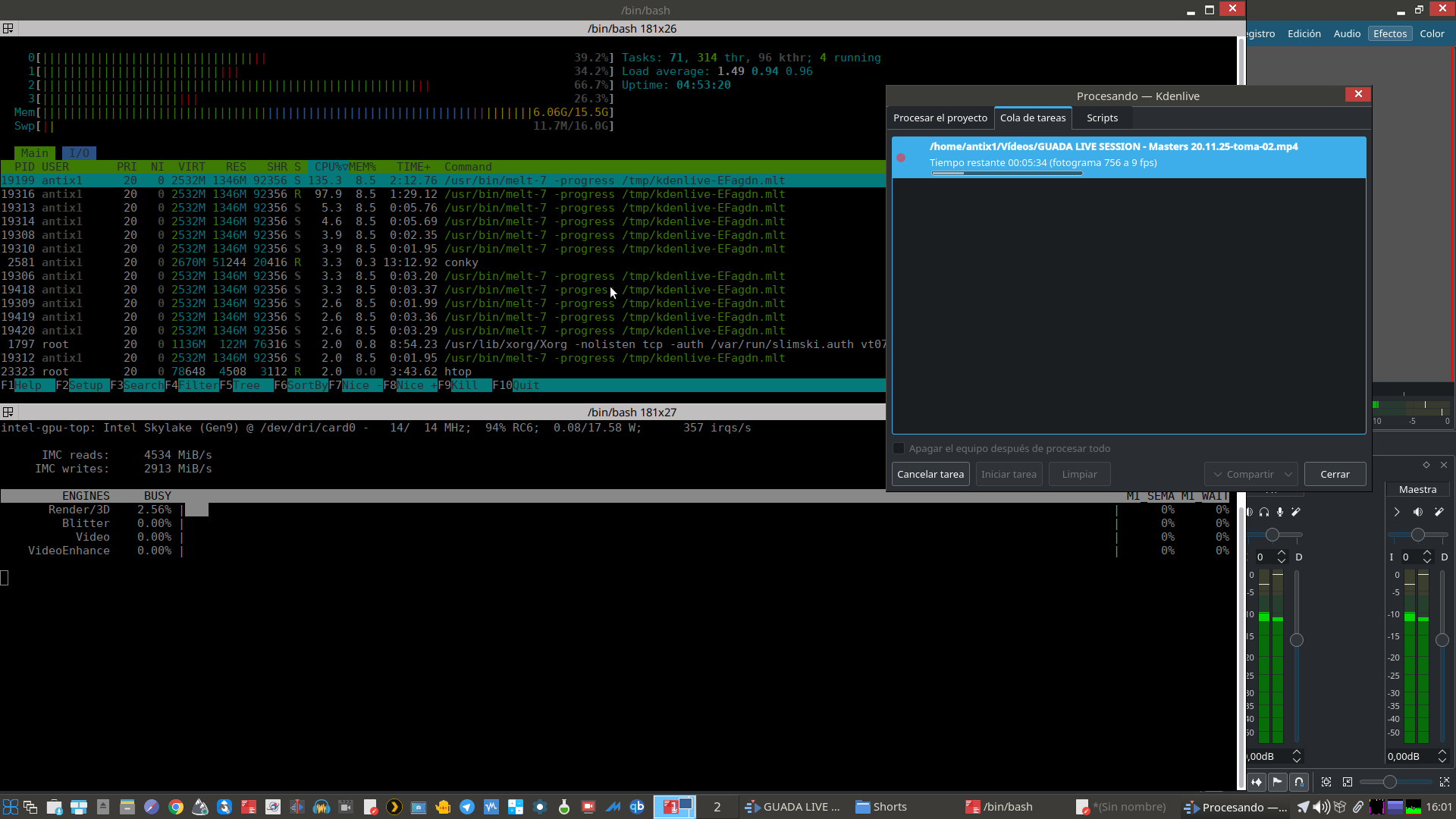
🚀 Hoy dejo un hilo sobre cómo tener Kdenlive moderno en AntiX usando paquetes selectivos de Debian Multimedia (DMO)…
👉 sin romper dependencias
👉 con FFmpeg completo
👉 con VAAPI activo
👉 y manteniendo MLT estable desde Debian.
Hice alguna correcciones de la guía “Instalar y verificar Kdenlive (DMO) en Debian/AntiX ”
✔️ versión corregida y técnica
La mejor combinación posible. 🎬✨
#Kdenlive #AntiX #FFmpeg #VAAPI #MLT #ChristianMarillat #DMO
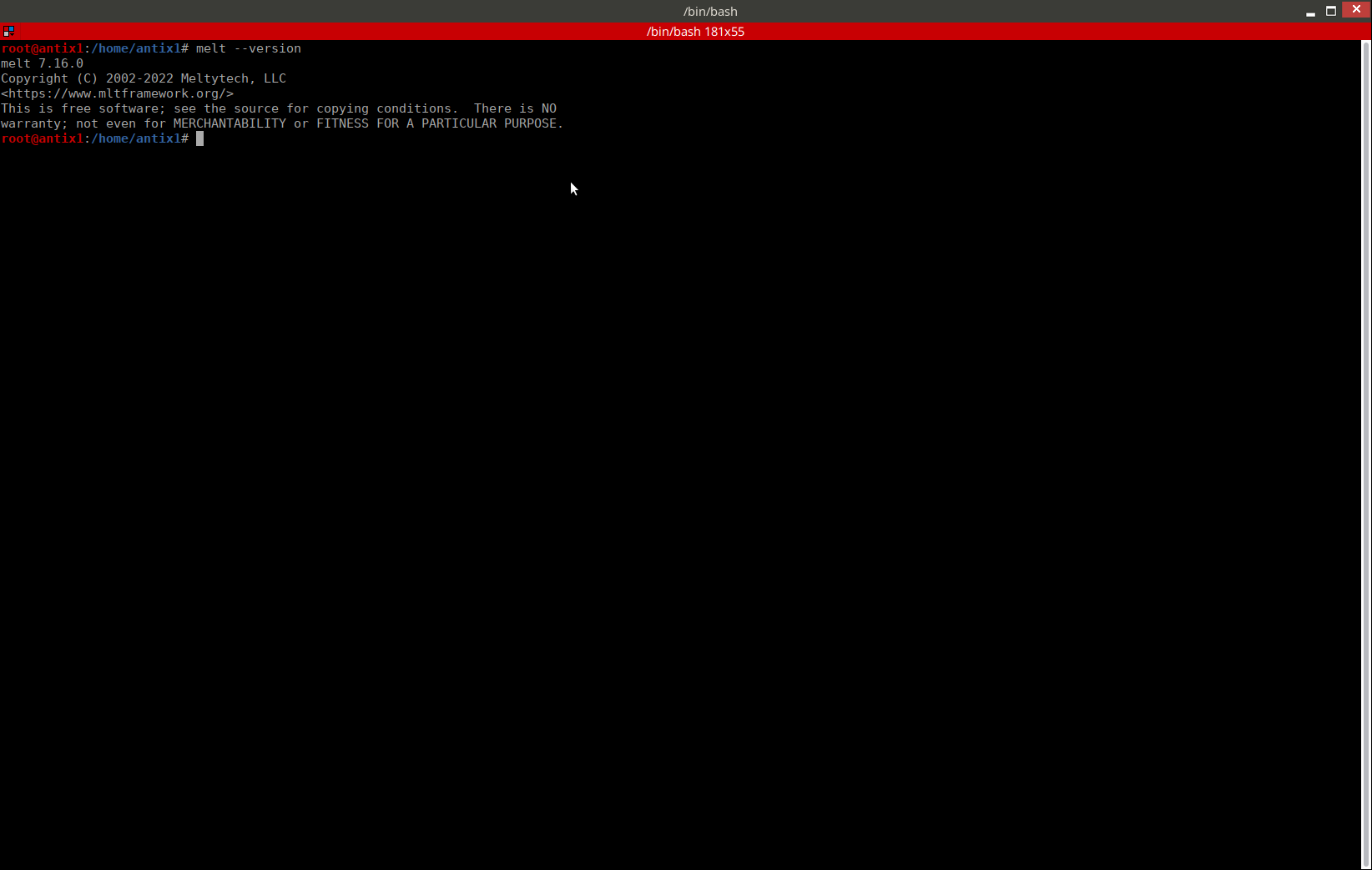
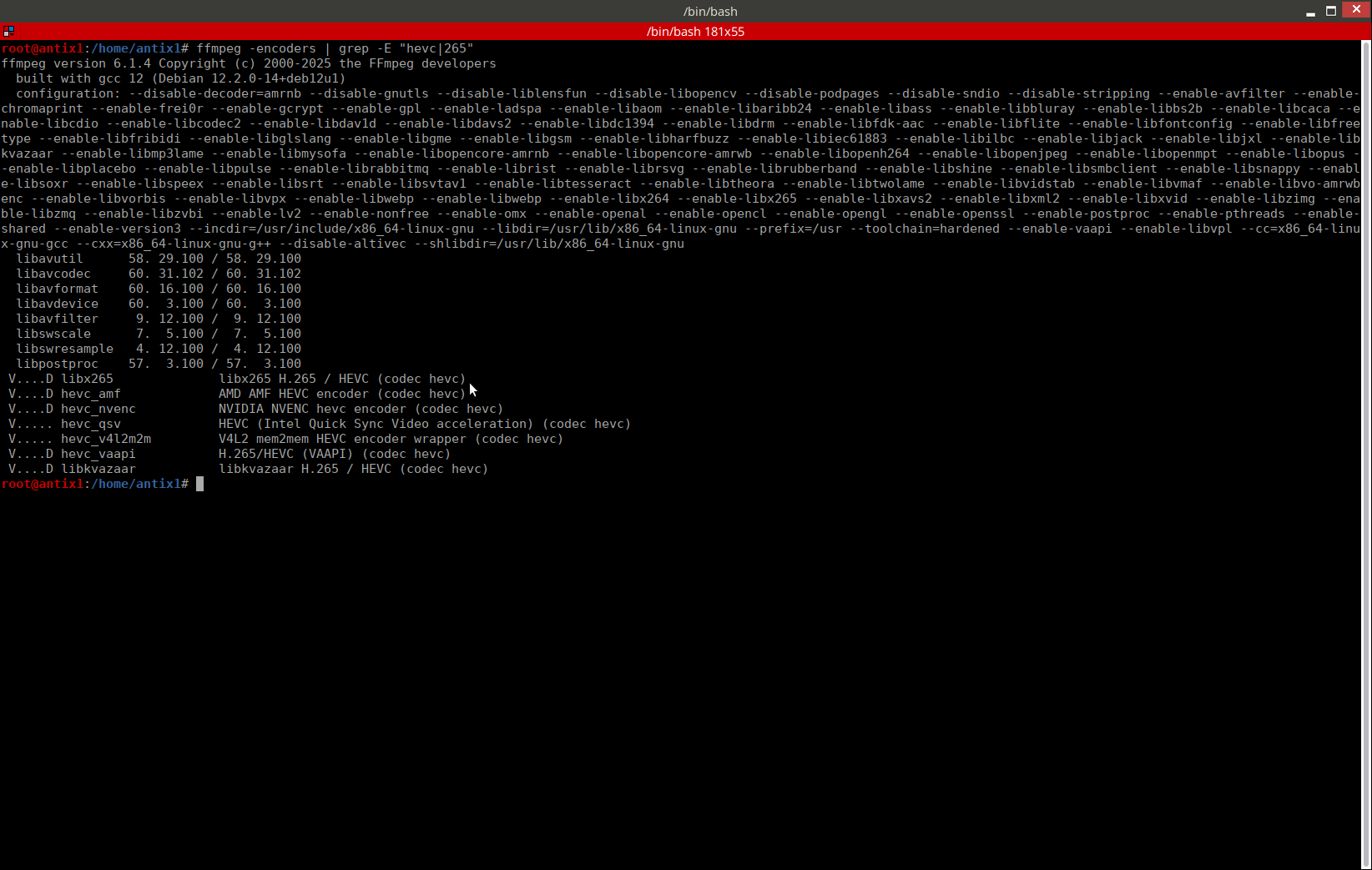
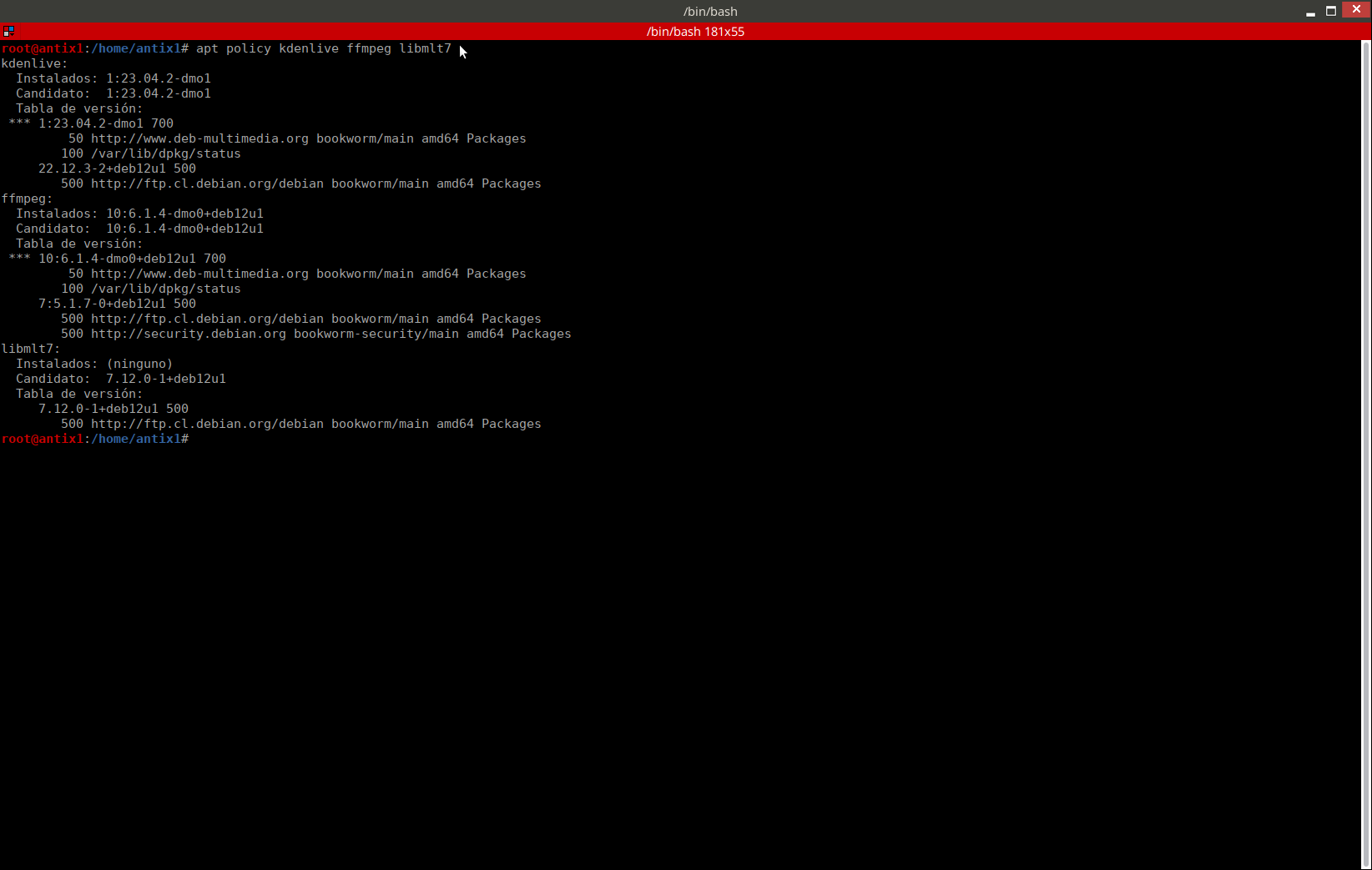
🚀 Actualicé mi guía para instalar Kdenlive (DMO) en Debian/AntiX
Le hice varias mejoras visuales para que ahora se vea mucho mejor en móviles 📱✨
También agregué botones de copiar en los bloques de comandos para que todo sea más cómodo al seguir la guía.
Si ya la leíste, te recomiendo revisarla de nuevo 👇😉
🔗 👉 https://drcalambre.blogspot.com/2025/11/instalar-y-verificar-kdenlive-dmo-en.html
#Kdenlive #MLT #MELT #Linux #Debian #AntiX #MX #VAAPI #DMO #EdiciónDeVideo #OpenSource #BlogTech #FOSS

#Kdenlive #Linux #Debian #AntiX #DMO #VAAPI #EdiciónDeVideo #OpenSource #BlogTech #FOSS](https://files.mastodon.social/media_attachments/files/115/606/841/326/798/328/original/69b4f2938cc1e50b.jpg)
🚀 ¡Kdenlive moderno en Debian/AntiX, con VAAPI funcionando! 🎬💻
📘 Esta guía explica, paso a paso, cómo instalar la versión moderna de Kdenlive desde Debian Multimedia (DMO) en Debian o AntiX…
🔥 …y cómo comprobar que la aceleración por hardware VAAPI está realmente activa.
🛠️ Instalación limpia, sin romper el sistema.
Si querés un Kdenlive actualizado sin cambiar de sistema, esta guía te va a venir de lujo 😉
#Kdenlive #MLT #MELT #Linux #Debian #AntiX #VAAPI #DMO
🔗 👉 https://drcalambre.blogspot.com/2025/11/instalar-y-verificar-kdenlive-dmo-en.html



In -current, chromium (and derivatives) now have VA-API support https://www.undeadly.org/cgi?action=article;sid=20251020052031 #openbsd #current #chromium #vaapi #browsers #webdev #development #freesoftware #libresoftware

Interessant: eufy e210 Kamera über #frigate mit #zimaboard über #vaapi (Dekodierung) und #coral (Detektion) lokal energieschonend auswerten.


me: Oh, with my Framework Laptop I can now finally encode AV1 with hardware acceleration! Yay modern codecs!
AMD: By the way there's a hardware bug and the resulting video's dimensions have to be a multiple of 64×16. We've added a partial workaround, but your 1080p videos will be 1082p nevertheless.
https://gitlab.freedesktop.org/mesa/mesa/-/issues/9185
🙄
There's cropping metadata going to be added to AV1 at some point apparently, but don't hold your breath.


Nouveau tuto !
Activez l’accélération matérielle #Intel #VAAPI dans @Jellyfin sur @CasaOS en 5 min !
Optimisez votre serveur multimédia avec ce guide rapide. https://youtu.be/zN8DKagnyfM #linuxkernel #Jellyfin #CasaOS #Linux #Jellyfin #CasaOS #TechTips #GuideLinux #OpenSource

Done this with the #AMD 5600G's iGPU, now testing #Jellyfin hardware transcoding with my #Intel #ArcA380 GPU - one question though, is it normal for CPU usage to be rather high at least in the early parts of streaming (while transcoding), even with hardware transcoding?
I'm just trying to figure out if it is actually hardware transcoding - I'm assuming it is, bcos on the admin dashboard I'm seeing that it's transcoding as AV1 and I'm sure my Ryzen 7 1700 would not be able to do/handle that, esp considering that I'm testing with 4 streams playing concurrently? but the CPU usage is rather high the first minute or two or more from when the stream starts, it does lower down afterwards - the video playback is perfectly fine, no stuttering or anything like that.
My method of passthrough is the same as I did with the 5600G, that is a simple passthrough to the #LXC container, then to the #Docker container running Jellyfin. I don't think I noticed this high CPU usage when testing the 5600G, and the only minor configuration difference between the two was I'd used #VAAPI with the 5600G and disabled #AV1 encoding (since idt it supports it), while on the Arc A380 GPU I'm using Intel's #QSV and have enabled AV1 encoding.
Am I correct to assume that hardware transcoding is indeed working? Cos again, I'm quite certain my Ryzen 7 1700 would definitely NOT be able to handle this lol esp since I only give the LXC container 2 cores.
🚀 Boostez Jellyfin sur OpenMediaVault avec l'accélération matérielle Intel ! Découvrez comment dans notre dernier tuto. 🎥
👉 https://youtu.be/ij8kYAnDWA0?si=ej21skfIxe2vvJv0
#Jellyfin #OpenMediaVault #Intel #VAAPI #Docker #Linux #HTPC #Transcodage @OpenMediaVault @jellyfin

Setting up OBS Studio on Linux - The Basics!
https://eggflix.foolbazar.eu/videos/watch/175238aa-37c3-4342-bd02-e1fe5c837c17

After upgrading to RX 6800, I managed to get VAAPI working by uninstalling `libva-nvidia-driver` package.
Hardware acceleration seems to be working on Firefox latest.
Did I tell you I have setup open-webui for Ollama? I installed with venv + pip because global level pip install is blocked in #Manjaro

Update: It's probably not a #VAAPI / #VDPAU issue. Went through the #HardwareAcceleration #Arch wiki entry and confirmed both to be working.


😕 👉 [hevc_vaapi @ 0x5876a485e500] Cropping information on input frames ignored due to lack of API support.
Well, let's try cropping with h264_vaapi…
🤬 👉 [h264_vaapi @ 0x5fe9e3d3b8c0] Cropping information on input frames ignored due to lack of API support.
edit: the #libx265 software encoder seems to crop the footage just fine, -threads 2 does nothing, though
🤞 Let's try cropping with Quick Sync on the NAS, AVC/264 1st
edit2: no QSV support in the ubuntu deb 🥴
I've adjusted my .bashrc script.
I'm getting better / smaller results by limiting the bitrate, instead of using the "qp" parameter. (i'm also down-converting / transcoding to stereo)
I haven't tested it, yet; i think, i can avoid the green bar at the bottom, by scaling it down by 1px. Another test might yield useful results, as well - scaling by 0px - no scaling, but using the scaling filter.
edit: fixed screenshot / code in relipes 👀 🧵
Client Info
Server: https://mastodon.social
Version: 2025.07
Repository: https://github.com/cyevgeniy/lmst